5 Best eFax Alternatives for Every Need in 2026

Fax Services
This list covers the best eFax alternatives based on different use cases, so you can find a solution that fits how you actually work.
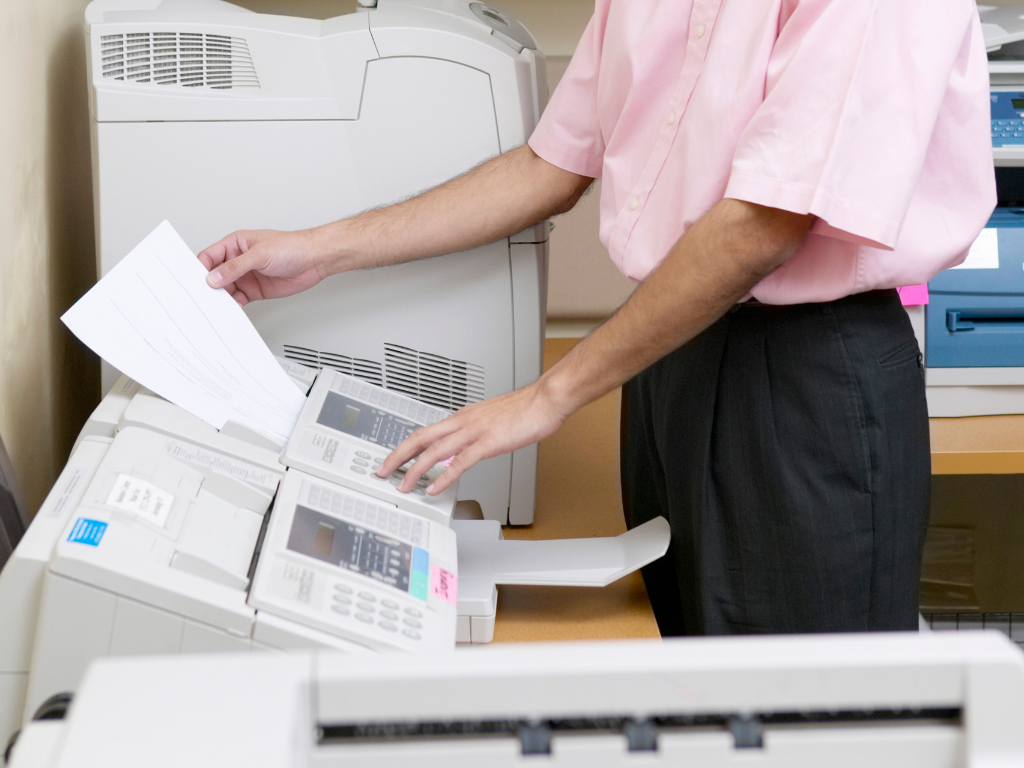
Can you fax at Office Depot? Yes, many of its stores offer faxing for both local and long-distance documents. This makes it a reliable solution when you need to send paperwork and you don’t have a fax machine. The process is easy and handled in-store, usually at the print or service counter. Below, we’ll walk through pricing and step-by-step instructions.
When most people think of Office Depot, they think of office supplies and printing materials. However, the store also offers helpful services like in-store faxing for customers who need to send documents fast.
Sending a fax at Office Depot is a simple walk-in process that usually takes just a few minutes. Here’s how it works:
Some locations may also offer self-service fax machines, allowing you to send documents on your own if available.
Fax prices at Office Depot may vary depending on the store location, destination, and number of pages. Below is a general estimate of what you can expect:
In most cases, Office Depot faxing works on a simple pay-per-page system, so your total cost depends entirely on how many pages you send and where they’re going. A short 1–2 page local fax is usually inexpensive, but longer or international documents can add up quickly.
Because of this, Office Depot fax services are best suited for occasional or urgent faxing needs, rather than frequent or high-volume use.
While faxing at Office Depot might sound like the more convenient option compared to owning a fax machine, there is a far better alternative that is both more convenient and significantly more affordable: online faxing.
Instead of going to a physical store, online fax services allow you to send and receive faxes directly from your phone, computer, or email. This removes many of the common inconveniences of in-store faxing, including:
Online faxing offers several advantages that make it a preferred choice for individuals and businesses:
You can send a fax at Office Depot, but there are some limitations to keep in mind. While the service is convenient for occasional use, it still requires visiting a physical store and paying per-page fees, which can add up over time.
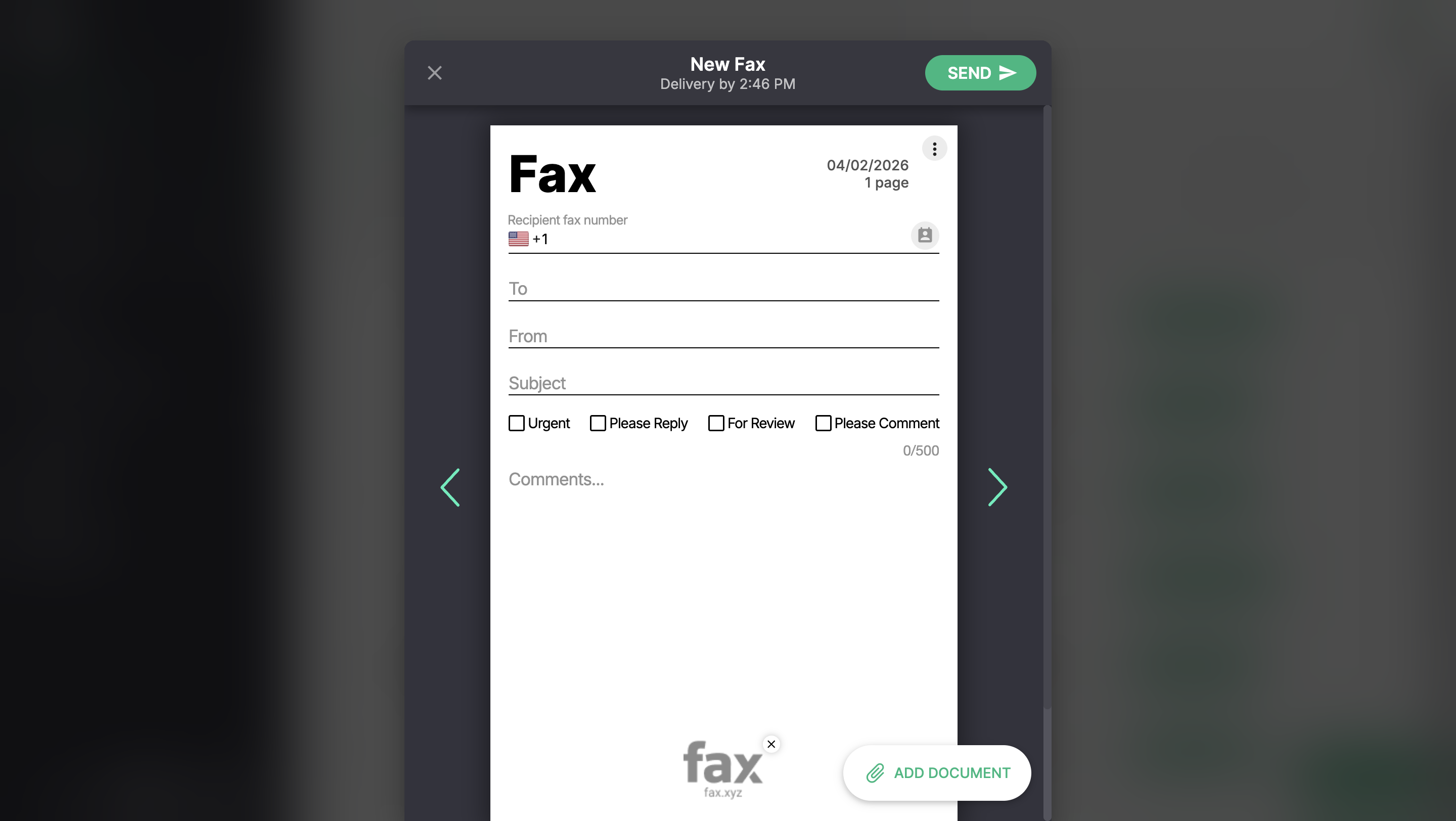
If you find yourself needing to fax documents more often—or you simply want a faster, more affordable solution—online faxing is the better choice, more specifically Fax.xyz.
Fax.xyz is built for modern faxing needs, offering robust security to keep your documents protected, along with apps for both mobile and desktop so you can send faxes from anywhere. It also includes real-time notifications, so you always know when your fax has been successfully delivered or received. This makes it a seamless, reliable alternative to traditional in-store faxing.
Send secure faxes instantly with Fax.xyz without visiting a store or paying per-page fees.
Explore the future of faxing and secure document sharing. Find practical guides, helpful tips, and expert resources to streamline your workflow.

Send a Free Fax with Fax.xyz
.svg)
2025 © Fax.xyz 95 3rd St 2nd Floor, San Francisco, CA 94103, United States.