Fax from anywhere, right from your iPhone. Fax.xyz combines speed, security, and simplicity into one powerful mobile fax app.
Learn how to send a fax from iPhone for free in just a few easy steps.

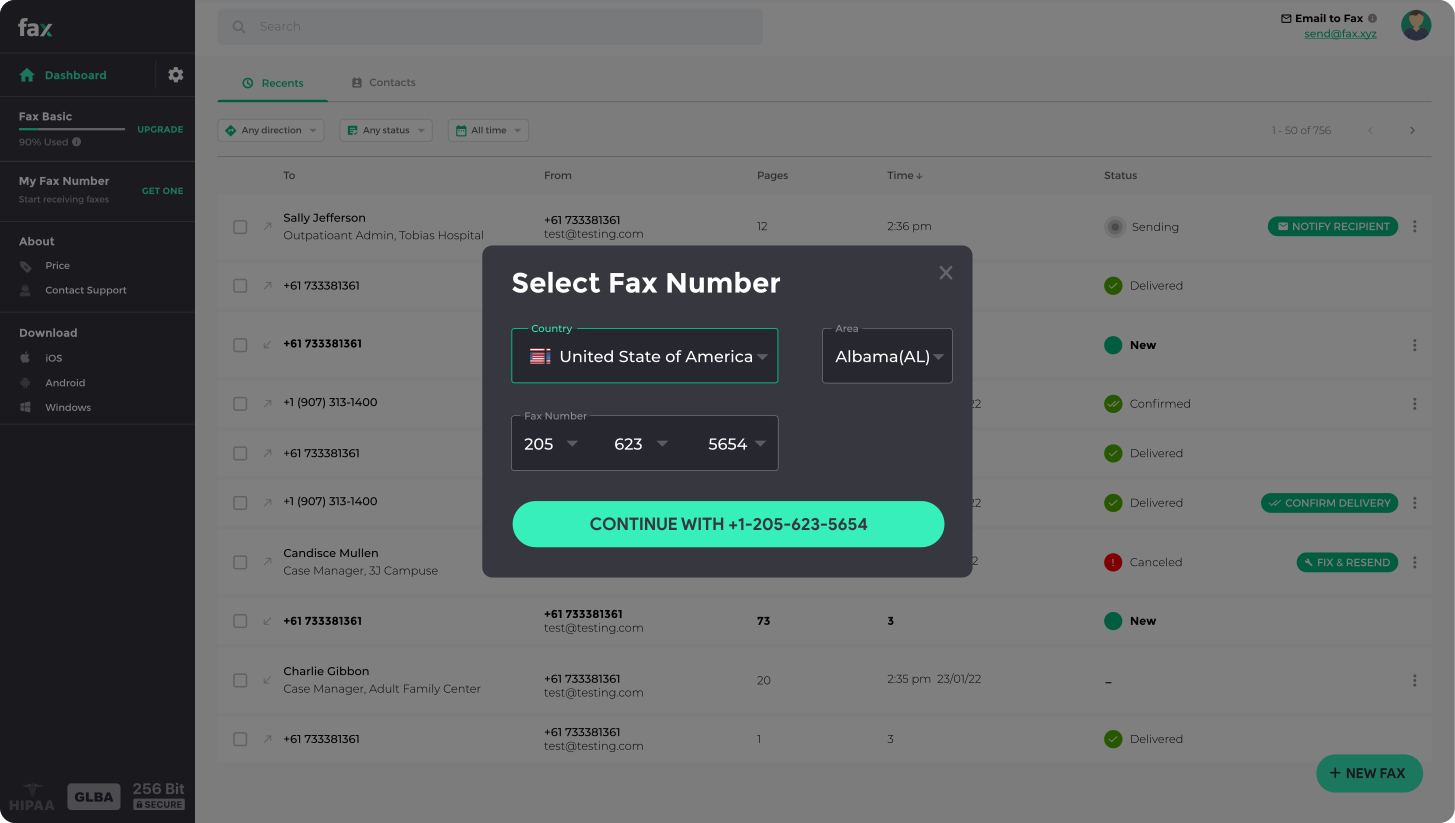

Learn how to send a fax from iPhone in just a few taps. With Fax.xyz, your iPhone becomes a full-featured mobile fax machine, letting you securely send and receive documents without any hardware. Fast, reliable, and easy to use, it’s built for anyone who needs faxing on the go.
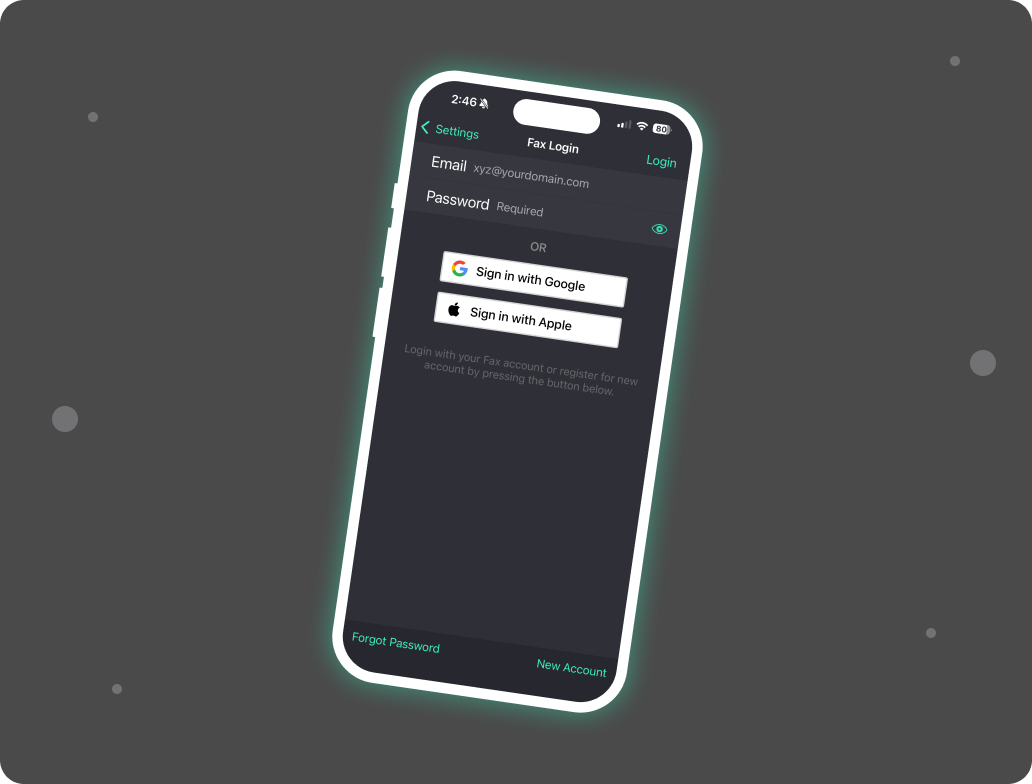
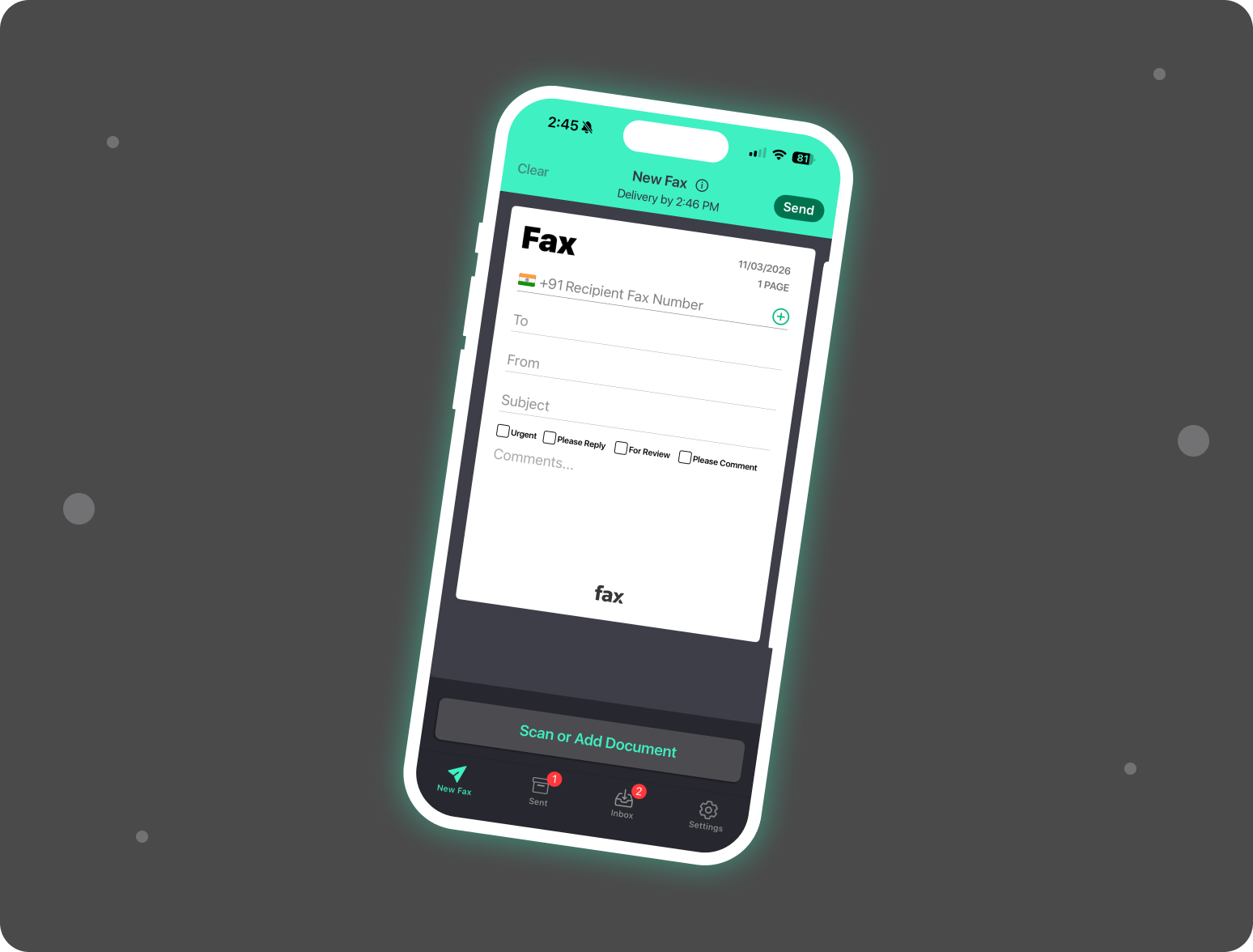

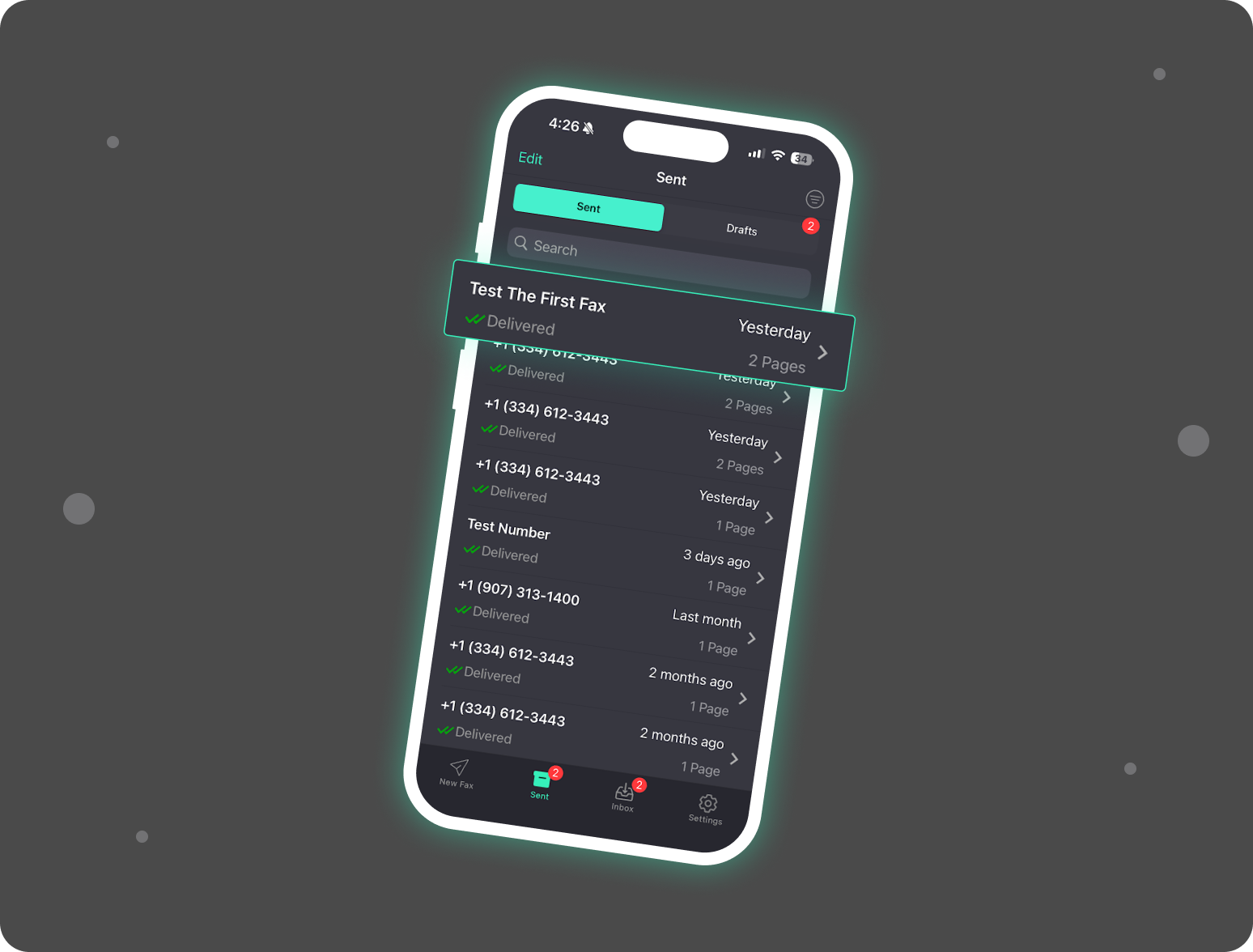
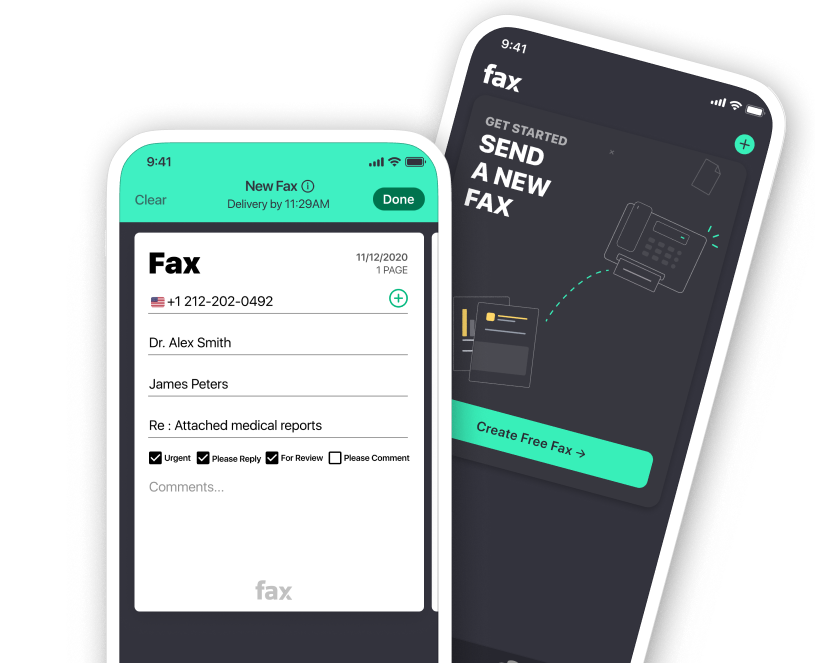
Imagine being able to send a fax anytime, anywhere, directly from your iPhone and not paying a thing until you’re ready. If you’re looking for how to send a free fax from iPhone, Fax.xyz has you covered.
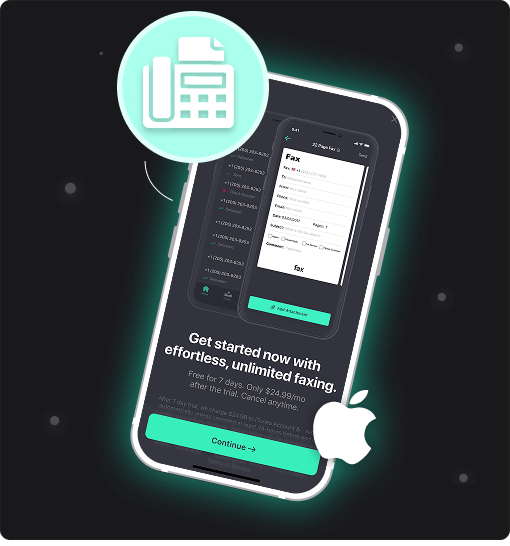
With Fax.xyz, the fax app itself is completely free to download. From the moment you install it, you can explore its full functionality without committing to a subscription. Even better, new users can take advantage of the free trial, which lets you send faxes at no cost. That means you can test the speed, reliability, and convenience of mobile faxing firsthand, all directly from your iPhone.
Fax.xyz gives you the flexibility to fax from your iPhone in the way that works best for you. While the app provides a seamless, full-featured experience, you can also send a fax from iPhone without an app directly through your mobile browser. Simply open your browser, log in, and handle your entire fax workflow from anywhere.
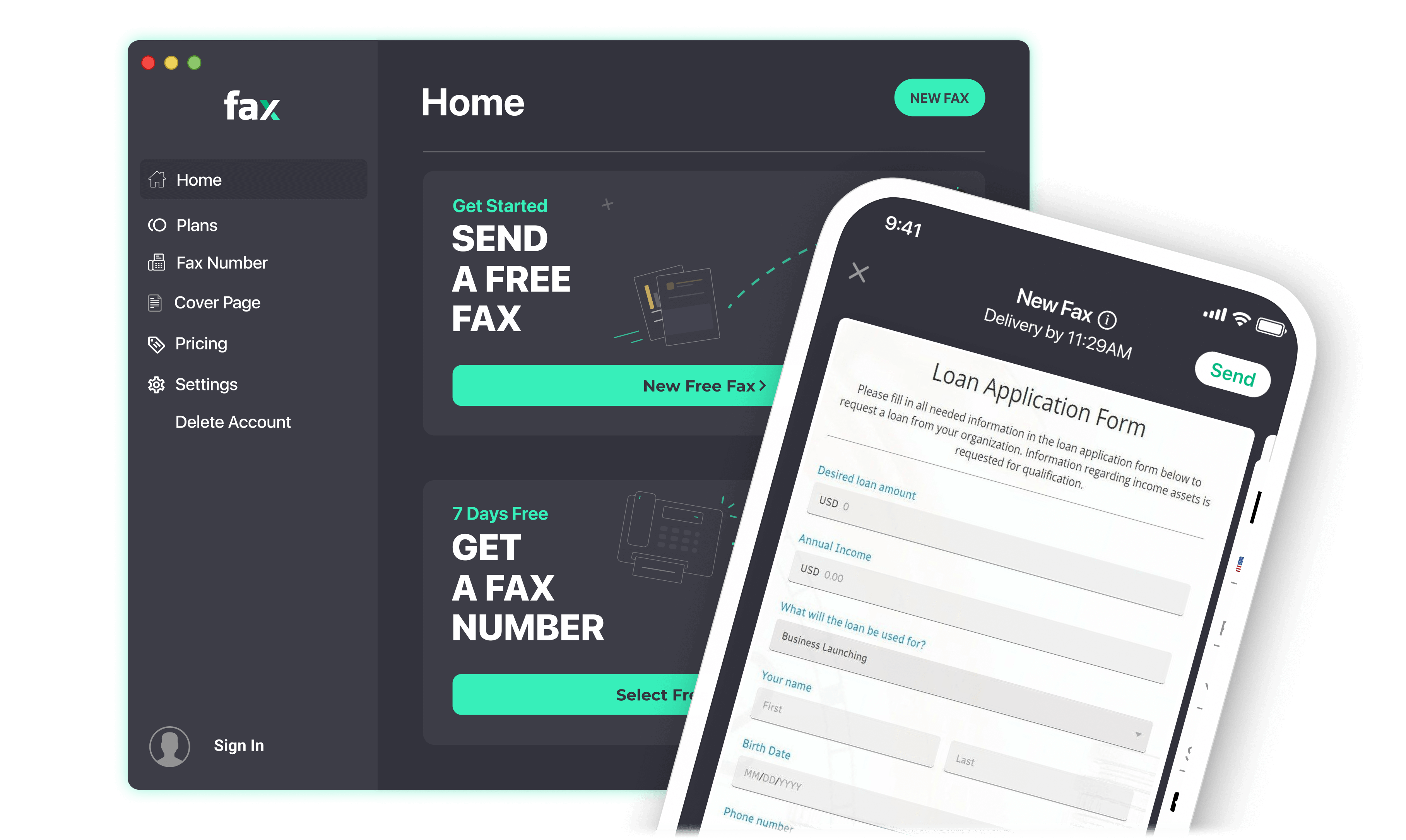
Looking for the easiest way to send a fax from iPhone? Fax.xyz lets you scan, upload, send, and track faxes directly from your device without a fax machine, printer, or scanner. Upload files, capture documents with your camera, and manage incoming and outgoing faxes from anywhere.
Fax.xyz is a secure online fax service built for modern mobile users. Whether you need to fax documents from your phone for business, healthcare, legal, or personal use, our mobile fax app delivers fast, reliable faxing with real-time delivery tracking and enterprise-grade security.
Fax.xyz turns your iPhone into a mobile faxing hub. Stay productive on the move, handle documents, and track faxes seamlessly, all without being tied to a desk or traditional fax machine.
Get StartedTake full control of your fax workflow from your iPhone. Send, receive, and manage documents securely and professionally anywhere, anytime.


Send a Free Fax with Fax.xyz
.svg)
2025 © Fax.xyz 95 3rd St 2nd Floor, San Francisco, CA 94103, United States.


