Best Online Fax for Law Firms in 2026: Secure and Compliant Solutions Compared

Reviews
Compare the best online fax services for law firms. Explore secure, reliable, and easy-to-use fax solutions for attorneys, solo practices, and legal teams.
We reviewed various online fax services with dedicated Windows fax software to determine which delivers the best experience in 2026. We paid close attention to how easy they are to use day-to-day, how secure they feel, and whether they’re worth the cost, so we could focus only on tools that are truly practical.
To identify the best fax app for Windows, we focused on the factors that have the biggest impact on everyday use. Rather than relying solely on feature lists, we looked at how each service performs in real-world scenarios—from setting up the desktop app to sending secure, reliable faxes.
A fax app should make sending and receiving documents straightforward. We considered how easy each Windows application was to install, navigate, and use on a daily basis, as well as whether new users could get started without a lengthy learning process.
Security remains a top priority, especially for businesses handling sensitive information. We evaluated the safeguards each provider offers, including encryption, data protection practices, and compliance with standards such as HIPAA and GDPR where applicable.
Even the most feature-rich fax service is of little value if documents fail to arrive. We assessed delivery reliability, transmission speed, uptime, and overall consistency to determine which services users can depend on.
Cost was evaluated alongside features and performance. We looked at subscription pricing, included fax allowances, scalability for growing teams, and whether each service provides enough value to justify its price.
To complement our own evaluation, we also considered the experiences of existing customers. We looked at user reviews, satisfaction ratings, recurring praise, and common complaints to understand how each service performs over time and whether it consistently meets customer expectations.
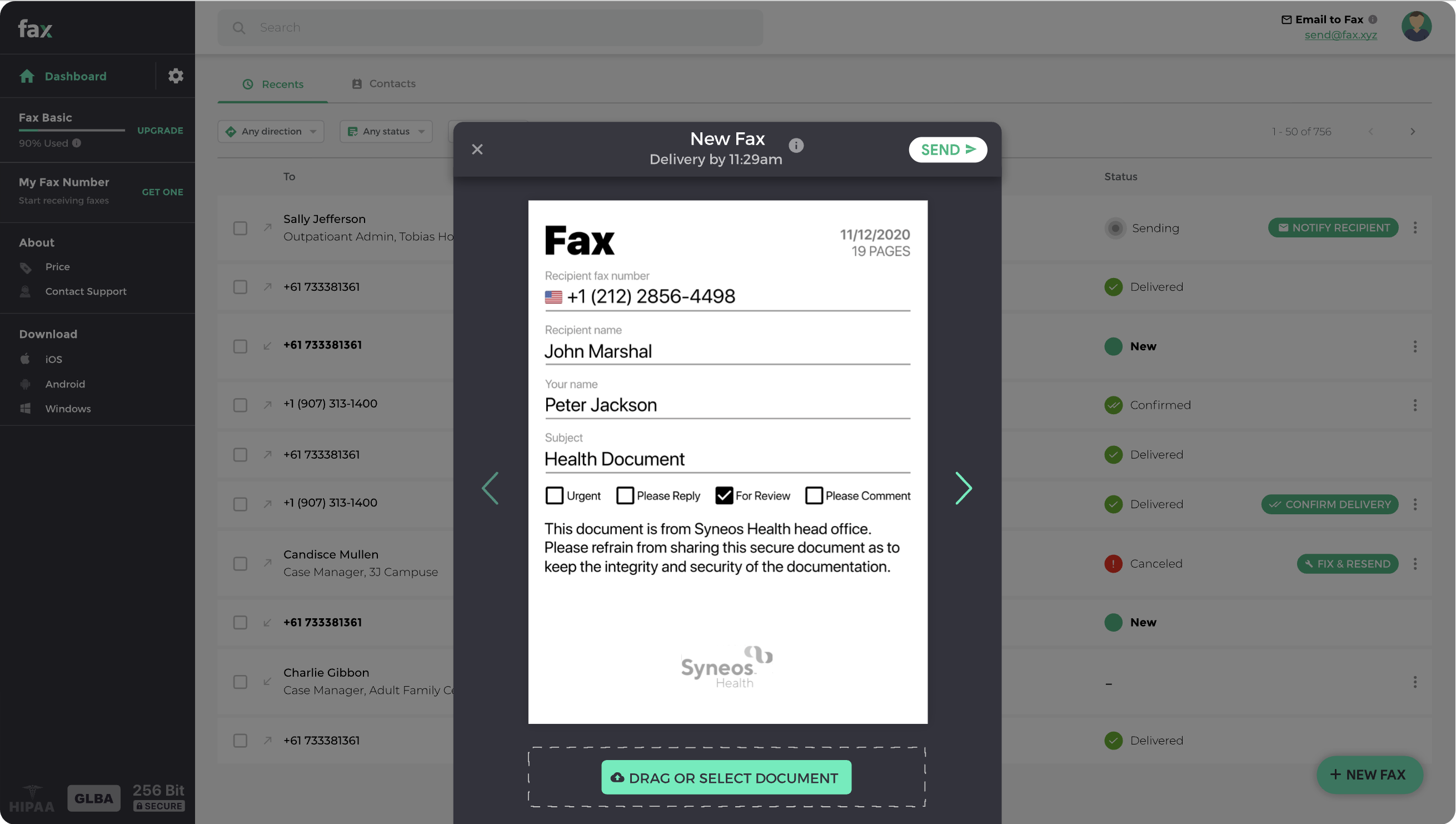
This was one of the easiest fax services we tested. The Windows app felt polished from the start, and nearly every part of the faxing process—from uploading documents to tracking delivery status—worked exactly as expected. It strikes a strong balance between usability, security, and value, making it a solid choice for both professionals and small businesses.
Individuals and small businesses with light to moderate faxing needs who want a secure, easy-to-use fax app for Windows without paying for features they'll rarely use.
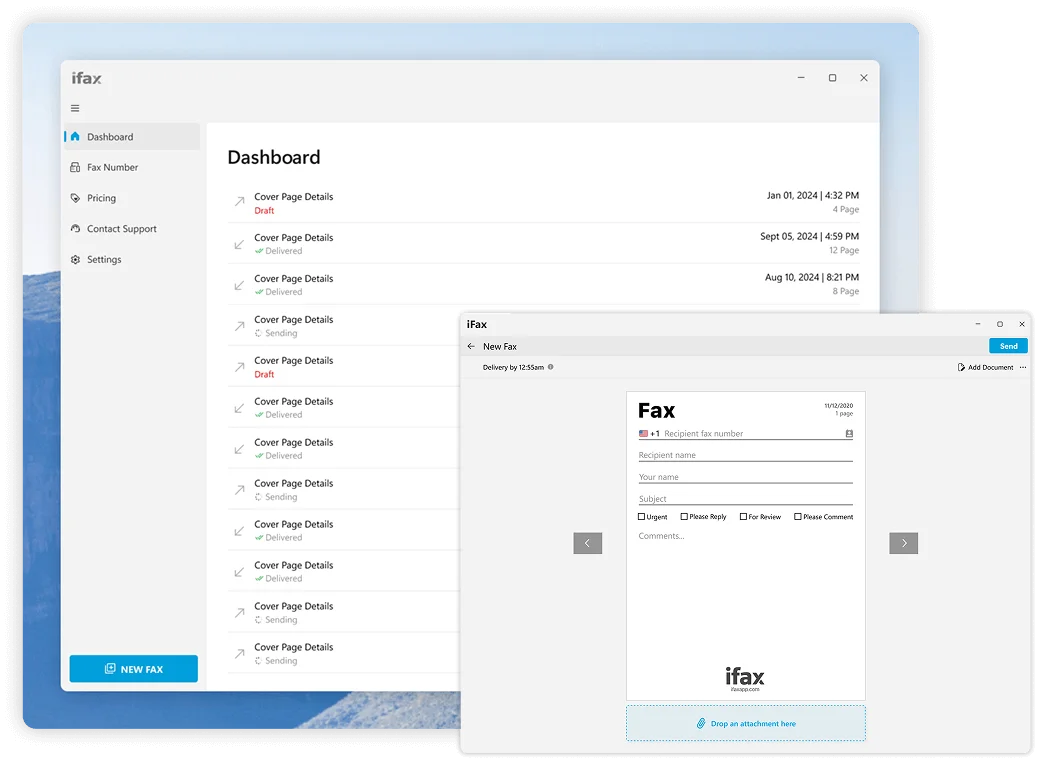
iFax feels like a service that's been built with professional users in mind. While it's easy enough for individuals to pick up, its strongest appeal lies in its security credentials, compliance features, and integrations with popular cloud storage platforms. During our review, it stood out as one of the more business-oriented options without feeling overly complicated.
Businesses, healthcare providers, legal professionals, and anyone who regularly handles sensitive documents and values strong security and compliance features.
CocoFax impressed us with how approachable it feels. Rather than overwhelming users with advanced tools and settings, it focuses on making faxing as simple as possible. During our evaluation, we found it easy to get started, and the platform delivered a smooth experience whether sending documents occasionally or managing a steady flow of faxes.
Individuals and small businesses with occasional faxing needs who are looking for a simple, no-frills fax solution.
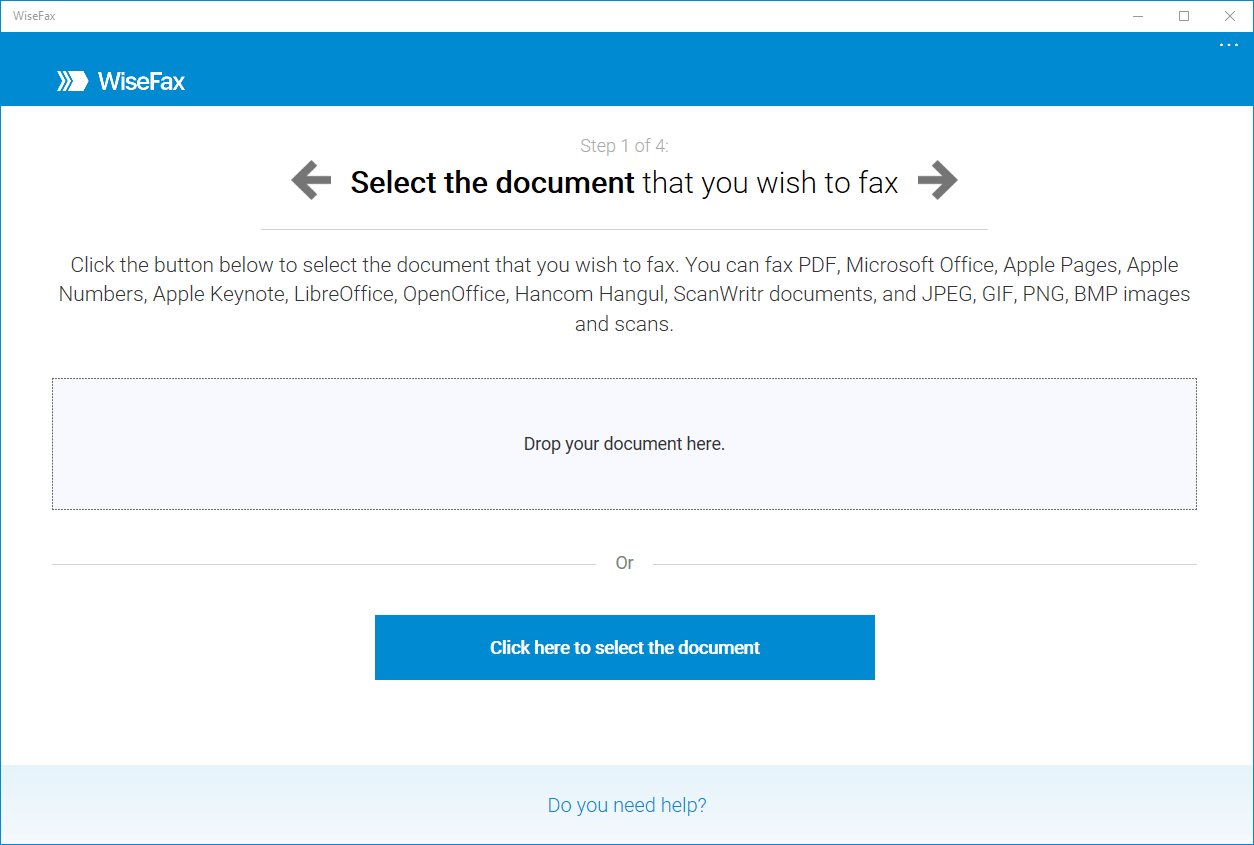
WiseFax takes a different approach from most online fax services by focusing on flexibility rather than monthly commitments. During our review, the platform was straightforward to use, but its biggest appeal is clearly the pay-as-you-go model, which removes the need for a long-term subscription.
Individuals and small businesses that only need to send faxes occasionally and prefer paying only when they use the service.
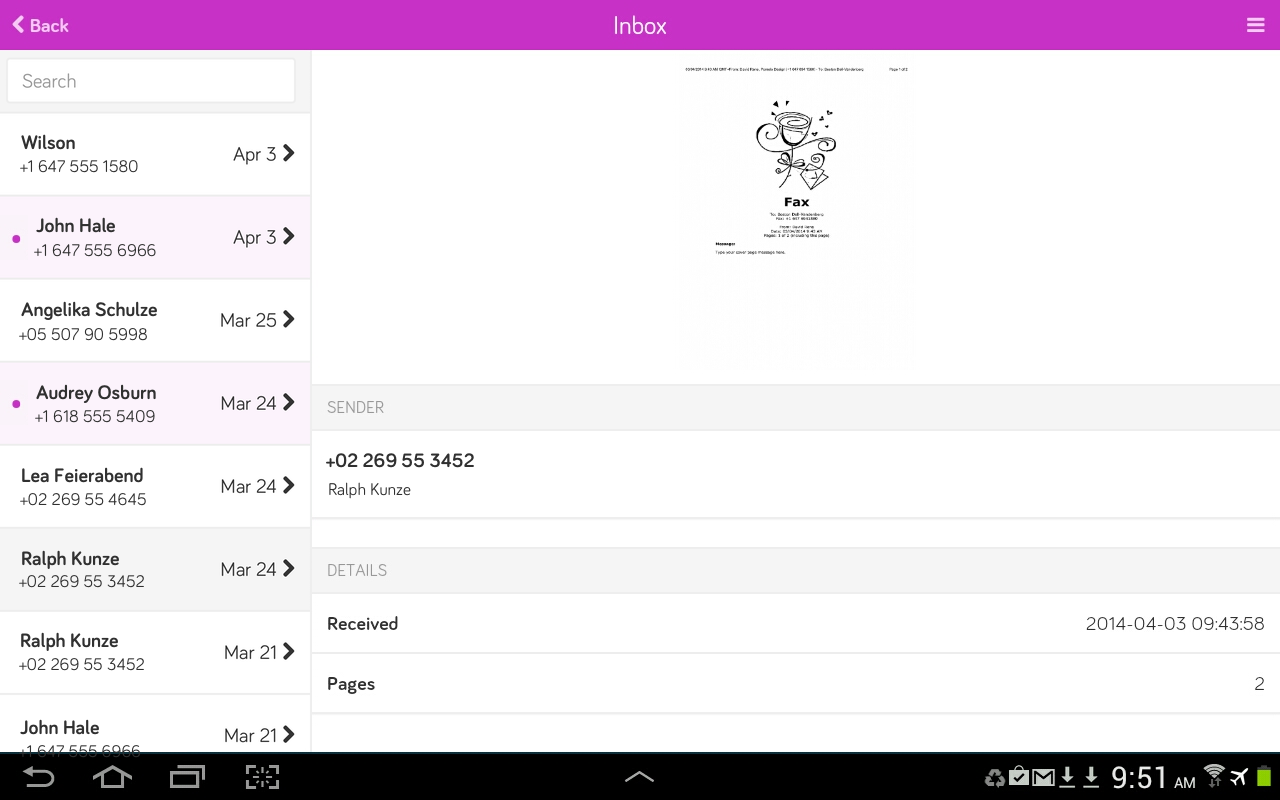
PamFax offers a straightforward faxing experience with support for both desktop and mobile devices. During our review, it handled basic faxing tasks without issue, while its international faxing capabilities helped set it apart from some other services on this list.
Individuals and small businesses that fax occasionally, particularly those who need to send international documents.
Yes. Microsoft includes Windows Fax and Scan, a legacy application available on some versions of Windows. It allows users to send and receive faxes, but only when connected to a compatible fax modem and an active telephone line.
While this built-in tool may work for users with existing fax hardware, it lacks many of the features expected from modern fax solutions. Windows Fax and Scan does not offer cloud storage, mobile access, electronic signatures, team collaboration tools, or the convenience of sending faxes over the internet. Setup can also be cumbersome, requiring additional hardware and manual configuration.
Yes. Modern Windows fax apps allow you to send and receive faxes directly from your computer using an internet connection. There is no need for a traditional fax machine, phone line, toner, or paper.
Yes. Reputable Windows fax services use encrypted connections and secure cloud storage to protect sensitive documents. Some providers also offer HIPAA-compliant solutions for healthcare, legal, and other industries that handle confidential information.
Absolutely. Most Windows fax apps support PDF files along with Word documents, images, and other common file formats. Simply upload your file, enter the recipient's fax number, and send the fax online.
Some providers offer free trials or limited free faxing, but most reliable services require a subscription for full features and secure delivery.
Yes. Online fax services provide a dedicated fax number so you can receive and manage incoming faxes directly from your computer.
The best way to fax from PC depends on your specific requirements. Some services focus on ease of use, while others prioritize compliance, business features, flexible pricing, or international faxing. The good news is that modern online fax services make it possible to send and receive faxes without dedicated hardware, giving users more flexibility than ever before.
Ultimately, the best fax program for Windows is the one that aligns with your workflow and budget. Whether you're looking for a simple solution for occasional use or a more robust platform for business communications, the providers on this list offer a range of options to help you fax from PC securely and efficiently.
No phone lines, paper jams, or bulky machines — just seamless digital faxing from your PC.
Explore the future of faxing and secure document sharing. Find practical guides, helpful tips, and expert resources to streamline your workflow.

Send a Free Fax with Fax.xyz
.svg)
2025 © Fax.xyz 95 3rd St 2nd Floor, San Francisco, CA 94103, United States.