Fax from iPhone

Fax from iPhone anytime, anywhere with a trusted mobile fax solution.
Fast setup, reliable delivery, and secure document transmission make faxing effortless.
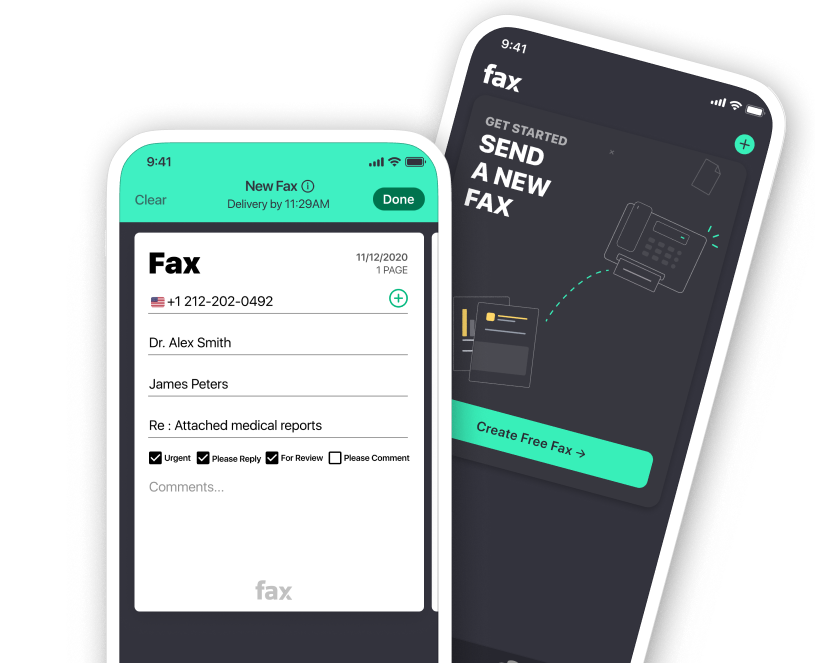
Two smartphone screens showing a fax app interface, one displaying a new fax form with recipient and message details, the other prompting to send a new fax with a 'Create Free Fax' button.Gray gradient background transitioning from light to darker gray.
Receive FAXAbstract green background with smooth wavy layered shapes creating a gradient effect.

Top-Rated iPhone Fax App
for On-the-Go Faxing

Keep your fax workflow running smoothly even when you're on the go with the top fax app for iPhone and iPad

Delivery Tracking
Secure Transmission

Transmit confidential files with confidence using encrypted and HIPAA-compliant faxing.

Delivery Tracking
Total Fax Control

Send fax from iPhone or iPad and manage your entire fax workflow wherever you are.

Delivery Tracking
Cloud Fax Storage

Attach and send files directly from Google Drive, Dropbox, or iCloud with just a tap.

How to Send Fax from iPhone

Get started in minutes with a mobile faxing experience designed around simplicity. Fax from iPhone anytime with a fast, user-friendly interface.
No learning curve, no unnecessary steps. Just a simple way to fax from iPhone whenever you need to send important documents.

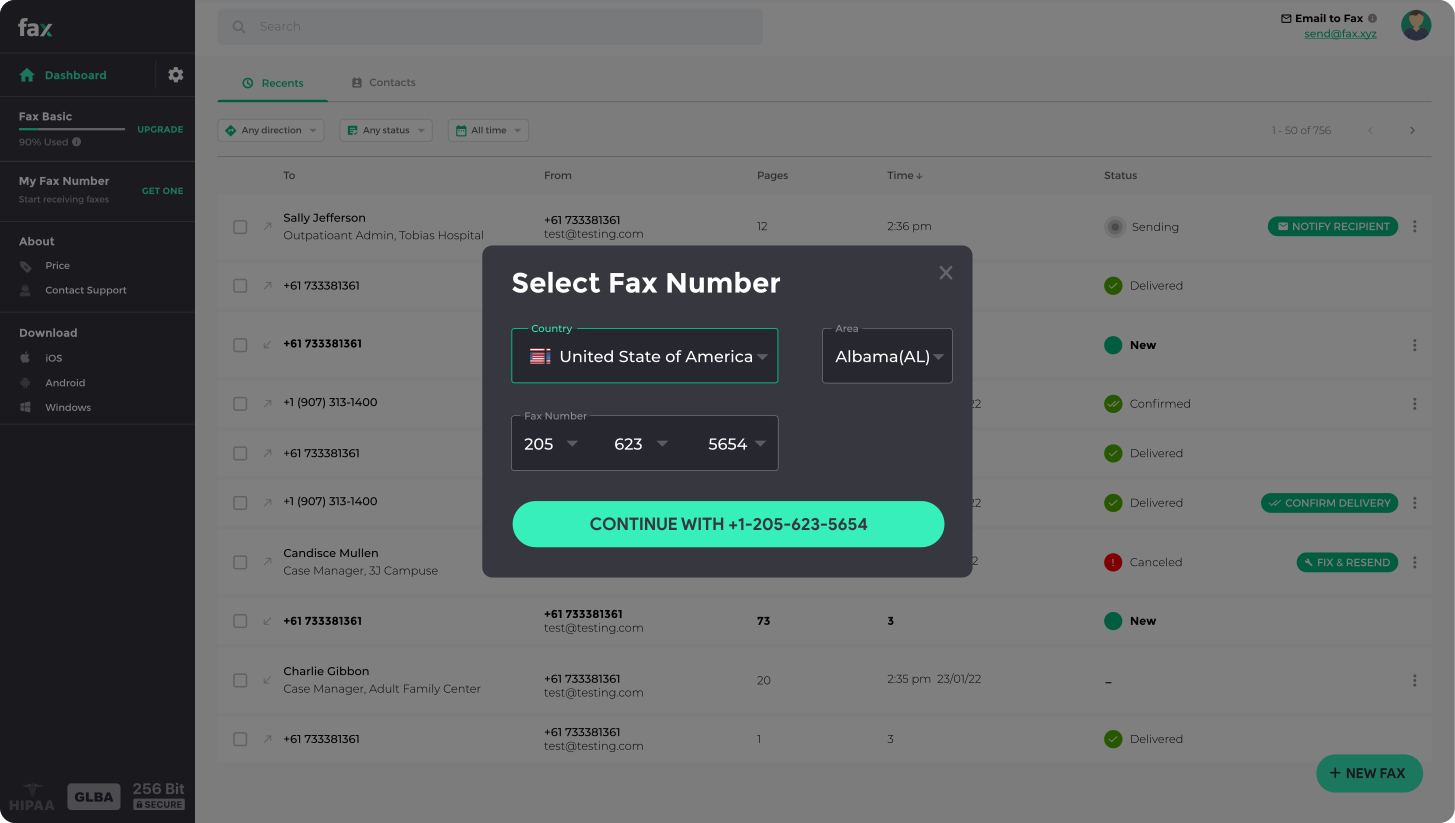
Smartphone screen showing an app interface for sending and receiving unlimited faxes, featuring a number selection menu and a new fax creation screen with recipient number, documents list, and send button.

Can You Fax from iPhone?

The short answer is yes, and sending a fax from your iPhone is easier than you think. Fax.xyz turns your device into a powerful mobile fax machine, so you can send documents quickly without needing any physical fax hardware or a landline. Everything is designed to be simple, fast, and reliable.

  • Instant theme changes for efficiency.
  • Adapt your coding environment quickly.
  • Effortlessly switch between coding moods.

The Smarter Way to Send Fax from iPhone for Free

Experience a faster way to fax on iOS. Whether you're using an iPhone or iPad, sending documents is as simple as scanning, tapping, and sending.

Get Started

iPhone Fax App FAQs

Everything you need to know about sending and receiving faxes on iOS devices.

What is the best fax app for iPhone?

Plus Icon
The best fax app for iPhone is one that’s simple, secure, and built for modern workflows, and that’s exactly what Fax.xyz delivers.

Our iPhone fax app is free to download and only takes a few minutes to install. It’s packed with powerful faxing features. You can send and receive fax from iPhone in just a few taps.

Is there a free fax app for iPhone?

Plus Icon
Yes! Fax.xyz is free to download and gets you up and running in minutes. Create an account to access all the essential tools.

Our free fax app for iPhone is designed for iOS users who want simple, secure faxing without the typical headaches. Scan, send, and track faxes right at your fingertips.

Are faxes sent from the iPhone Fax app secure?

Plus Icon
Absolutely! With Fax.xyz, you never have to worry about the safety and security of your data. We use military-grade encryption to ensure only those authorized can access your document.

We also comply with the most stringent industry standards and regulations, including HIPAA and GDPR.

Can I fax from my iPad or other iOS devices?

Plus Icon
Yes, you can fax from your iPad and other iOS devices using the Fax.xyz app. Our app is fully optimized for iOS, giving you the same seamless faxing experience across iPhone and iPad. Whether you're scanning documents with your camera, uploading files, or tracking fax status, everything works smoothly from any iOS device, no printer or fax machine required.

Start Faxing on iOS

Create your free account, get a fax number, and start sending secure faxes.
No fax machine required.