If you're wondering how to send a fax from a Mac, Fax.xyz makes the process fast and straightforward. Follow the steps below to fax documents directly from your computer without traditional fax equipment.
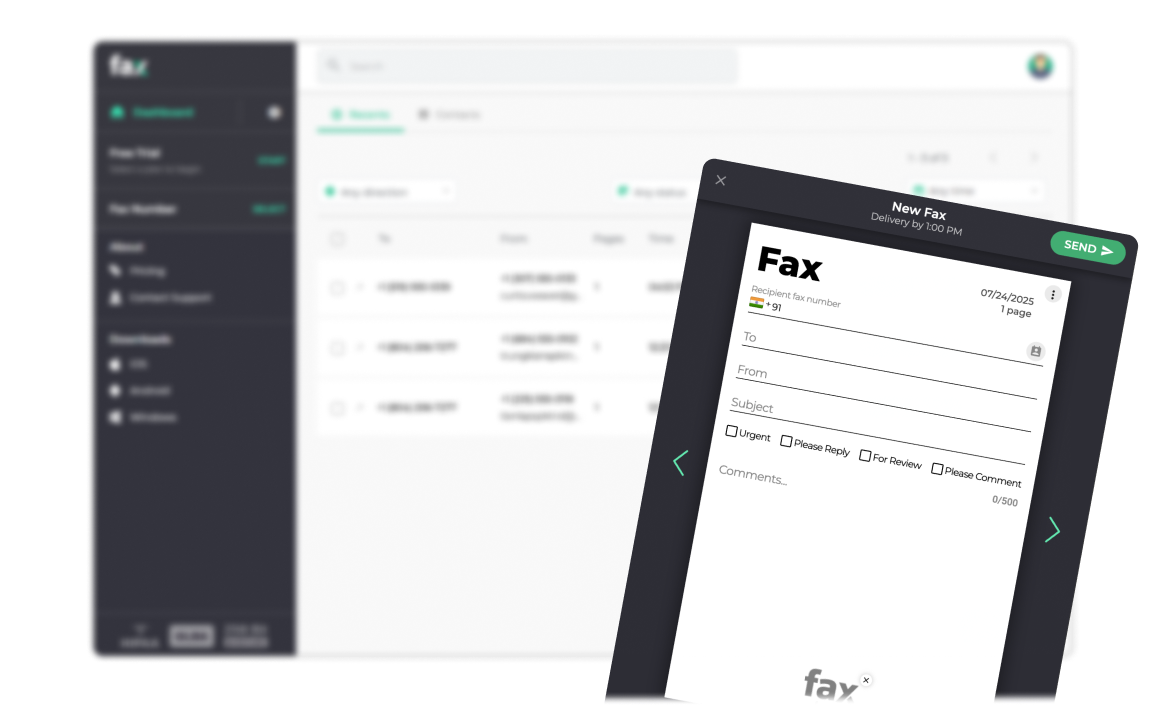

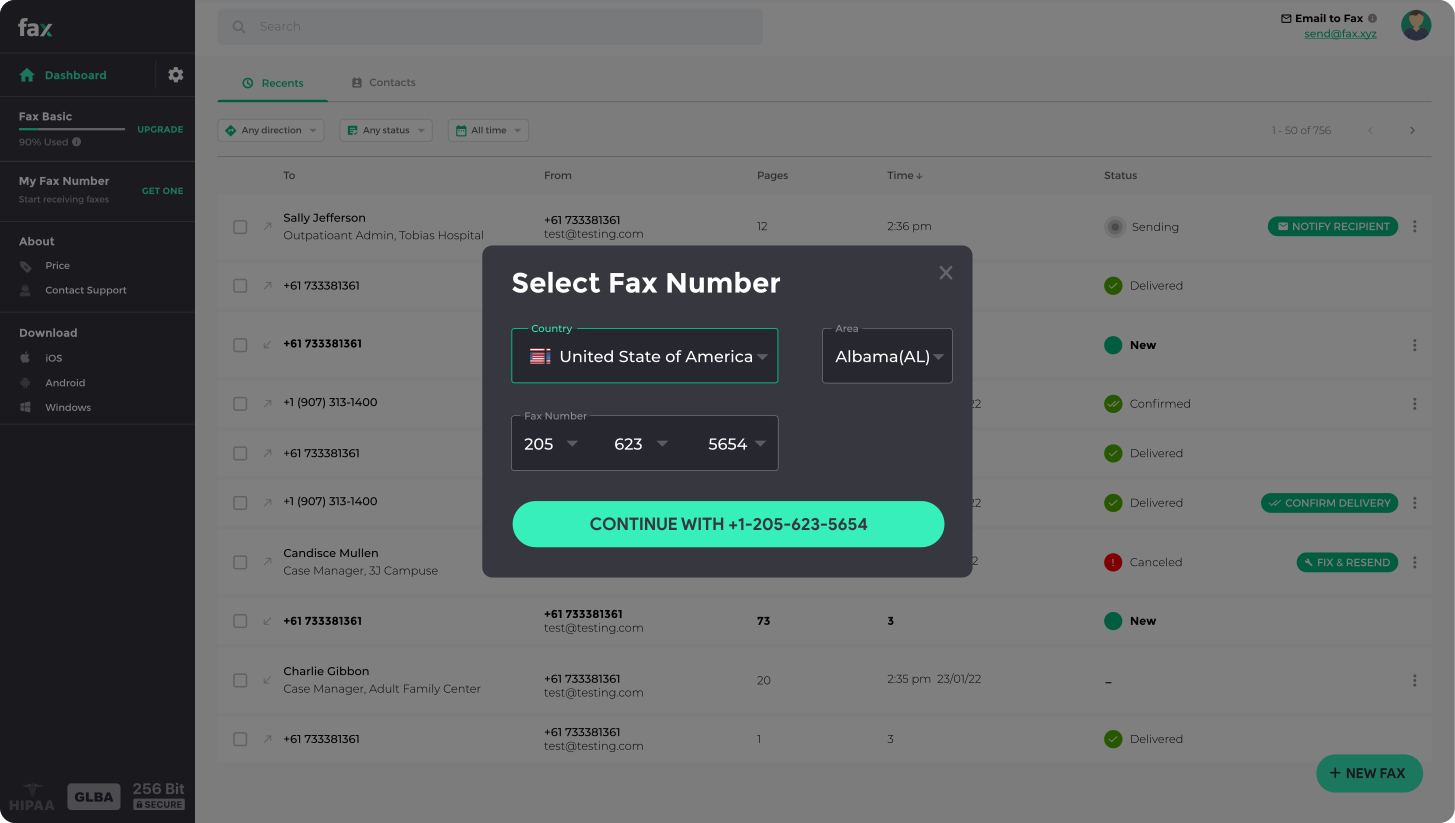

Fax.xyz makes sending faxes from your Mac faster and simpler than ever. No phone lines, no waiting by a machine. In just a few clicks, your documents are safely sent and delivered.


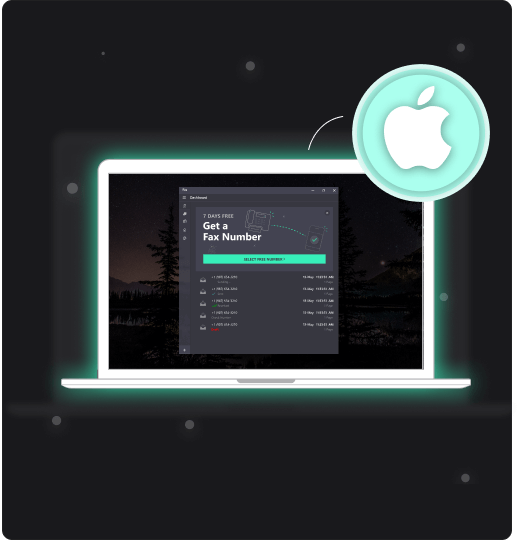
Fax.xyz brings modern online faxing to your Mac, making it simple to send a fax from a Mac in just a few steps. Upload your file, enter a fax number, and send—no fax machine needed.
You can start your free trial in minutes and immediately begin sending faxes online. The trial gives you full access to essential features so you can experience secure, reliable faxing before choosing a plan.
Fax.xyz is a modern online fax service that makes it easy to send a fax from a Mac quickly, securely, and without a fax machine. Designed for users who need a simple way to send a fax from a Mac or send faxes online, it replaces outdated hardware with a fast, reliable digital workflow.
With Fax.xyz, you can send a fax from a Mac in just a few clicks—upload documents, enter recipient details, and send instantly. Whether for business or personal use, Fax.xyz streamlines how to send a fax from a Mac with a secure, organized, and efficient online fax solution.
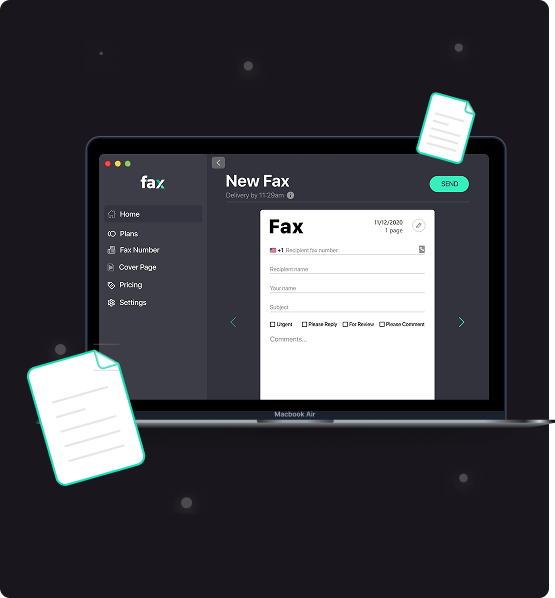
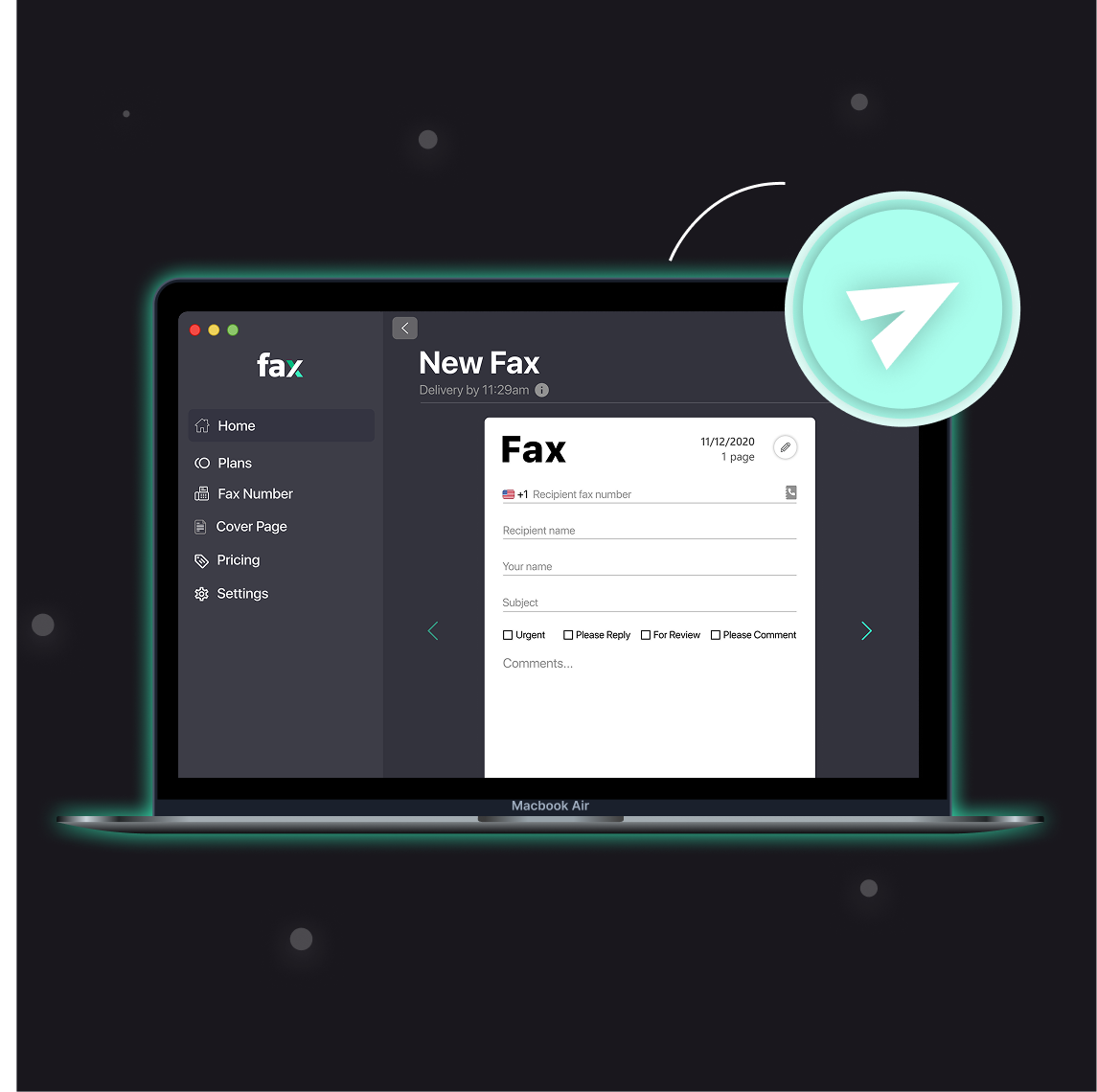
Why waste time with clunky machines when you can fax from Mac instantly? Fax.xyz lets you send documents directly from your desktop, with real-time delivery tracking so you know every fax reaches its destination.
Everything is designed to save you time and keep your workflow smooth. Start sending faxes quickly, manage your documents effortlessly, and experience the convenience of faxing from Mac today
Experience faxing on your Mac the way it should be—fast, secure, and effortless. With Fax.xyz, every document you send is handled seamlessly, giving you more control, more efficiency, and complete peace of mind.
Get StartedTake control of your document workflow today. Start faxing from your Mac with Fax.xyz—fast, secure, and simple.


Send a Free Fax with Fax.xyz
.svg)
2025 © Fax.xyz 95 3rd St 2nd Floor, San Francisco, CA 94103, United States.


