Best Online Fax for Law Firms in 2026: Secure and Compliant Solutions Compared

Reviews
Compare the best online fax services for law firms. Explore secure, reliable, and easy-to-use fax solutions for attorneys, solo practices, and legal teams.
We’ve reviewed and compared today’s leading services to list the best fax software for Mac you can use in 2026. Instead of spending hours signing up for trials, testing features, and paying for plans that may not fit your needs, you can rely on our hands-on comparisons to find the right solution faster.
To find the best fax app for Mac for 2026, each service was tested in real-world scenarios—sending and receiving documents, checking delivery confirmations, exploring features, and evaluating overall usability. The goal was simple: identify the apps that make digital faxing on macOS secure, reliable, and genuinely easy to use.
Here’s what we looked at during testing:
We assessed how simple each app was to set up and use on macOS. This included installation, interface design, file uploads, and the ability for users to send and manage faxes without a learning curve.
Reliability testing focused on successful delivery rates, transmission speed, uptime, and the clarity of delivery confirmations. A fax app must consistently deliver documents without delays or errors.
We examined the depth of the features offered, including eSignatures, scheduled sending, bulk faxing, mobile access, and integrations with email or cloud storage. The best apps go beyond basic faxing to improve productivity.
Security was evaluated based on encryption standards, data storage practices, compliance options (such as HIPAA, where applicable), and overall protection of sensitive documents during transmission and storage.
We compared subscription tiers, per-page costs, transparency of billing, and overall value. An app needed to justify its price with strong performance and meaningful features.
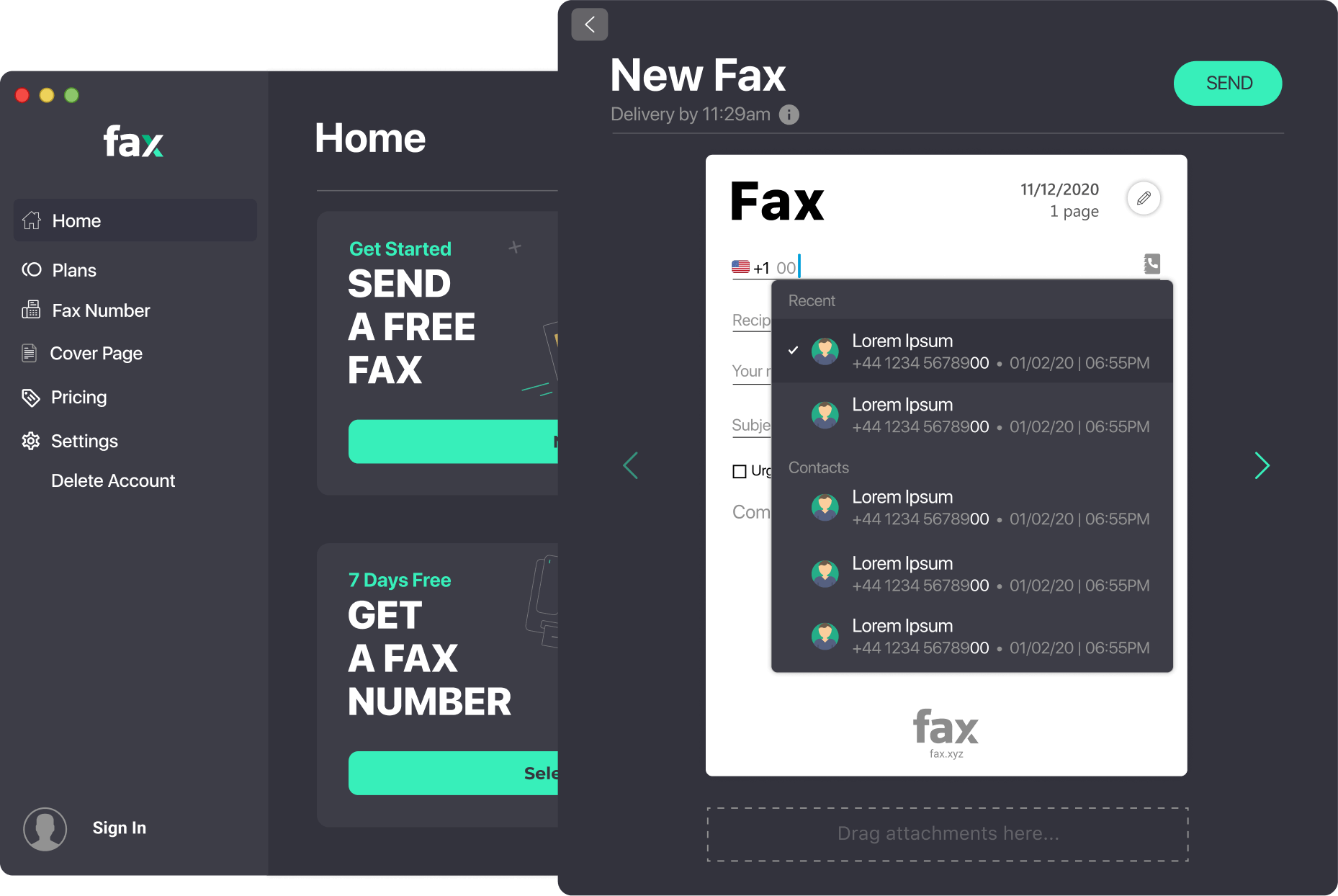
Fax.xyz is a cloud-based fax solution that lets you send fax from Mac effortlessly. From installation to sending your first fax, the process is designed to be as smooth as possible for Mac users.
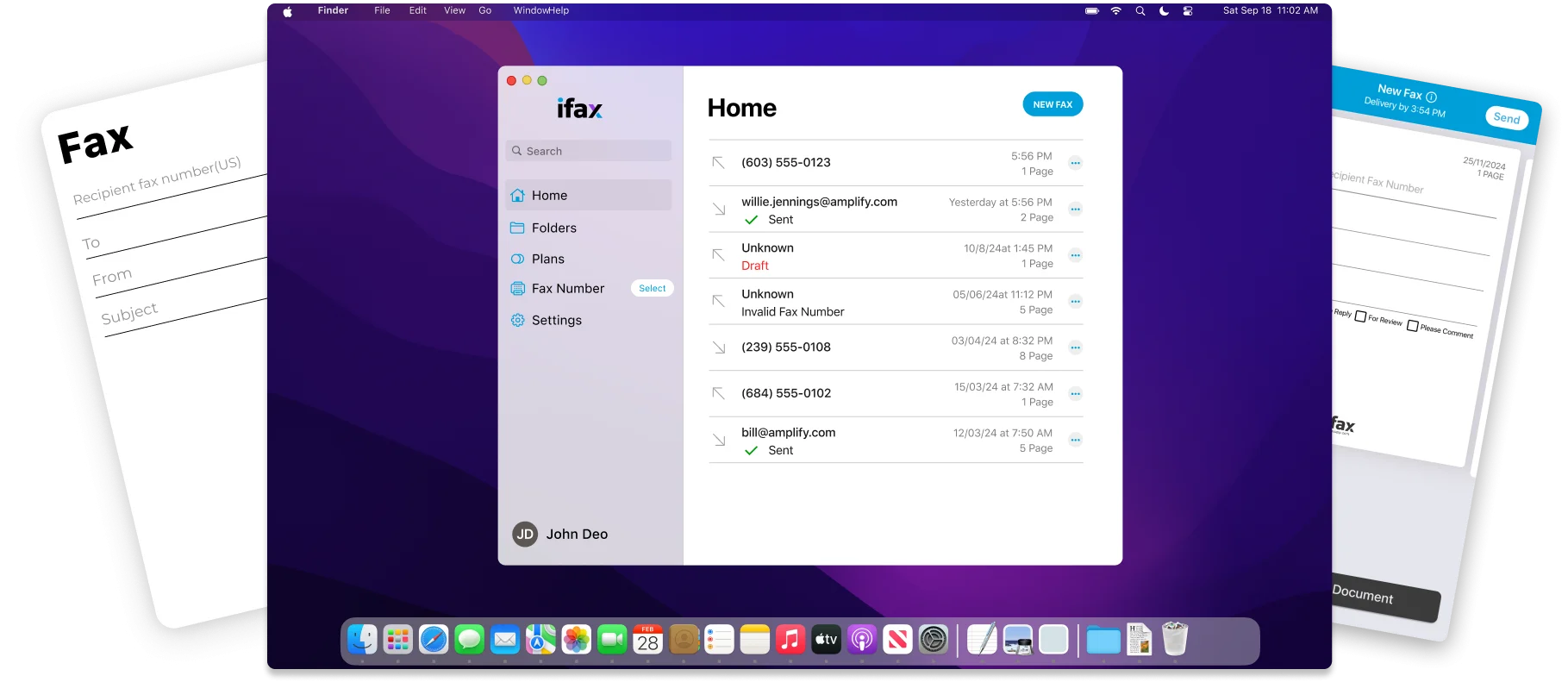
A modern Mac fax software that combines simplicity with powerful features. iFax makes it easy to send faxes directly from macOS, whether for personal use or professional workflows.
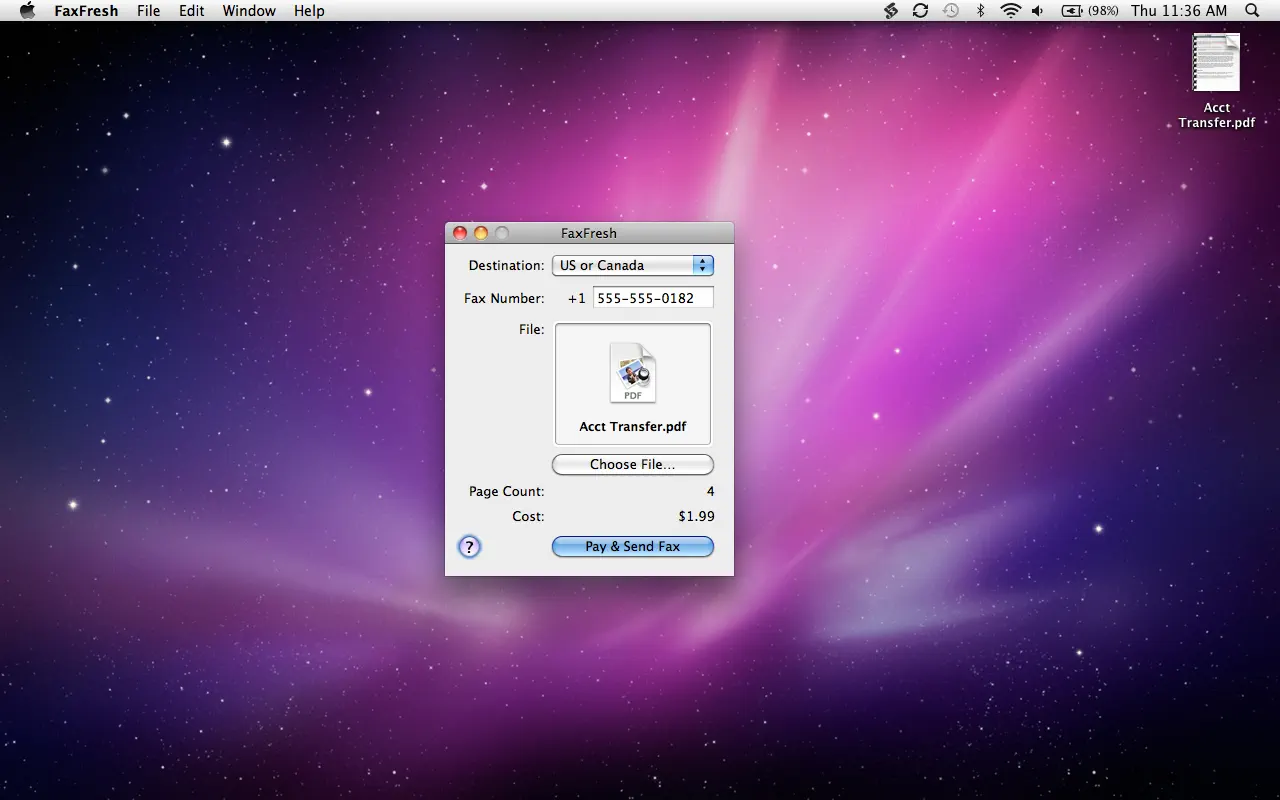
A pay‑as‑you‑go fax service built with Mac users in mind, FaxFresh lets you send faxes directly from macOS without subscriptions, accounts, or long‑term commitments. It’s ideal for occasional faxing or one‑time needs when you don’t want a monthly plan.
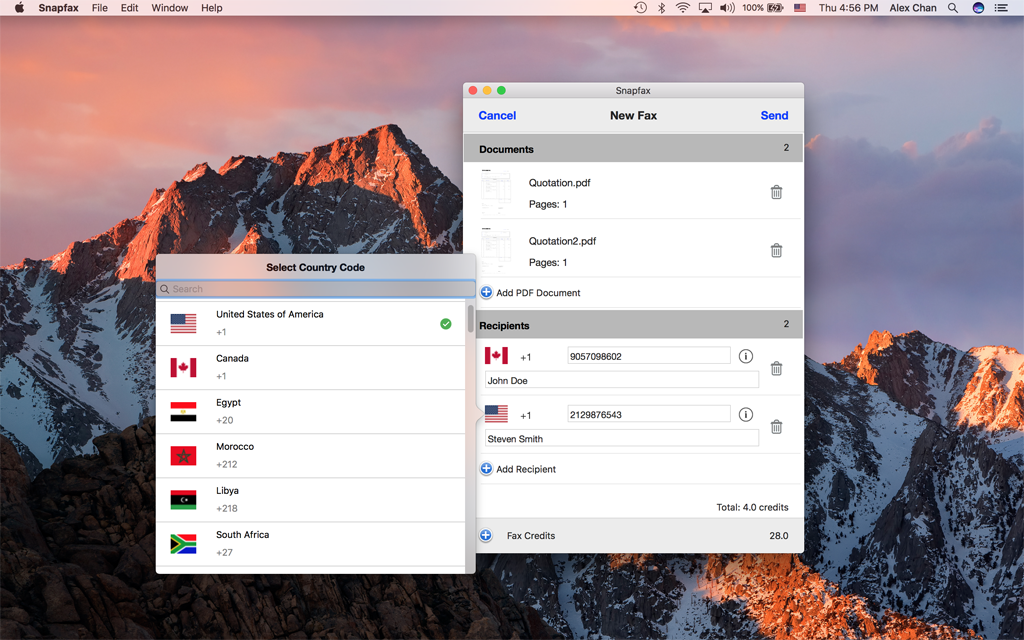
A Mac‑friendly fax app built for simplicity and flexibility. Snapfax removes subscription commitments and lets you fax whenever you need with easy credit‑based pricing.
No. Modern versions of macOS no longer include built-in fax capabilities. To send and receive faxes, most users rely on cloud-based fax software for Mac or a dedicated Mac fax software solution. The best fax app for Mac lets you fax documents online without requiring a fax machine, phone line, or additional hardware.
Yes. You can easily send a fax from Mac using an online fax service. Modern fax software for Mac allows you to send and receive documents over the internet, eliminating the need for a physical fax machine or dedicated phone line. This makes how to fax from Mac simpler and more convenient than traditional faxing.
If you're wondering how to fax from Mac, the process is straightforward. Most Mac fax software allows you to upload PDF files directly from your computer. Simply sign in to your account, enter the recipient's fax number, attach your PDF, and click Send. The best fax app for Mac also supports drag-and-drop uploads and integrations with cloud storage services like Google Drive, Dropbox, and iCloud.
Yes. Many providers offer cross-platform support, allowing you to use the same account on your Mac, iPhone, iPad, and web browser. The best fax app for Mac makes it easy to manage documents and send fax from Mac or iPhone without switching accounts. This flexibility is one reason why cloud-based fax software for Mac has become a popular alternative to traditional fax machines.
Sending and receiving faxes no longer requires bulky machines, dedicated phone lines, or stacks of paper. With today’s Mac-compatible fax apps, the process is entirely digital, secure, and streamlined.
Whether you need a full-featured service like iFax or Fax.xyz for frequent professional use, or a simple pay-as-you-go solution like FaxFresh or Snapfax, these tools make faxing fast and hassle-free.
Discover the best Mac fax apps that let you send and receive documents directly from your Mac.
Explore the future of faxing and secure document sharing. Find practical guides, helpful tips, and expert resources to streamline your workflow.

Send a Free Fax with Fax.xyz
.svg)
2025 © Fax.xyz 95 3rd St 2nd Floor, San Francisco, CA 94103, United States.