Whether you're replacing outdated fax machines or upgrading to a more secure document workflow, choosing the right online fax service matters. We've reviewed the best enterprise online fax services for 2026 to help you find a solution that delivers the security, scalability, and reliability your business needs.
Best Enterprise Online Fax Services: Behind Our Rankings
With dozens of online fax providers available, narrowing down the best options for enterprises takes more than comparing feature lists. We approached this guide the way an IT team or business decision-maker would—looking at what actually matters when rolling out an online fax solution across an organization.
Rather than relying on a single score, we evaluated every service across the areas below to understand where it excels and where it may fall short.
Security, compliance, and data protection
Enterprise faxing often involves confidential contracts, financial records, healthcare records, and other sensitive documents. That's why security was the first area we evaluated. We looked for providers that protect data throughout the entire faxing process—not just during transmission.
What we evaluated:
End-to-end or in-transit encryption
Secure cloud storage
Role-based user permissions
Audit logs and activity tracking
Compliance with standards such as HIPAA, GDPR, and SOC 2 (where applicable)
Ease of use and enterprise administration
A feature-rich platform doesn't mean much if employees struggle to use it. We evaluated how intuitive each service is for both everyday users and IT administrators.
What we evaluated:
User interface and navigation
Sending and receiving fax workflows
Mobile and desktop experience
Contact and document management
User onboarding and setup
Administrative controls
Enterprise features and workflow automation
We assessed the capabilities that help organizations streamline document workflows and manage faxing at scale.
What we evaluated:
Centralized administration
Team and user management
Shared fax numbers and inboxes
Workflow automation
Digital signatures
Reporting and analytics
Document archiving and retention
Integrations and business software compatibility
No enterprise tool operates in isolation. We prioritized services that integrate well with existing business systems and make it easy to automate processes.
What we evaluated:
Microsoft 365 integration
Google Workspace integration
CRM compatibility
Cloud storage integrations
API availability
Automation platform support
Scalability, reliability, and performance
Enterprise software needs to remain reliable as organizations grow. We evaluated whether each provider can support larger teams and higher document volumes without sacrificing performance.
What we evaluated:
Platform reliability and uptime
High-volume fax capabilities
Multi-user support
International fax coverage
Scalability for growing organizations
Pricing, plans, and overall value
Price alone doesn't determine value. Instead, we looked at whether each provider delivers the right mix of features, reliability, and scalability for its cost.
What we evaluated:
Subscription pricing
Included features
Scalability of plans
Contract flexibility
Overall value for enterprise customers
How these factors shaped our rankings
Our rankings reflect the overall experience—not just one standout feature. Every provider on this list performs well, but each has different strengths. That's why we also highlight the types of organizations each service is best suited for, making it easier to find the right fit for your business.
Online Fax Service
Best For
Key Features
iFax
Best Overall
256-bit AES encryption, HIPAA/GDPR/SOC 2 compliance, workflow automation, API access, digital signatures
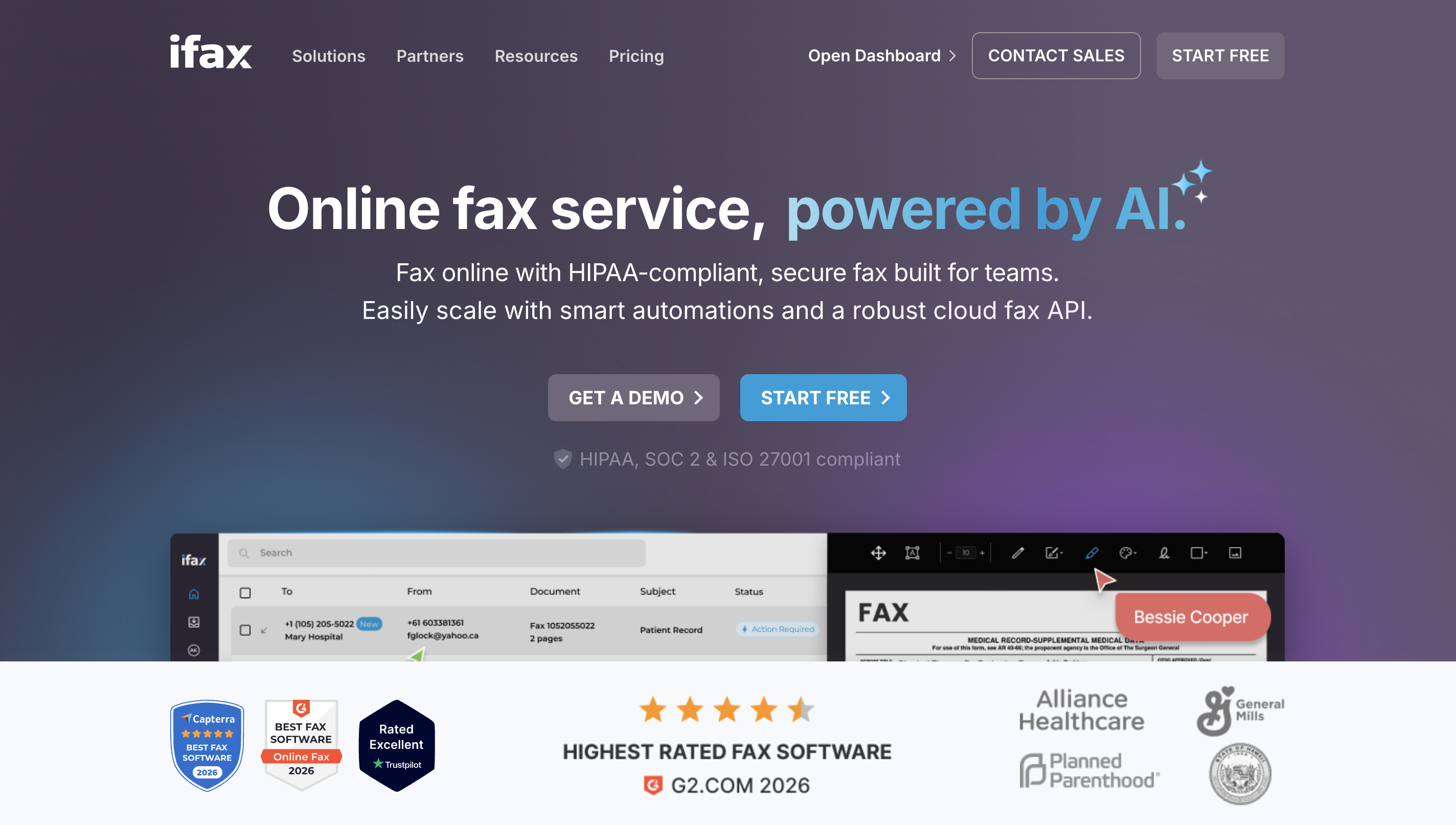
iFax immediately stood out for its clean interface and polished user experience. From sending our first fax to managing documents and exploring the admin settings, everything felt intuitive and well organized, with very little time spent figuring out where things were.
What impressed us most was how naturally the platform blends enterprise-grade functionality with everyday usability. It never felt like we were using outdated fax software—instead, it felt like a modern document management platform that happens to include powerful online fax capabilities.
Enterprise-grade security without the complexity
We appreciated that iFax uses military-grade 256-bit AES encryption to protect documents in transit and at rest, without adding extra steps to the faxing process.
Support for compliance frameworks, including HIPAA, GDPR, and SOC 2, gave us confidence that the platform is well-suited for organizations handling sensitive or regulated data.
Administrative controls, user permissions, and audit capabilities made it clear the platform is designed for organizations handling sensitive documents.
Designed to scale with your business
Adding users and managing teams felt straightforward, even when navigating enterprise-level settings.
Centralized administration makes it easier to oversee users, permissions, and activity from a single dashboard.
The platform feels well-equipped to support growing organizations without becoming difficult to manage.
Fits into existing business workflows
We liked that iFax integrates with many of the tools businesses already use, reducing the need to switch between platforms.
API access provides additional flexibility for organizations looking to automate document workflows.
Cloud-based access made it easy to work across multiple devices without interrupting our workflow.
More than just an online fax service
Digital signatures, document storage, and workflow automation add value beyond traditional faxing.
Things to keep in mind
iFax is built with businesses in mind, so smaller teams with only occasional faxing needs may find some of its advanced features more than they require. That said, those same capabilities become a significant advantage for organizations that expect to scale or need more robust document workflows.
Dropbox Fax: Best for Dropbox-Centric Workflows
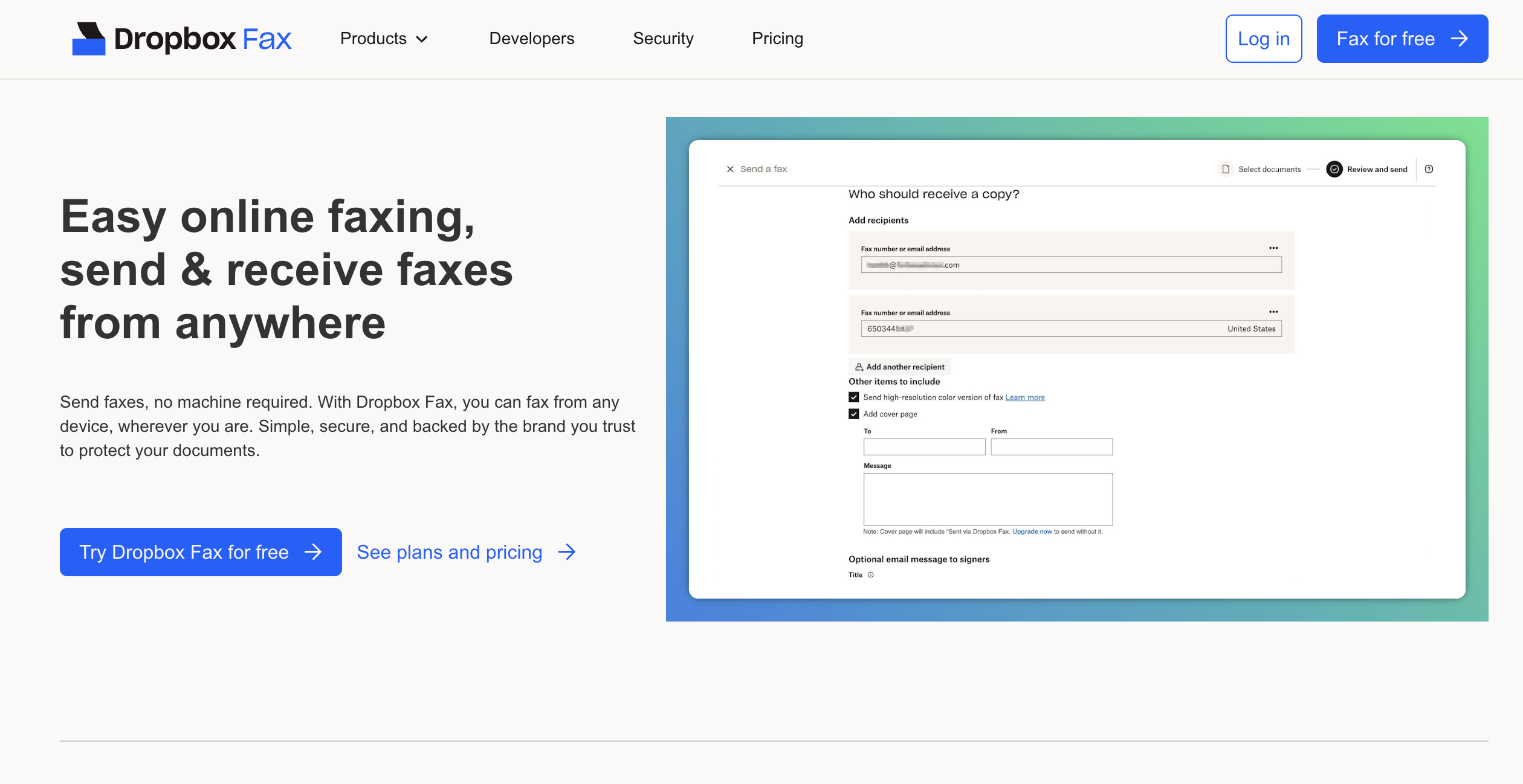
Dropbox Fax offers one of the easiest ways to send and receive faxes if your organization already relies on Dropbox for document storage and collaboration. During our evaluation, the platform felt familiar from the start, with faxing naturally integrated into the broader Dropbox ecosystem.
While it doesn't offer the same breadth of enterprise features as some dedicated fax providers, its simplicity and seamless document management make it an attractive option for teams that prioritize convenience.
Seamless Dropbox integration
We liked how easy it was to fax documents directly from Dropbox without downloading or moving files between platforms.
Documents remained organized within existing Dropbox folders, making collaboration and file management feel more streamlined.
The familiar interface reduced the learning curve for existing Dropbox users.
Simple, intuitive user experience
Sending and receiving faxes required very little setup, making it approachable for both technical and non-technical users.
The clean interface focuses on core fax functionality without overwhelming users with unnecessary options.
It's a practical choice for organizations that want to digitize faxing without adding complexity.
Things to keep in mind
Dropbox Fax is best suited for businesses already invested in the Dropbox ecosystem. Organizations looking for advanced workflow automation, extensive administrative controls, or deeper compliance features may find dedicated enterprise fax platforms better aligned with their needs.
eFax: Best for Global Business Communications
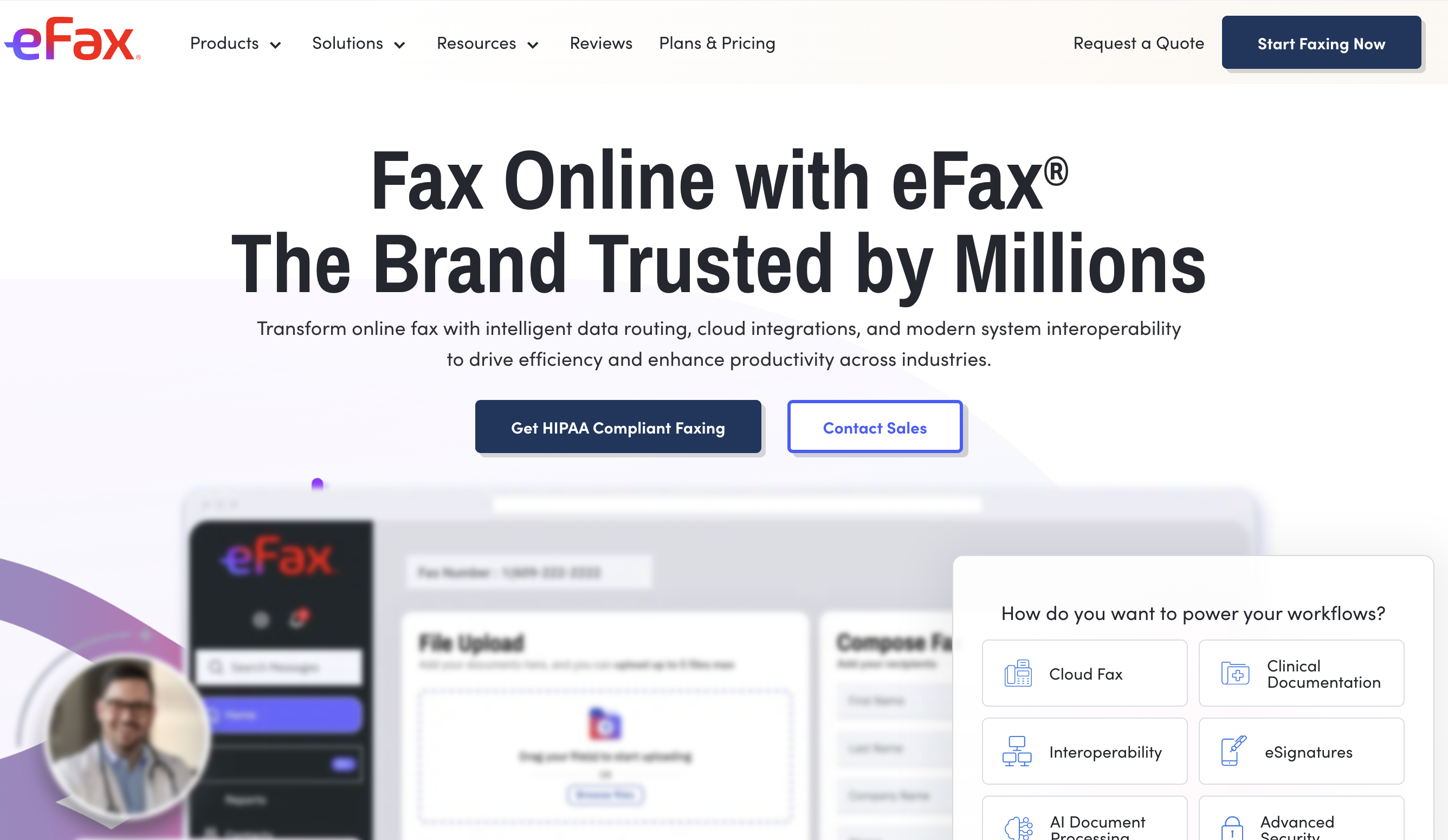
eFax has been a recognizable name in online faxing for years, and after using the platform, it's easy to see why. The overall experience felt reliable and familiar, with a straightforward interface that makes sending, receiving, and managing faxes accessible for users of all experience levels.
What stood out most during our evaluation was eFax's extensive global reach, flexible access across devices, and mature feature set. While it doesn't feel as modern as some cloud-first competitors, it remains a dependable choice for organizations that prioritize stability and broad international support.
Extensive international fax coverage
We liked that eFax supports faxing to numerous countries, making it a practical solution for businesses with international operations or clients.
The availability of local, international, and toll-free fax numbers gives organizations greater flexibility as they expand.
Sending documents across regions felt just as seamless as domestic faxing.
Flexible access wherever you work
We were able to access faxes from desktop, web, and mobile devices without sacrificing functionality.
The mobile app made it easy to review, send, and organize documents while working remotely.
Cloud storage integrations helped simplify document management across multiple devices.
Reliable features backed by years of experience
eFax includes useful business features such as electronic signatures, large file sharing, and searchable fax archives.
The platform handled everyday faxing tasks consistently throughout our evaluation, making it a dependable option for routine business use.
Its long-standing presence in the online fax market provides an added level of confidence for organizations looking for a proven solution.
Things to keep in mind
Although eFax offers a dependable experience, parts of the interface and overall workflow feel more traditional than newer enterprise-focused platforms. Businesses looking for advanced workflow automation, deeper administrative controls, or a more modern user experience may find better long-term value elsewhere.
SRFax: Best for HIPAA-Compliant Healthcare Organizations
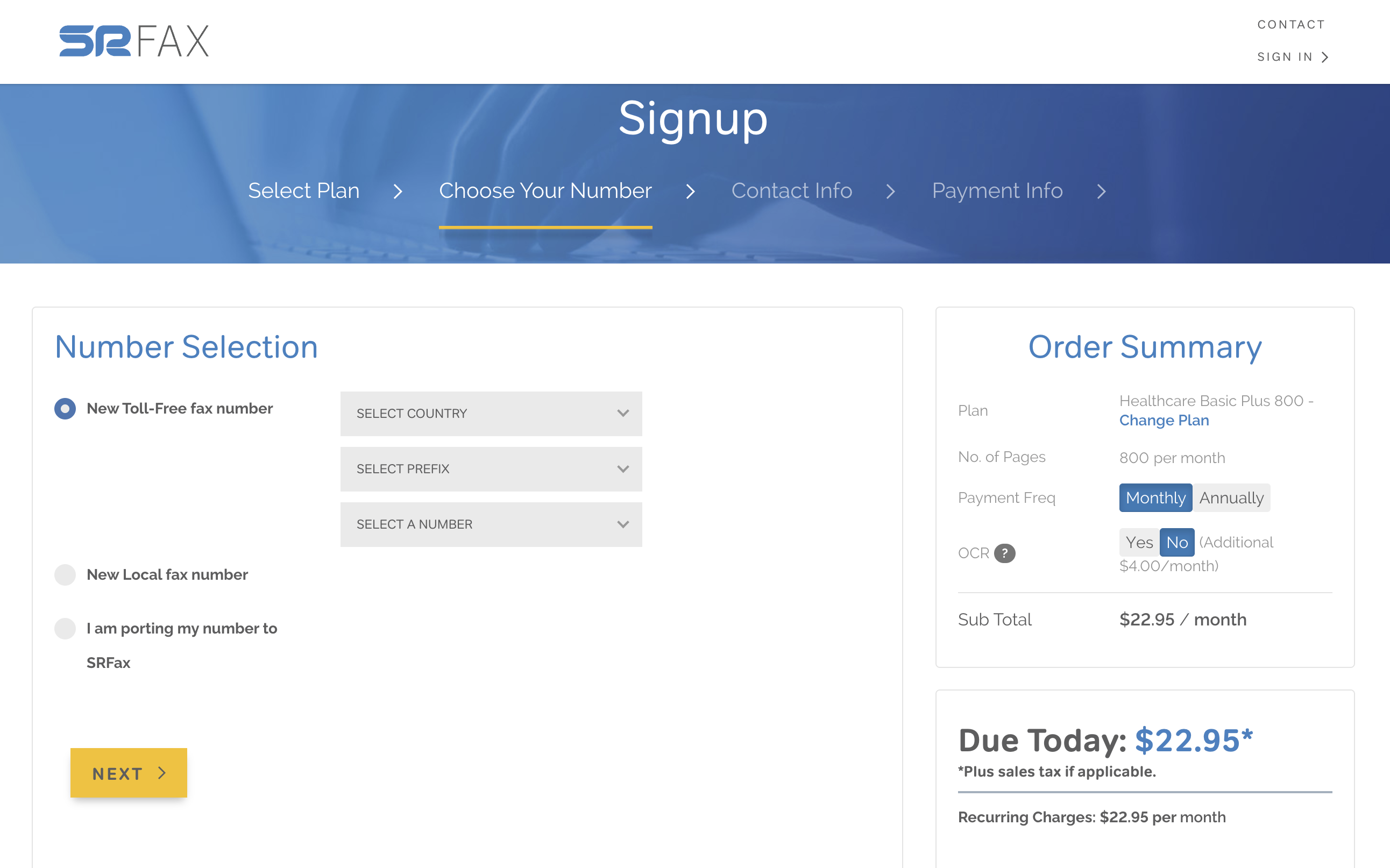
SRFax takes a more straightforward approach than many modern online fax platforms, but that's part of its appeal. During our evaluation, the platform felt dependable and purpose-built, with a clear emphasis on secure faxing rather than packing in every possible productivity feature.
What stood out most was SRFax's commitment to compliance. For organizations in healthcare and other highly regulated industries, it provides the core security and reliability needed to handle sensitive documents with confidence.
Built with HIPAA compliance in mind
We appreciated that SRFax is designed to support HIPAA-compliant faxing, making it a strong fit for healthcare providers, clinics, and medical practices.
Encryption helps protect documents during transmission and storage, while secure cloud faxing reduces the need for traditional fax hardware.
Business Associate Agreements (BAAs) are available, giving covered entities additional confidence when handling protected health information (PHI).
Reliable, no-frills faxing
Sending and receiving faxes felt straightforward, with an interface that prioritizes function over unnecessary complexity.
The platform handled everyday faxing tasks consistently, making it easy to manage routine document exchanges.
Features like fax scheduling, contact management, and searchable fax history help streamline day-to-day operations.
Flexible deployment for healthcare teams
We liked that SRFax supports web, email-to-fax, and network faxing, allowing organizations to choose the workflow that best fits their environment.
Multi-user support makes it practical for departments that share fax responsibilities.
The service integrates well into existing healthcare workflows without requiring significant changes to established processes.
Things to keep in mind
SRFax prioritizes secure, compliant faxing over advanced collaboration and workflow automation. Organizations looking for broader document management features or deeper third-party integrations may find more comprehensive enterprise platforms better suited to their needs.
mFax: Best for Workflow Automation and API Integrations
mFax stood out for its modern, cloud-first approach to enterprise faxing. During our evaluation, the platform felt lightweight and intuitive, but what really caught our attention was how easily it fits into existing business systems. Rather than functioning as a standalone fax service, mFax is clearly designed to become part of a broader automated document workflow.
Its biggest strength lies behind the scenes. If your organization relies on custom applications, automated processes, or cloud-based business software, mFax offers the flexibility to connect faxing with the rest of your technology stack.
Built for automation
We found mFax's REST API to be one of its biggest advantages, making it easier to automate fax workflows and integrate faxing into existing business applications.
Support for automated document routing can help reduce manual work for high-volume teams.
The platform is well suited for organizations looking to streamline repetitive document processes.
Integrates seamlessly with business systems
We liked how easily mFax fits into cloud-based workflows without requiring users to adopt an entirely new way of working.
API-first functionality provides developers and IT teams with greater flexibility for custom deployments.
The platform supports integrations that help businesses centralize document management and communications.
Scalable cloud-based infrastructure
As a cloud-native solution, mFax felt responsive and reliable throughout our evaluation.
Multi-user support and centralized management make it suitable for growing teams and enterprise deployments.
The platform scales well as fax volumes and organizational needs increase.
Things to keep in mind
While mFax excels at automation and integrations, organizations looking for a broader suite of collaboration or document management features may find some dedicated enterprise platforms offer a more comprehensive all-in-one experience.
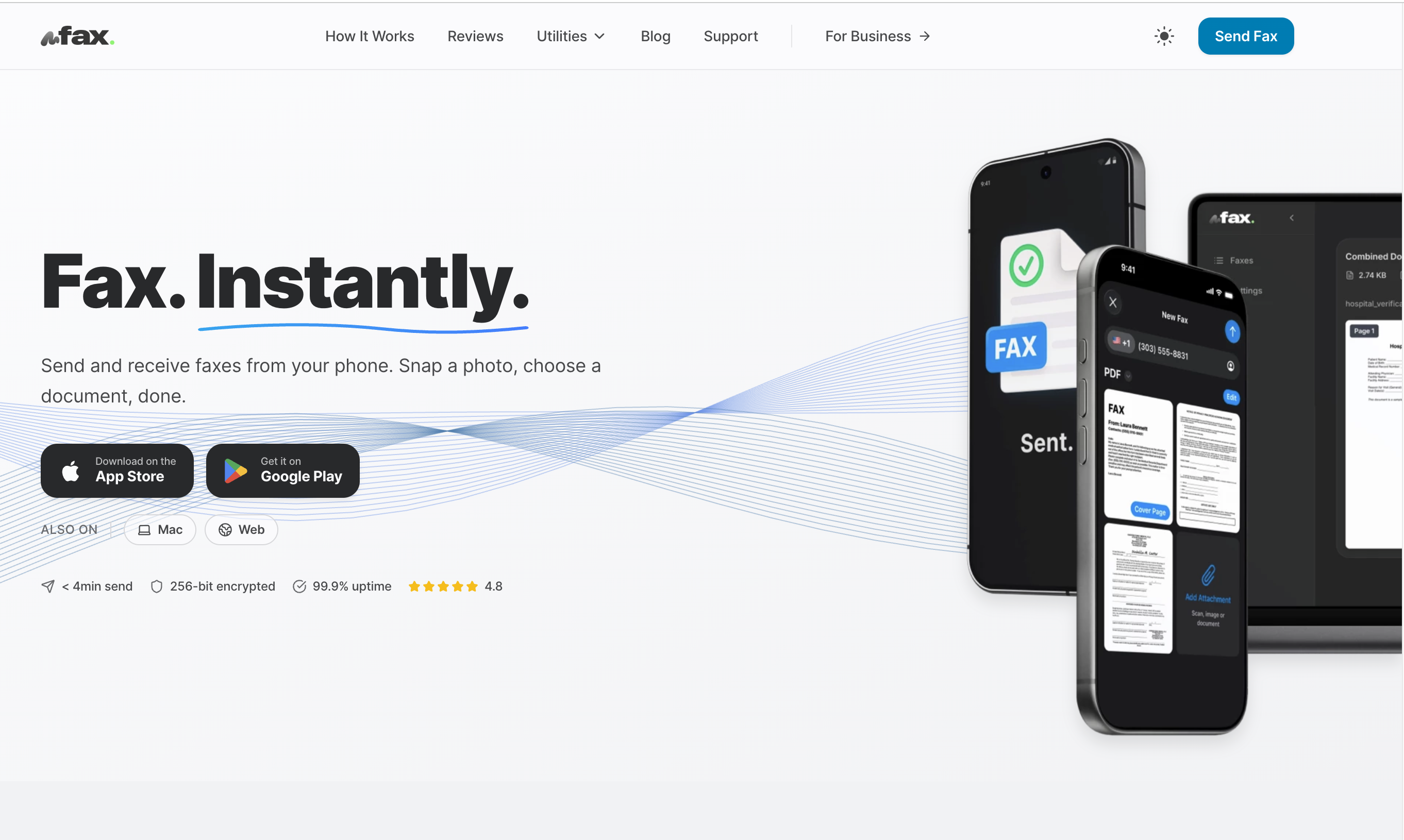
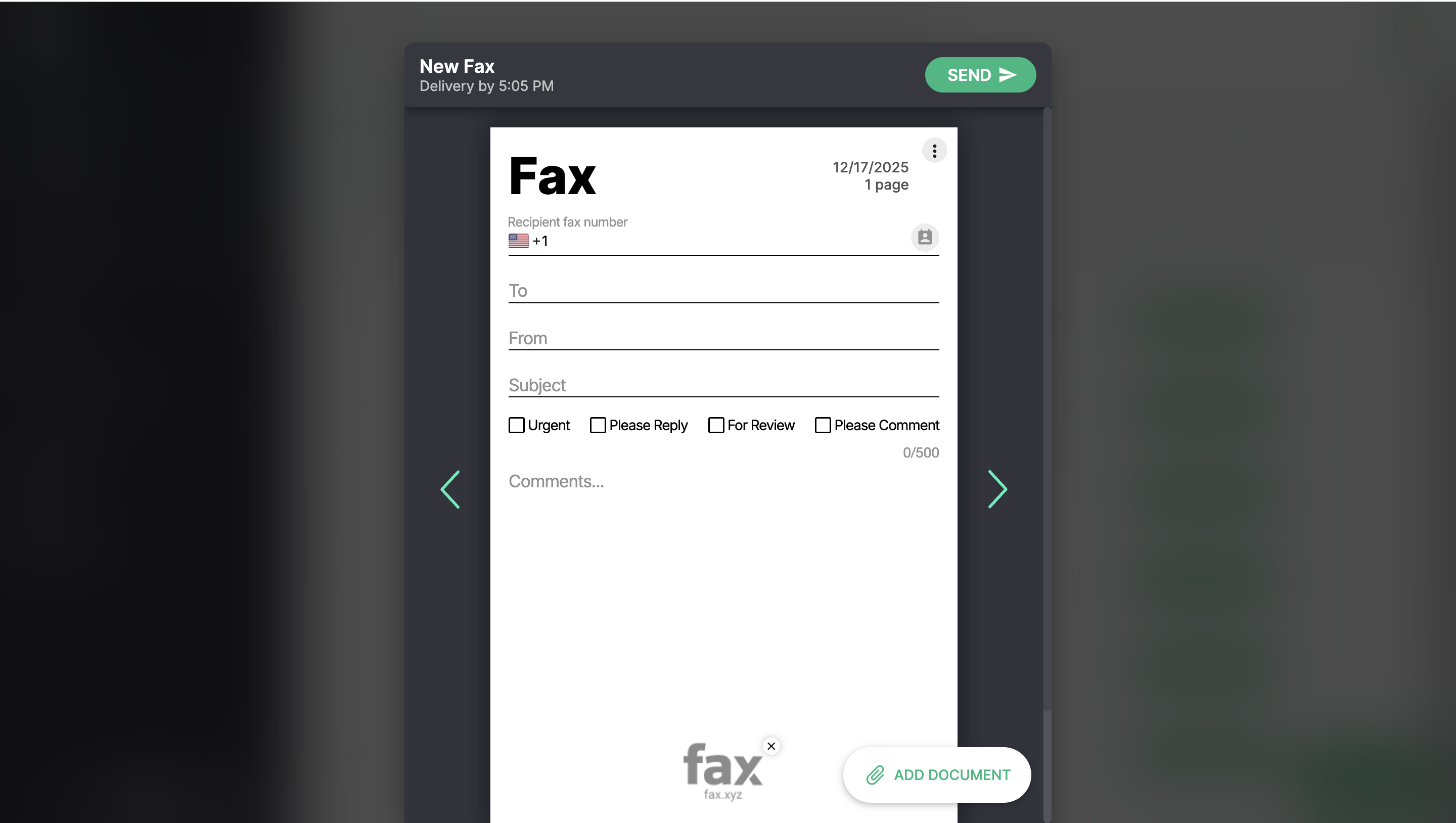
Fax.xyz: Best Low-Cost HIPAA-Compliant Online Fax Service
Fax.xyz impressed us with its simple approach to secure online faxing. Rather than trying to be an all-in-one document management platform, it focuses on delivering the essentials—secure fax transmission, HIPAA compliance, and an intuitive user experience—at a price point that's accessible for smaller organizations and growing businesses.
For healthcare providers, private practices, and businesses that need compliant faxing without the overhead of a larger enterprise platform, Fax.xyz strikes a compelling balance between affordability and security.
HIPAA-compliant without the enterprise price tag
We liked that Fax.xyz is built with HIPAA-compliant faxing in mind, making it a practical option for organizations that handle protected health information (PHI).
Encryption helps safeguard sensitive documents during transmission, while secure cloud faxing eliminates the need for traditional fax hardware.
Its compliance-focused approach makes it a strong fit for healthcare, insurance, and other regulated industries looking to control costs.
Straightforward and easy to use
The platform keeps the faxing experience refreshingly simple, allowing users to send and receive documents with minimal setup.
We appreciated the clean interface, which made routine faxing feel quick and intuitive.
Cloud-based access means users can manage faxes from virtually anywhere without relying on physical equipment.
Affordable for growing organizations
Fax.xyz offers an attractive entry point for businesses that need secure faxing without investing in a feature-heavy enterprise platform.
The service provides the core capabilities most organizations need while keeping pricing competitive.
It's a particularly good choice for smaller healthcare organizations and growing teams that want compliance without unnecessary complexity.
Things to Keep in Mind
Fax.xyz focuses on affordable, secure faxing rather than advanced enterprise workflows. Organizations that require extensive integrations, workflow automation, or centralized administrative controls may benefit from a more feature-rich enterprise solution.
The Bottom Line on Enterprise Online Faxing
Enterprise organizations need more than a basic online fax service. As document volumes grow and compliance requirements become more demanding, it's important to choose a platform that's built to handle secure communications, support multiple users, and integrate seamlessly with your existing business workflows.
The right solution should not only meet your needs today but also scale with your organization over time. By prioritizing security, reliability, administrative controls, and workflow efficiency, you'll be better equipped to invest in an enterprise online fax service that delivers lasting value as your business evolves.






.svg)