Best Online Fax for Law Firms in 2026: Secure and Compliant Solutions Compared

Reviews
Compare the best online fax services for law firms. Explore secure, reliable, and easy-to-use fax solutions for attorneys, solo practices, and legal teams.
We've done the legwork of comparing the top pay-per-fax services, so you can skip the trial and error. Choosing the right provider isn't always easy—pricing, page limits, and features vary widely, and the cheapest option isn't always the best value. This guide highlights the services that stand out, helping you choose the right one without wasting time or money.
The best one-time fax service isn't always the one with the lowest price. To identify the top providers, we compared each service using the factors that matter most—from overall value and security to reliability and ease of use.
We asked ourselves the following questions:
We looked beyond the advertised price to compare page allowances, hidden fees, and included features. After all, the cheapest service isn't always the one that delivers the best overall value.
Faxes often contain sensitive personal or business information, so we evaluated each provider's security features and privacy practices to see how well they protect your documents.
A one-time fax service should make sending a fax simple, not frustrating. We assessed how easy it is to upload documents, enter recipient details, complete payment, and receive delivery confirmation.
Whether you're sending an important contract or a one-page form, your fax needs to arrive successfully. We considered delivery speed, transmission success, and overall reliability.
Whether you're faxing from a desktop, tablet, or smartphone, we looked at browser compatibility, mobile support, and app availability to ensure a smooth experience across devices.
A great service doesn't end with a successful fax. We also considered customer support, delivery notifications, refund policies, and user feedback to evaluate the overall experience each provider offers.
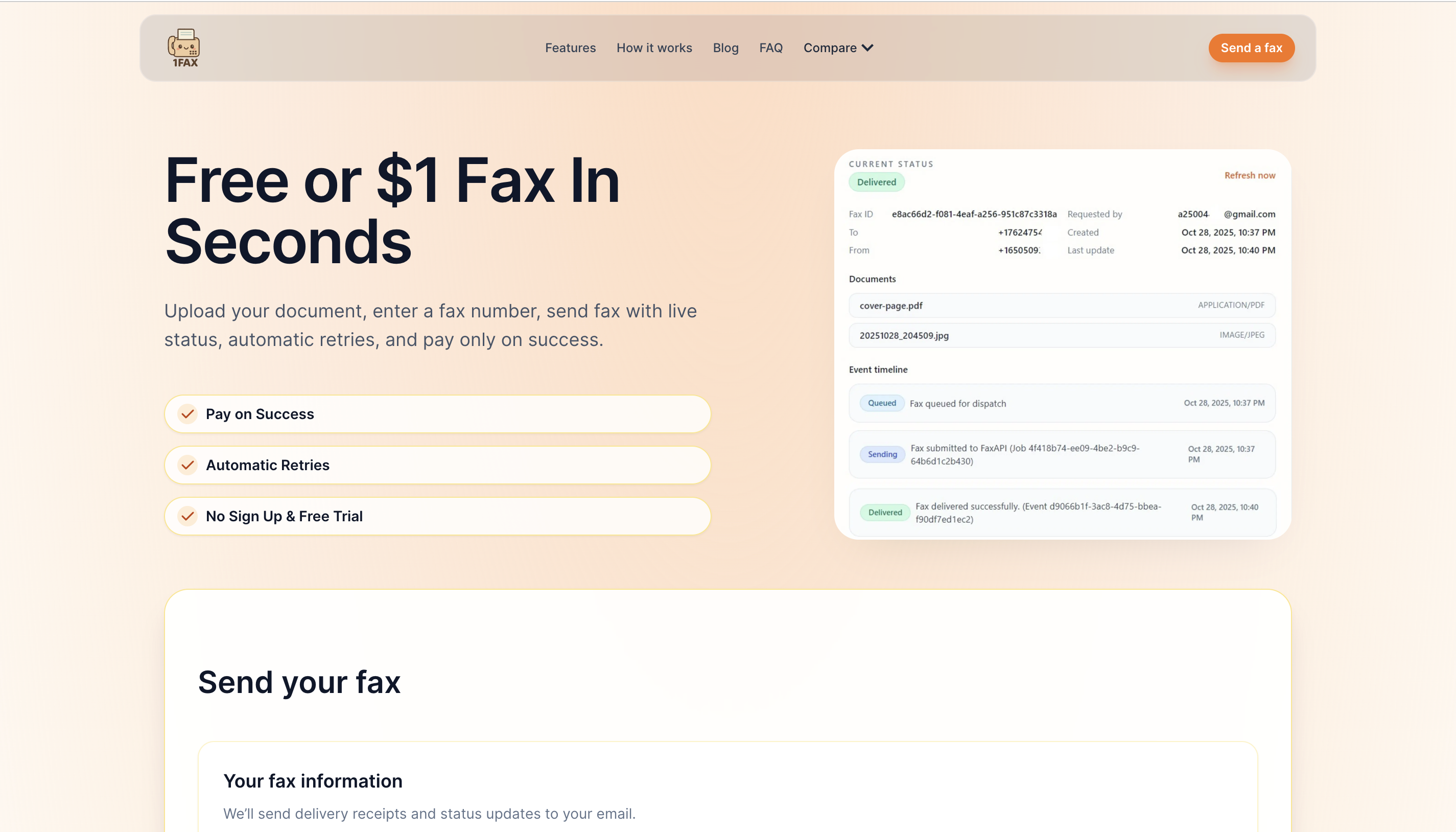
If your goal is to send a fax without a subscription, 1Fax.com delivers a refreshingly straightforward experience. During our evaluation, we found the website easy to navigate, with a simple upload process that takes you from uploading your document to receiving a delivery confirmation in just a few steps. It strips away the unnecessary extras, making it an excellent choice for occasional faxing.
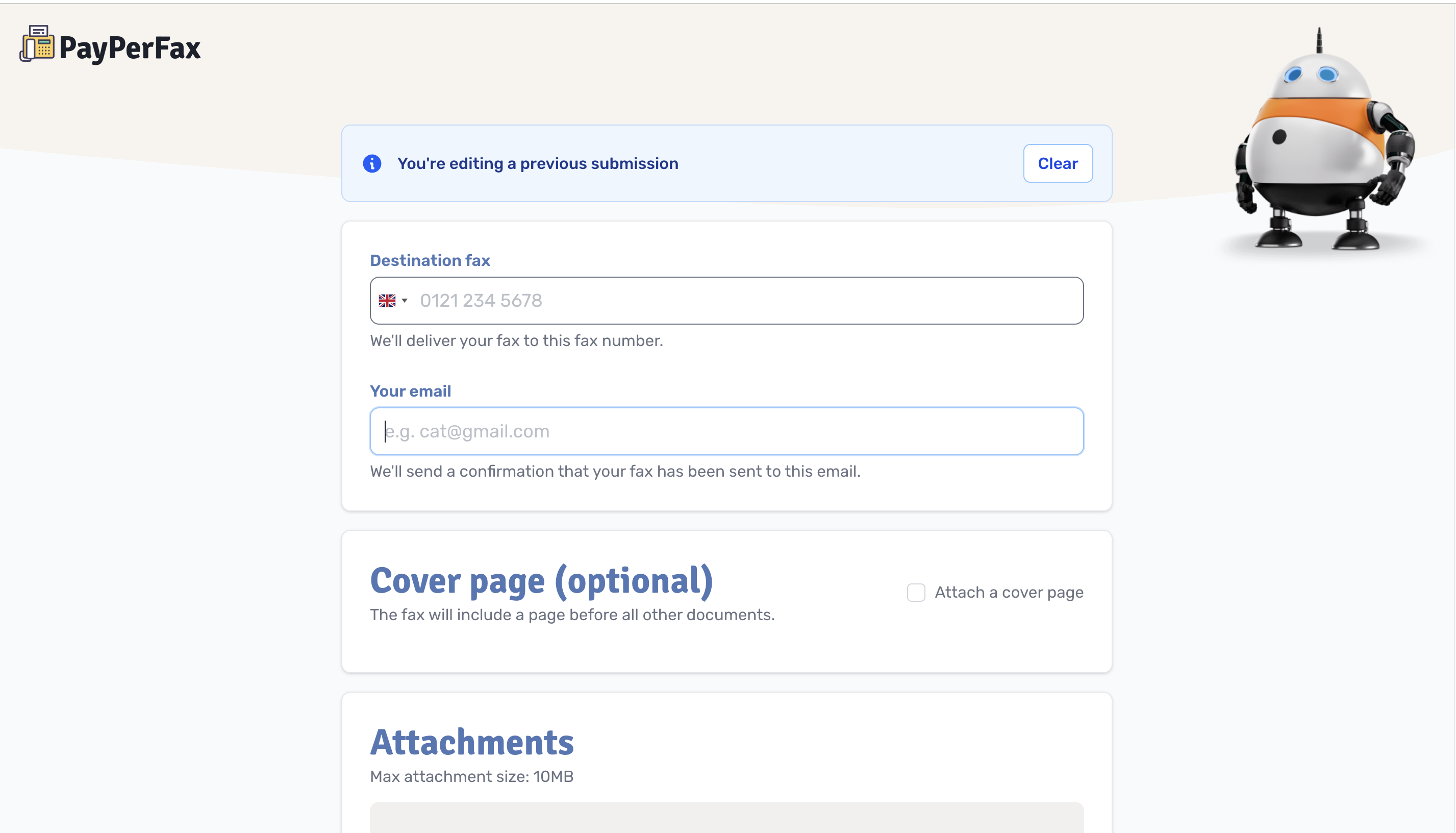
PayPerFax takes a more guided approach to online faxing. While sending a fax involves a few more steps than some competing services, each stage is clearly explained, making the process feel approachable rather than overwhelming. If you're sending a fax for the first time, the step-by-step workflow helps ensure you don't miss anything before hitting "Send."
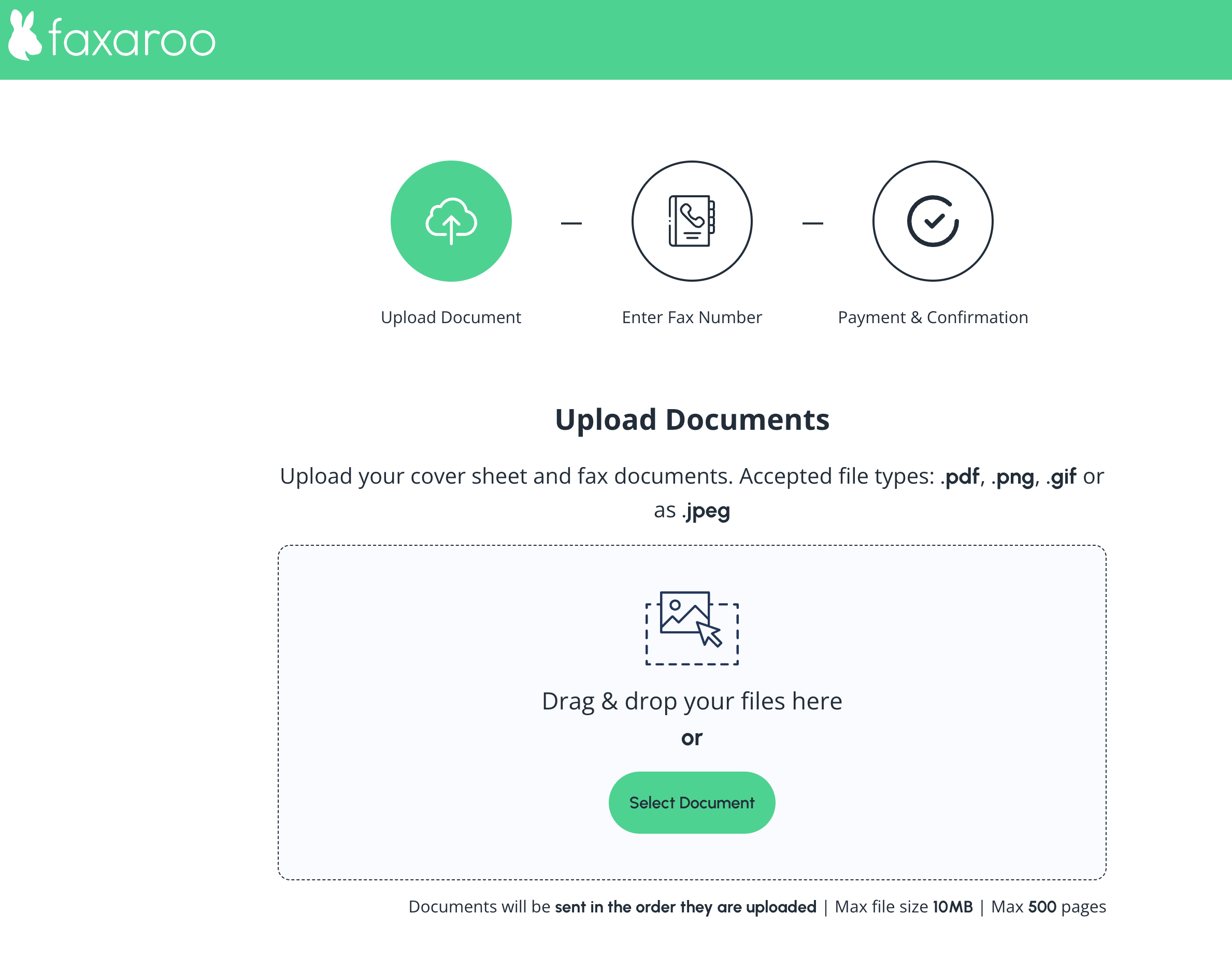
Faxaroo is built around predictability. Throughout our evaluation, we appreciated how clearly the service communicates pricing and what to expect before you send a fax. Rather than surprising you with unexpected costs or unnecessary account requirements, it keeps the experience straightforward from start to finish.

OneFaxNow sits on the more structured end of the pay-per-fax spectrum. The experience isn’t about stripping everything down to the essentials; it’s about ensuring you can track your fax from the moment you upload it until it’s confirmed as delivered.

LowFax keeps things intentionally minimal. Instead of layering on extra features or complex workflows, it sticks to the basics—upload your document, enter a fax number, and send it. The result is a no-frills experience that prioritizes function over everything else.
A pay-per-fax service allows users to send or receive faxes without a monthly subscription, making it a flexible option for occasional users. Instead of committing to a recurring plan, you simply pay for each individual fax you send or receive. This makes it an efficient way to send a fax without subscription, especially for those who only need faxing services from time to time. It is a convenient and cost-effective alternative to traditional fax machines or long-term fax service plans.
No. You do not need a physical fax machine to use pay-per-fax services. Everything is handled digitally through an online platform or mobile app, allowing you to upload documents and send them as faxes instantly. All you need is a stable internet connection and a device such as a smartphone, tablet, or computer.
Most pay-per-fax platforms let you upload a document, enter the recipient’s fax number, and pay a one-time fee. The service then converts your file into a fax format and sends it over a secure fax network.
They are better for users who fax occasionally. However, subscription plans may be more cost-effective for businesses that send faxes frequently.
Some pay-per-fax providers offer incoming fax capabilities, but this may cost extra or require a temporary fax number.
Choosing a pay-per-fax service isn’t really about finding a single winner—it’s about matching the experience to the way you actually send faxes.
Some tools strip everything down to the basics, others guide you step by step, and a few focus on giving you more visibility and reassurance once your fax is sent. Pricing, features, and workflows all vary, but the real difference lies in how much structure you want around a task that’s often just a one-time need.
Pay per fax and send documents instantly with Fax.xyz
Explore the future of faxing and secure document sharing. Find practical guides, helpful tips, and expert resources to streamline your workflow.

Send a Free Fax with Fax.xyz
.svg)
2025 © Fax.xyz 95 3rd St 2nd Floor, San Francisco, CA 94103, United States.