Find out how to fax from phone without stress or setup, using a fast and fully digital process. It only takes a few taps to send your document securely from anywhere.


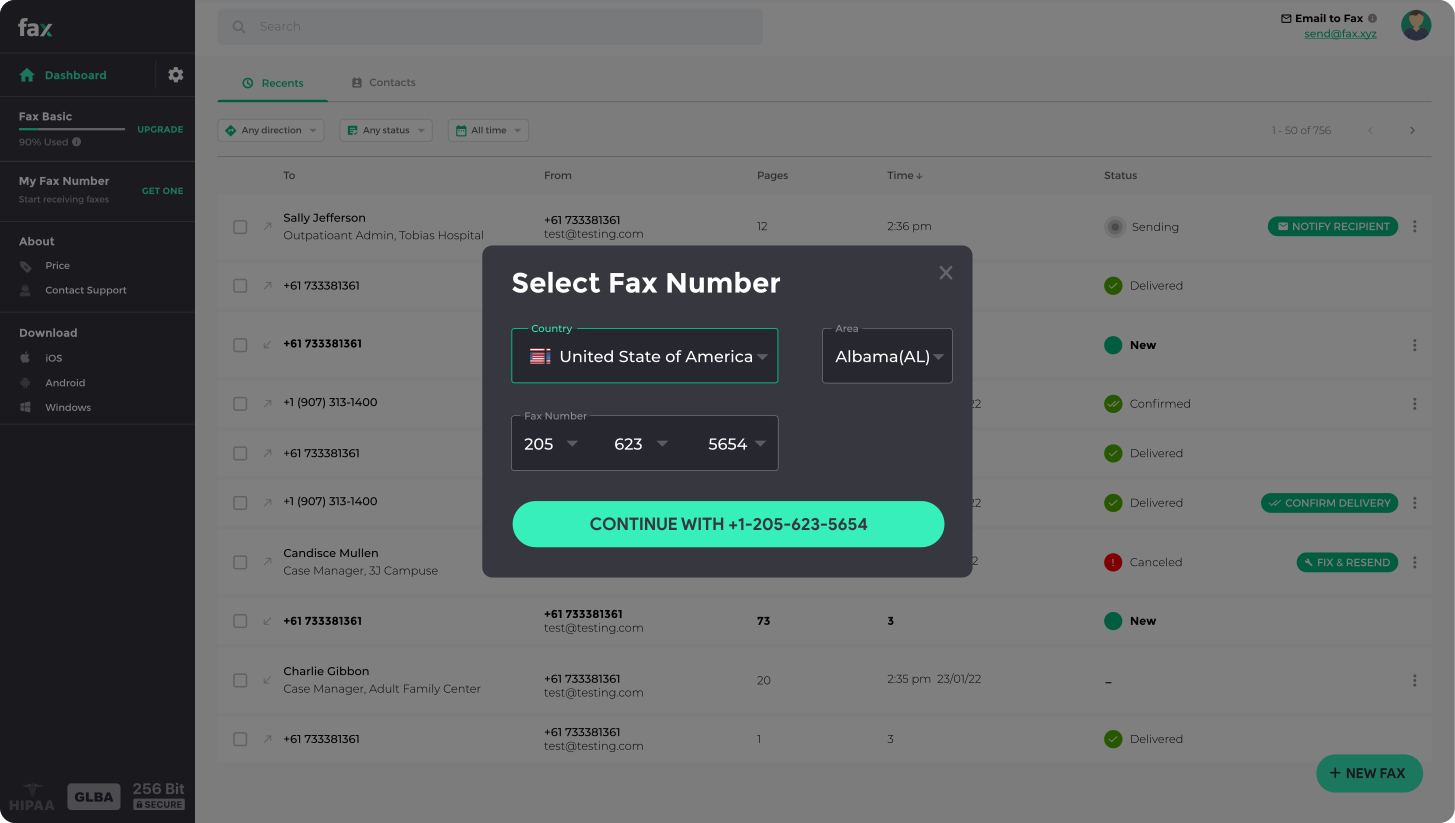

Fax.xyz brings the full power of faxing to your desktop. From any Windows PC, you can send documents instantly. Secure, fast, and intuitive, Fax.xyz makes online faxing seamless for individuals and businesses alike. Start sending faxes the modern way.
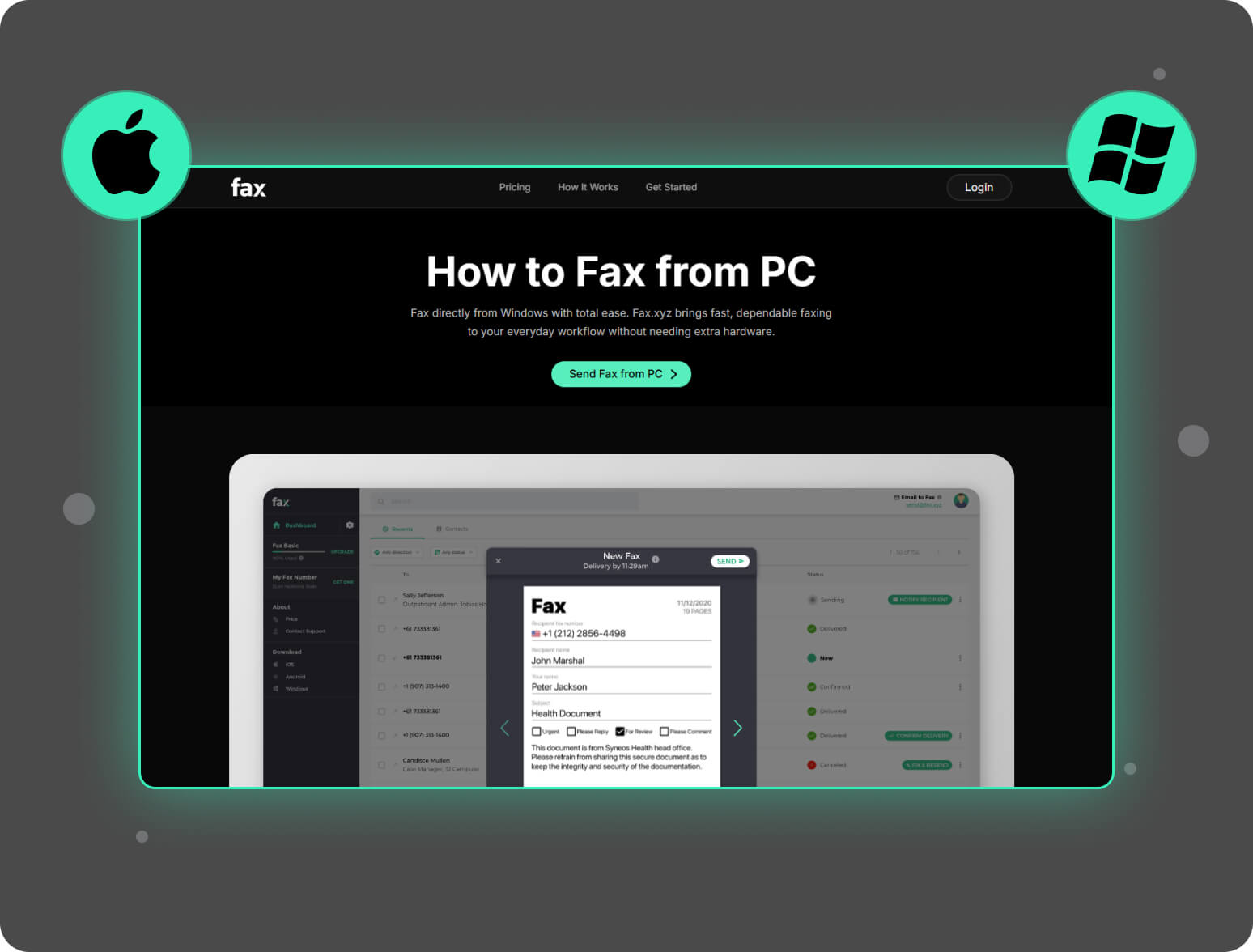
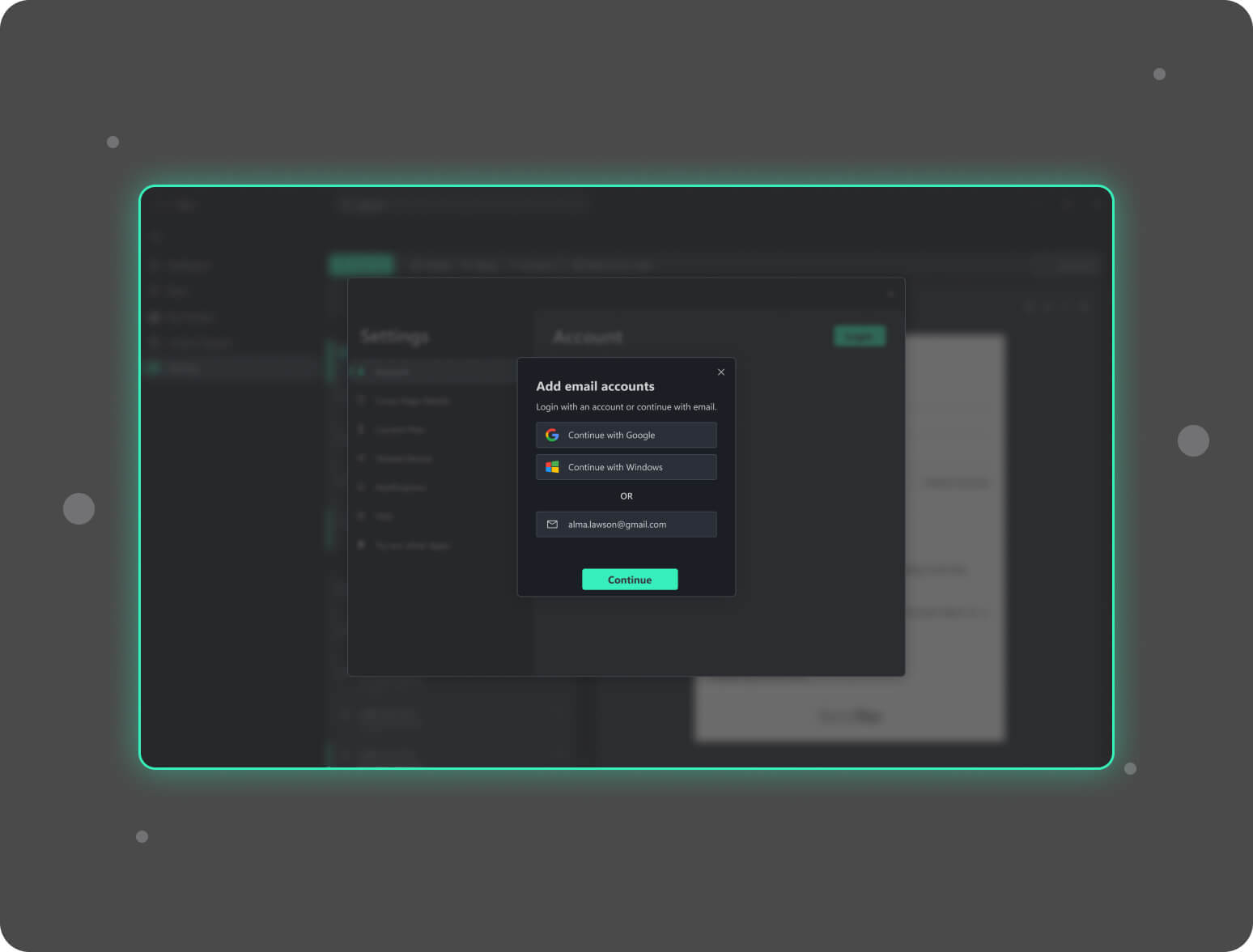
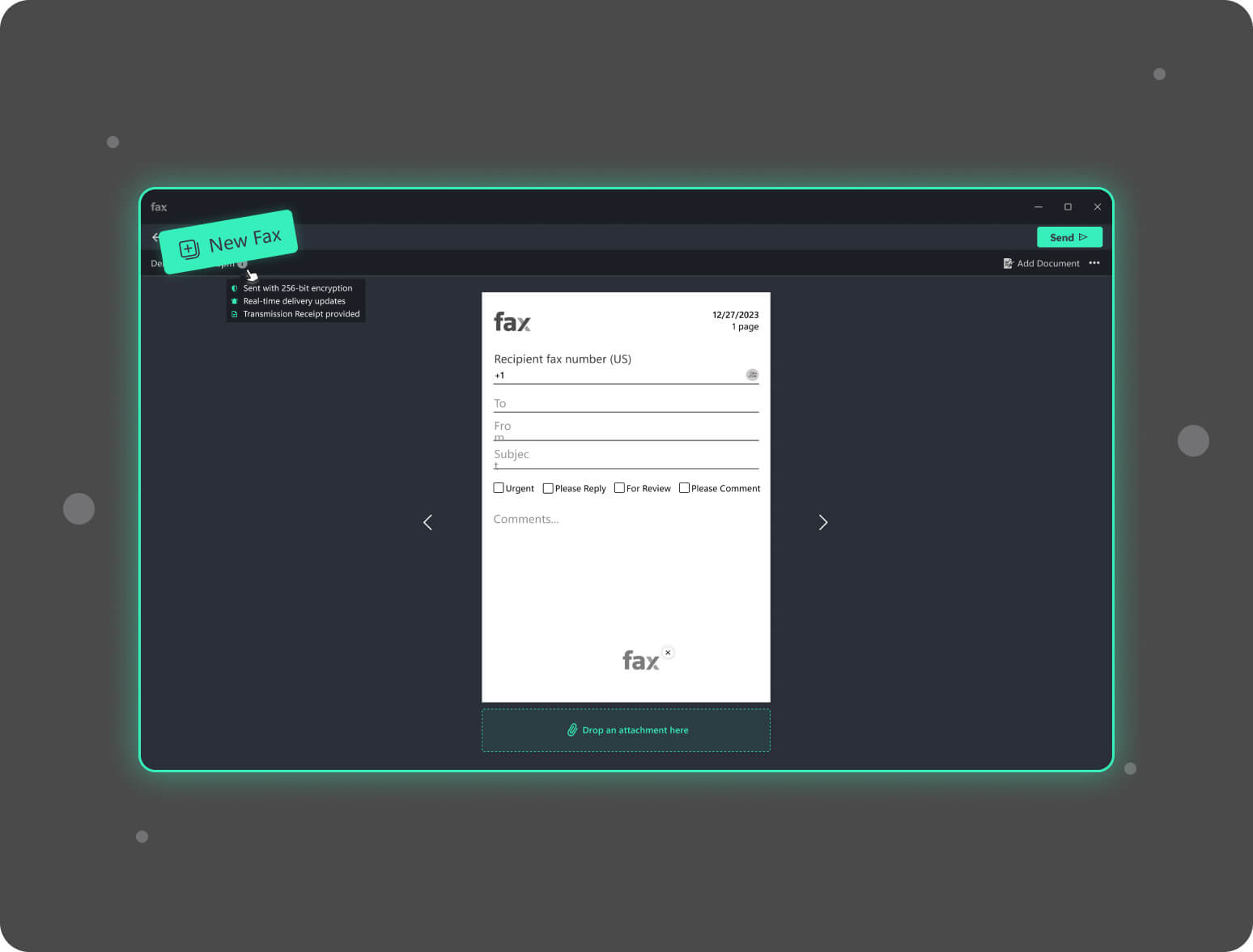
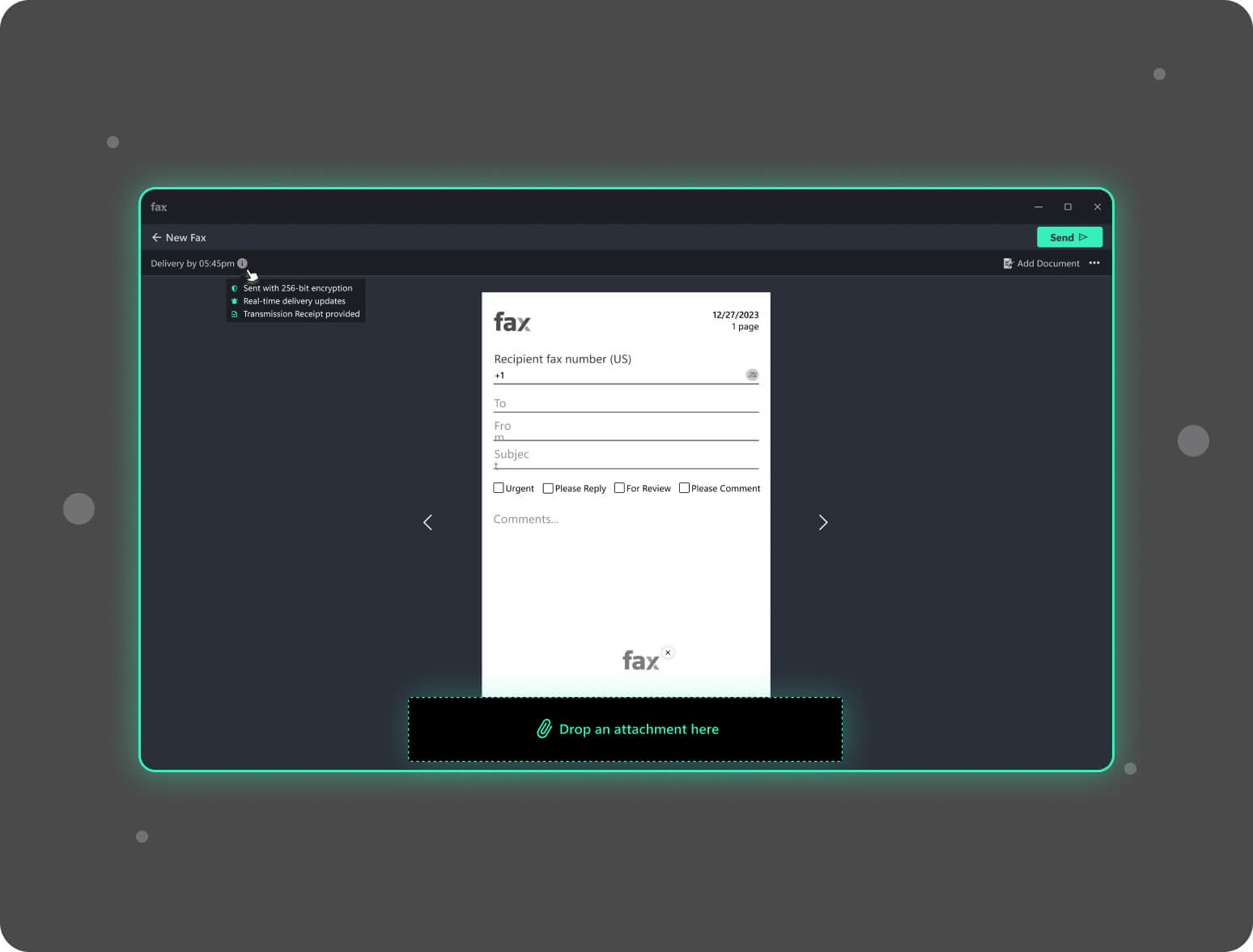
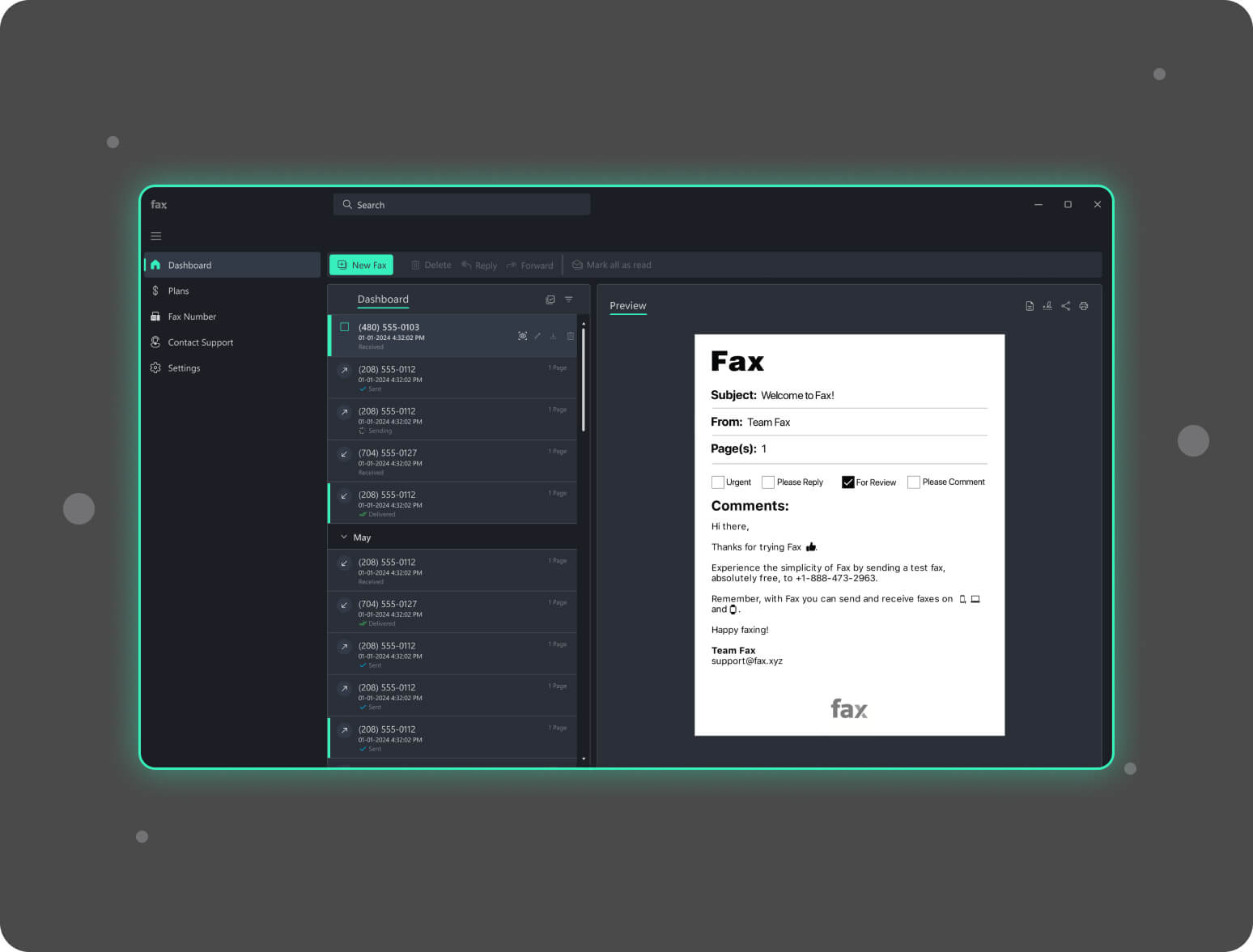
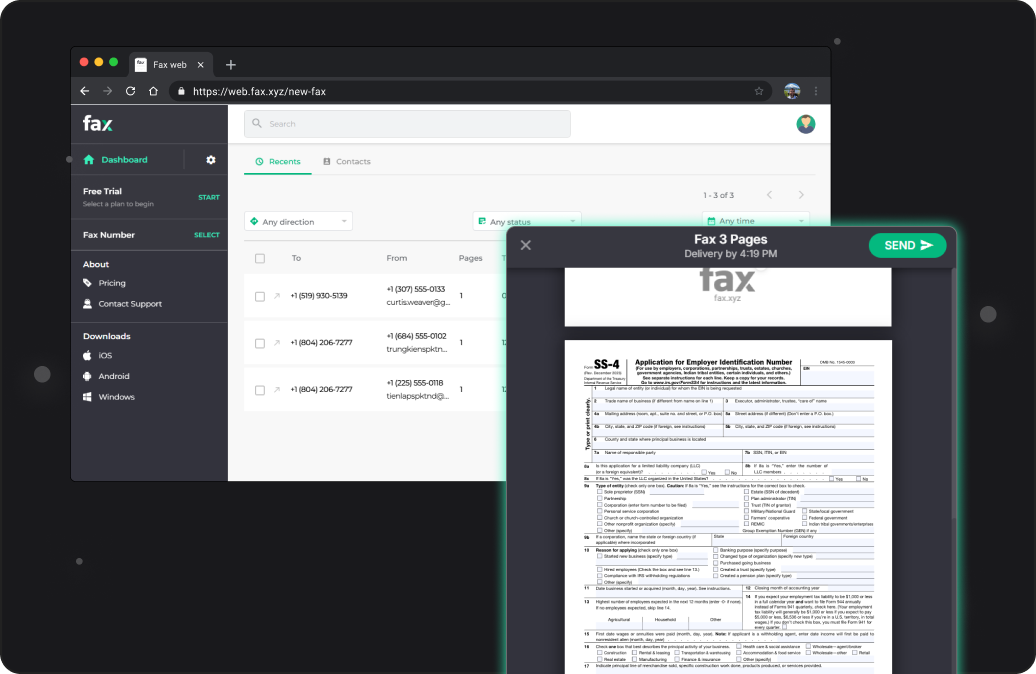
Fax.xyz is the all-in-one online faxing solution designed for modern digital workflows. Whether you need to send contracts, invoices, or personal documents, you can easily attach multiple file types, add a cover page, and track delivery—all without using a physical fax machine.
Send a free fax from computer today with Fax.xyz and experience how simple digital faxing can be. Just register for an account and start your free trial in minutes—no hidden fees, no complicated setup, and no hardware required. Your computer handles everything, allowing you to fax quickly, securely, and from anywhere.
Now you can manage your entire fax workflow using only your Windows PC. Fax.xyz makes sharing documents simple, digital, and reliable, removing the need for a physical fax machine. Our fax app for Windows boasts an intuitive interface that’s easy to navigate and straightforward to use–no technical skills required.
Features You’ll Love on Windows:
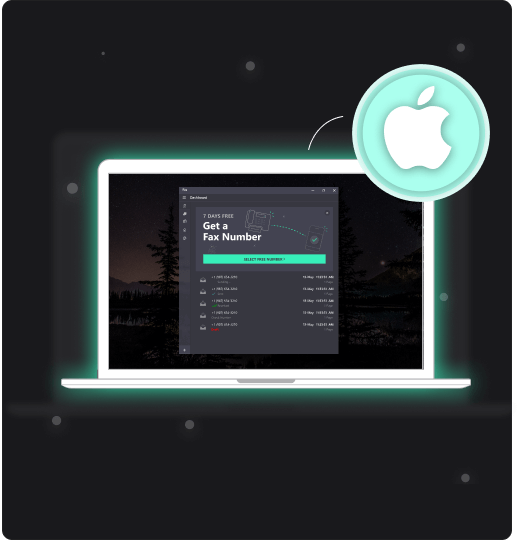
Fax.xyz brings reliable, secure faxing directly to your Mac. From composing and sending documents to tracking delivery, the app streamlines your workflow while keeping everything organized and encrypted. Managing faxes has never been this efficient.
Features You’ll Love on Mac:
With Fax.xyz, sending a PDF from your computer is fast, simple, and completely digital. Whether it’s contracts, invoices, reports, or personal documents, you can attach PDFs directly from your desktop and send them securely in just a few clicks.
While PDFs are our most common file type, Fax.xyz also supports other formats like JPEG, PNG, and Word documents, so you can fax nearly any document directly from your computer.

It’s time to upgrade your fax workflow. Fax from your computer and leave the hassles of traditional faxing behind. Everything you need—sending, receiving, and organizing faxes—is now at your fingertips. Focus on your work, not the outdated technology.
Get StartedMake the switch to digital faxing and manage all your documents efficiently on your computer with Fax.xyz.


Send a Free Fax with Fax.xyz
.svg)
2025 © Fax.xyz 95 3rd St 2nd Floor, San Francisco, CA 94103, United States.


