Receive Fax Online
with Fax.xyz

Receive fax online and access incoming documents wherever you are.
Everything you need is right there—in your inbox or on your device.

Gray gradient background transitioning from light to darker gray.
Receive FAXAbstract green background with smooth wavy layered shapes creating a gradient effect.

How to Receive a Fax Online

Where can I receive a fax without the hassle of a fax machine? With Fax.yz, you can sign up and manage all your incoming faxes from any device.

Get Started

Learn more
  • Step 1

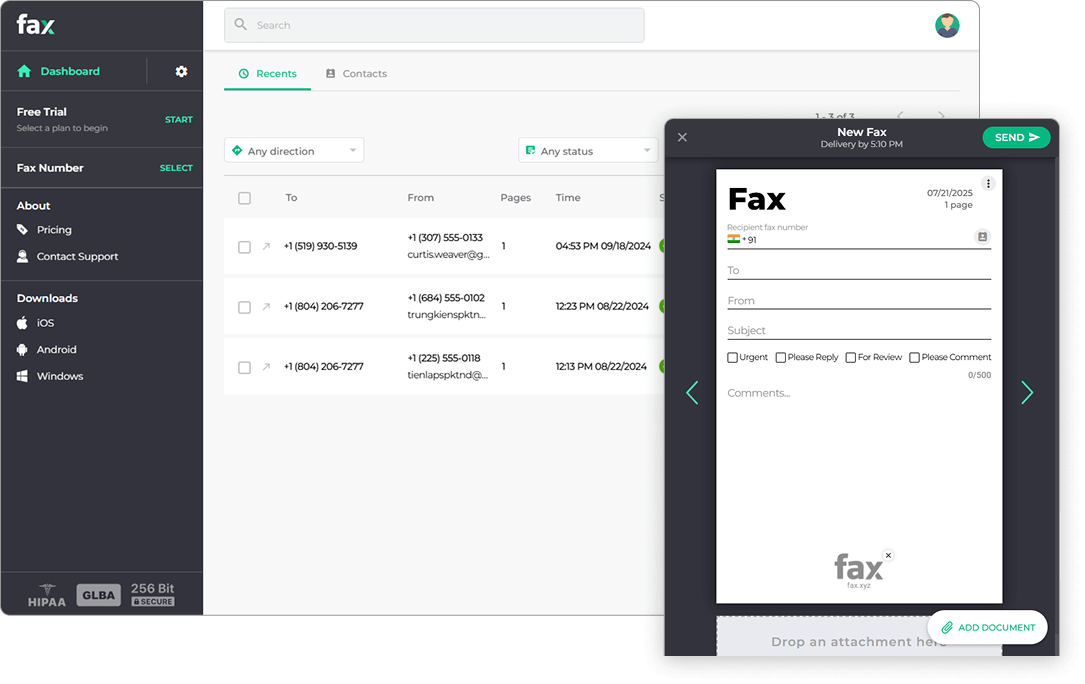
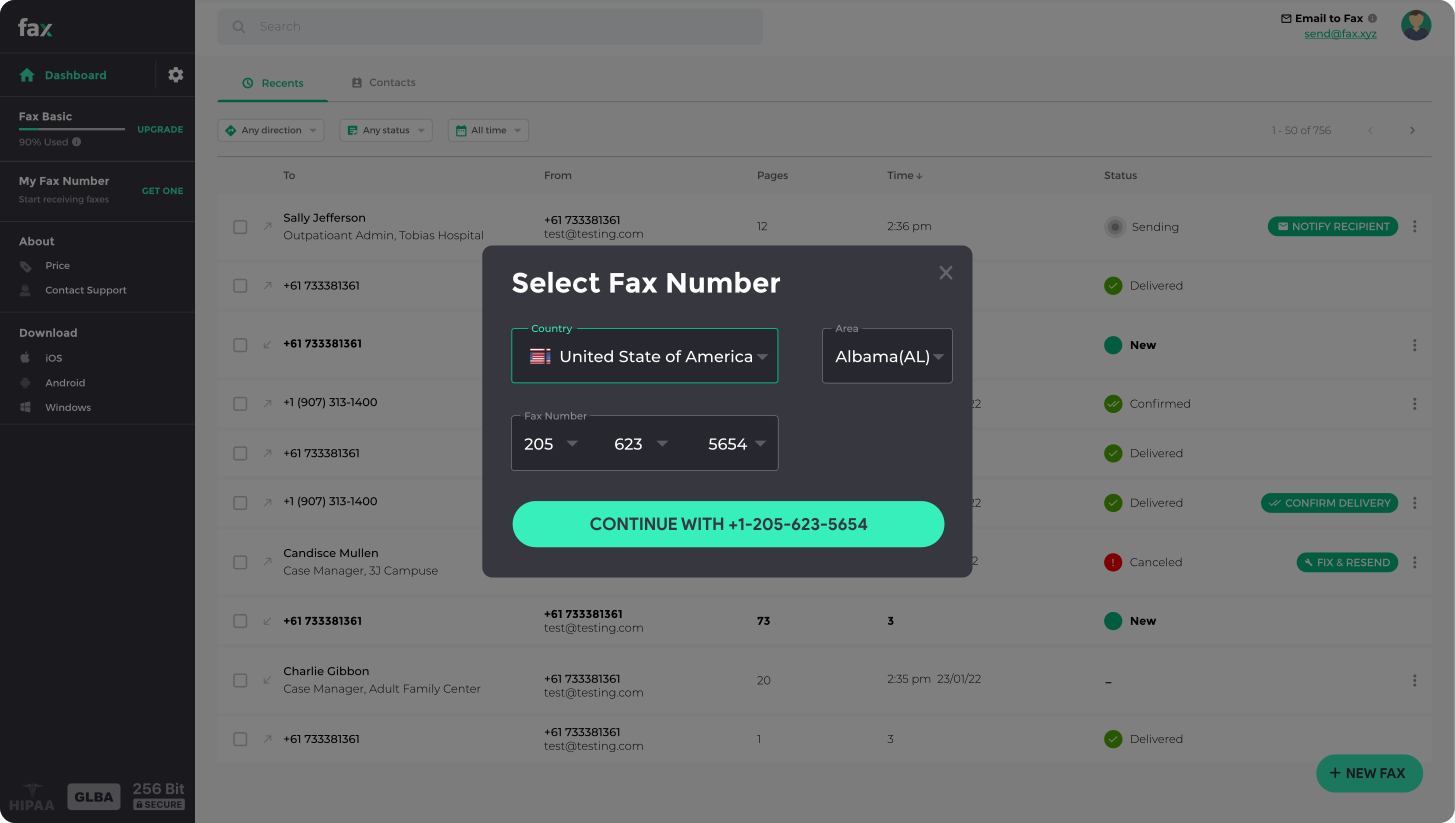
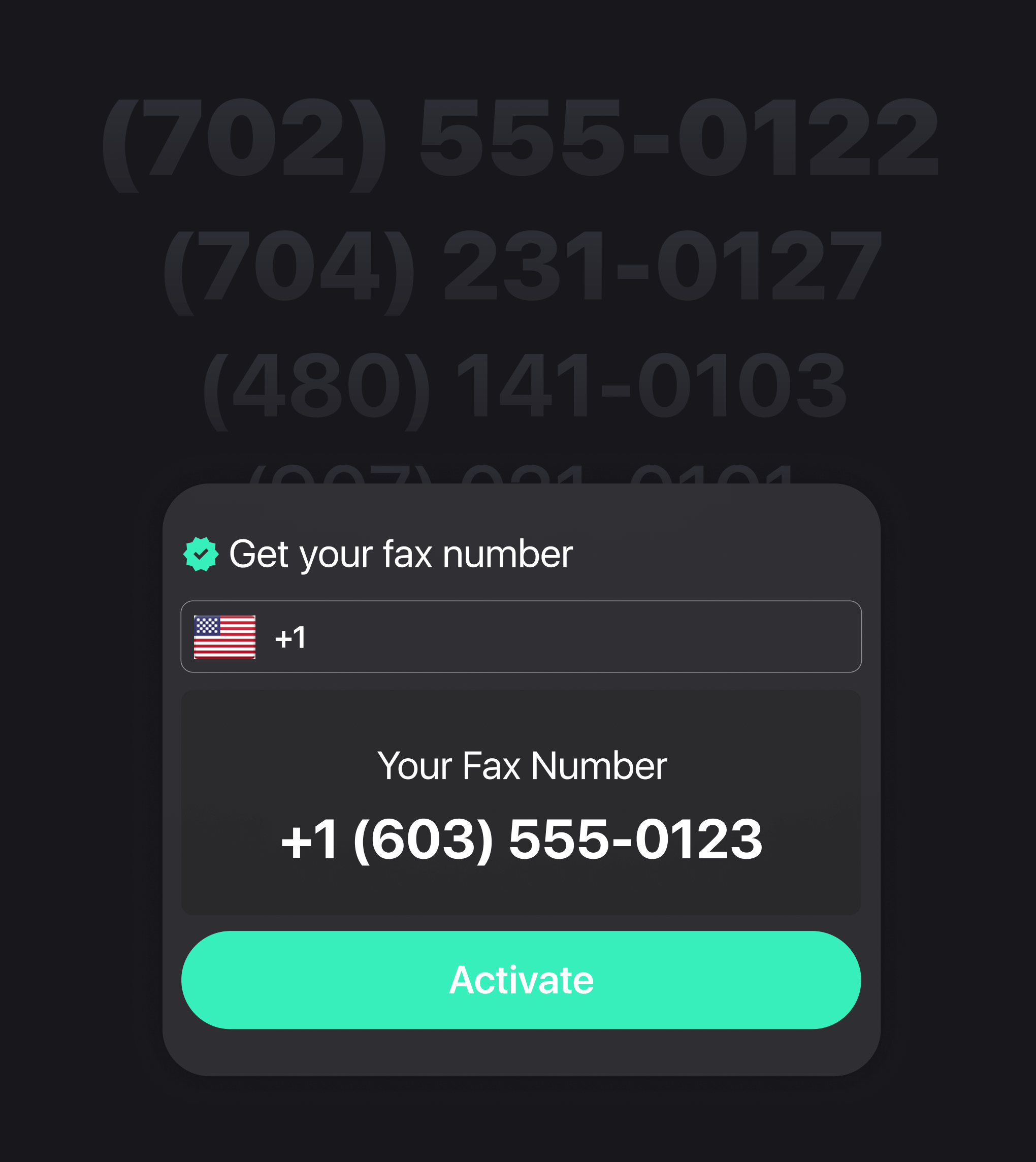
    Get your fax number. Create an account with Fax.xyz and choose your dedicated online fax number.

  • Step 2

    Receive faxes instantly. Incoming faxes are delivered directly to your inbox or email, so you’ll never miss a fax.

  • Step 3

    View, download, or share. Open, save, or forward your faxes from any device in seconds.
Receive Faxes Without the Fax Machine

Get a dedicated fax number and receive faxes online, without the hassle of traditional faxing.

Delivery Tracking
Get Your Fax Number

Choose a dedicated fax number and share it with anyone who needs to send you a fax.

Delivery Tracking
Receive Faxes Online

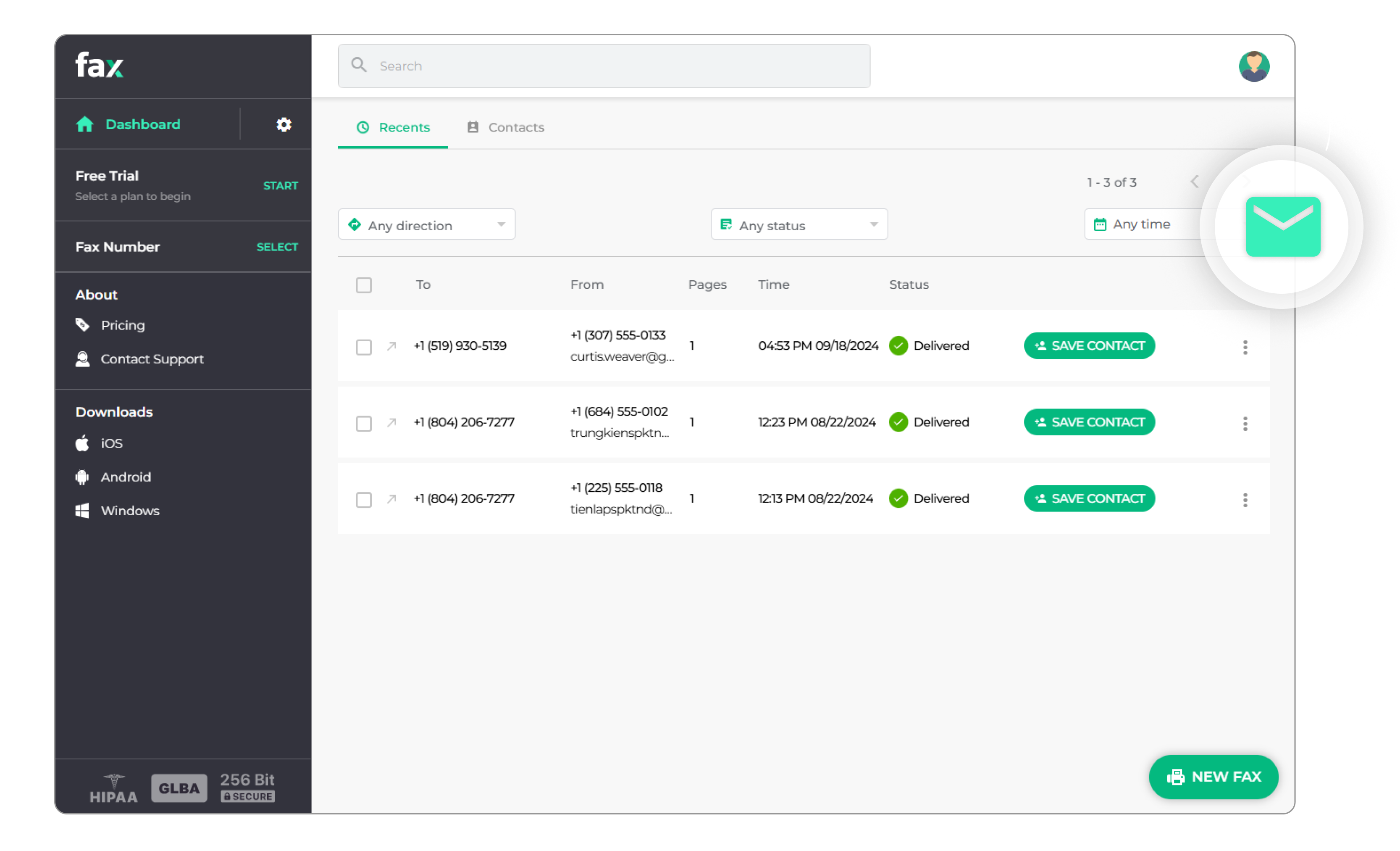
When a fax arrives, it goes straight to your Fax.xyz account—ready to view, download, or manage.

Delivery Tracking
Access Anywhere

Check your faxes from any device. You can also have incoming faxes delivered directly to your email.

Your Faxes Are Always Within Reach

With Fax.xyz, you can receive fax online and access incoming documents wherever you work. Whether you're at your desk, working from home, or on the go, your faxes are available through your Fax.xyz account—no fax machine required.

You can also receive faxes by email and have documents delivered directly to your inbox, or access your incoming faxes through the Fax.xyz app on your mobile device. Choose the way that works best for you and keep your faxes within reach wherever you are.

How to Receive a Fax via Email

Streamline your fax communications with Fax.xyz. With a quick setup, every fax you receive is turned into a PDF and delivered directly to your email.

Enable Fax-to-Email:

1. Open your settings

Log in to your Fax.xyz account and go to Settings → Notifications & Fax-to-Email.

2. Turn on email delivery

Enable Inbound Fax Emails and turn on Attach Fax so your incoming faxes are included as PDF attachments.

3. Save your settings

Click Save, and you're all set. From then on, faxes sent to your number will be delivered directly to your email inbox.

Fax application dashboard showing recent fax messages with sender and receiver numbers, times, and delivered status.

Receive Faxes with The Fax App

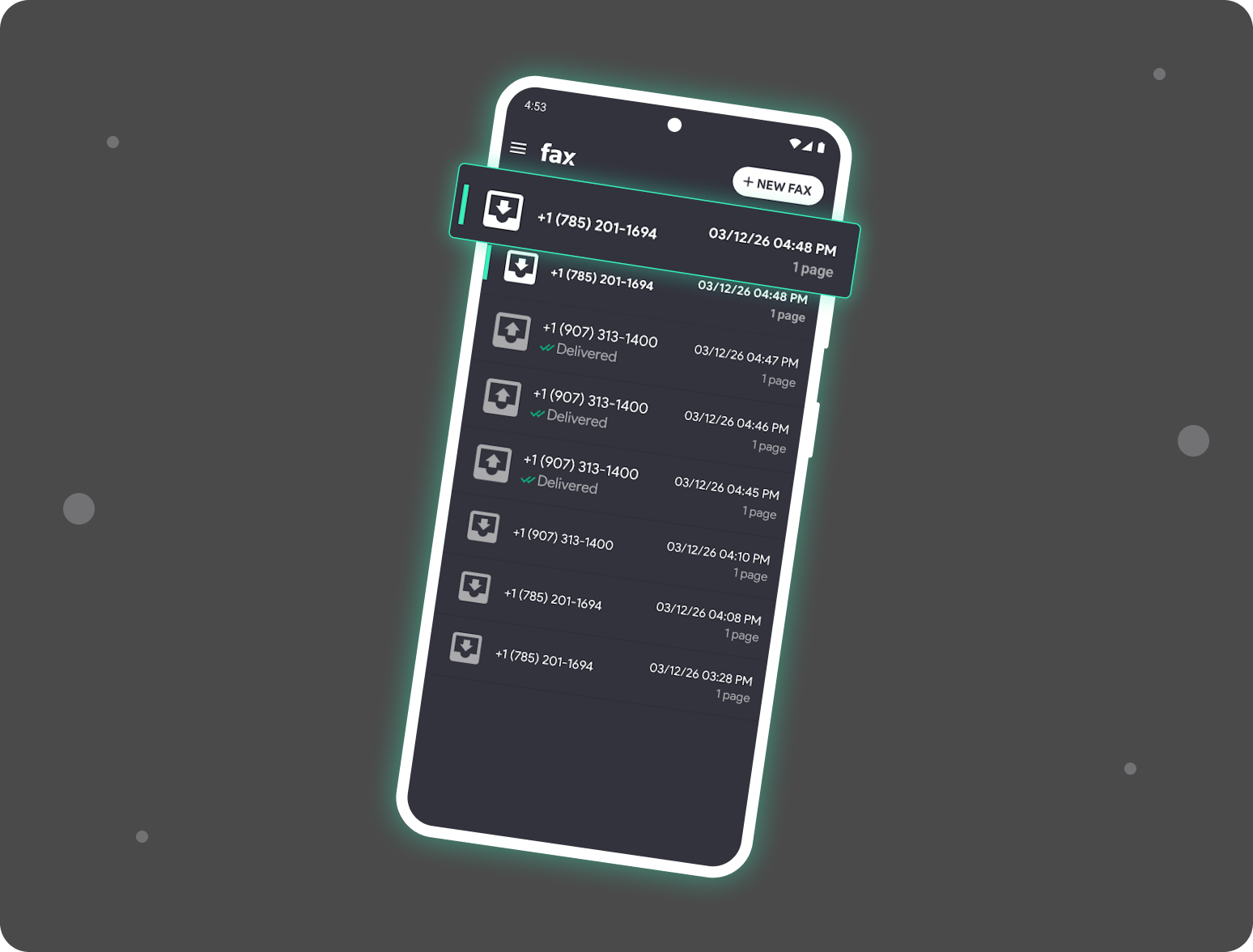
Receive faxes on any device, anytime. The Fax App lets you manage all incoming documents digitally—no fax machine, no phone line, and no complex setup required. All you need is an internet connection.

Our desktop apps for Mac and Windows, along with mobile apps on iOS and Android, give you full access to your fax communications wherever you are. Important documents are delivered directly to your device, so they’re always within reach when you need them.

With built-in tools to organize, archive, and forward incoming faxes, plus cloud integration, the Fax App gives you complete control over every document you receive.

Receive Faxes Online FAQs

Everything you need to know about receiving faxes without a fax machine.

Can I receive a fax without a fax machine?

Plus Icon
Yes. With Fax.xyz, you can receive faxes through an online fax number and access incoming documents digitally through your account.

How do I receive a fax online?

Plus Icon
Create a Fax.xyz account, get a dedicated fax number, and give that number to the person or organization sending you a fax. Incoming faxes will appear in your Fax.xyz inbox.

Can I receive a fax directly to my email?

Plus Icon
Yes. Enable Fax-to-Email in your Fax.xyz settings. Incoming faxes can then be delivered to your configured email address as PDF attachments.

Can I receive faxes on my computer?

Plus Icon
Yes. You can access your faxes through Fax.xyz on the web or through supported desktop apps.

Do I need a phone line to receive an online fax?

Plus Icon
No physical fax line is required to receive faxes through Fax.xyz. Your incoming faxes are handled through the online service.

Sign Up to Receive Fax Online

Create your free account, get a fax number, and start receiving faxes online.
No fax machine required.