Faxing from a phone is quick and simple with Fax.xyz. The steps below show exactly how to fax from phone—securely sending documents in minutes from any mobile device.
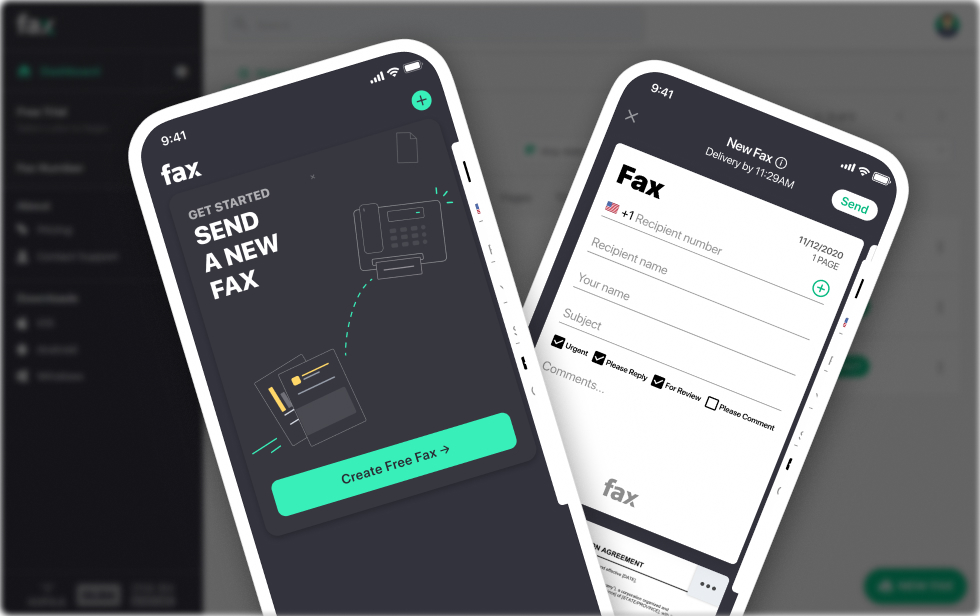


Handle faxing on the go with Fax.xyz. Follow our step-by-step guide to send documents from your phone quickly, securely, and without any complicated setup.
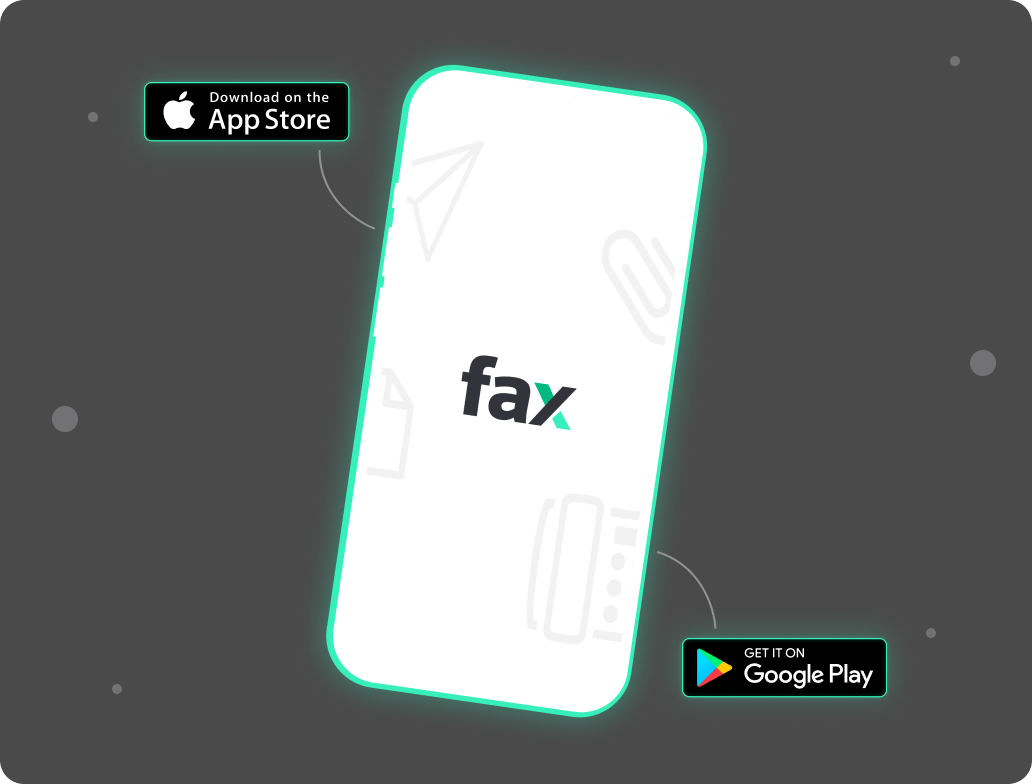
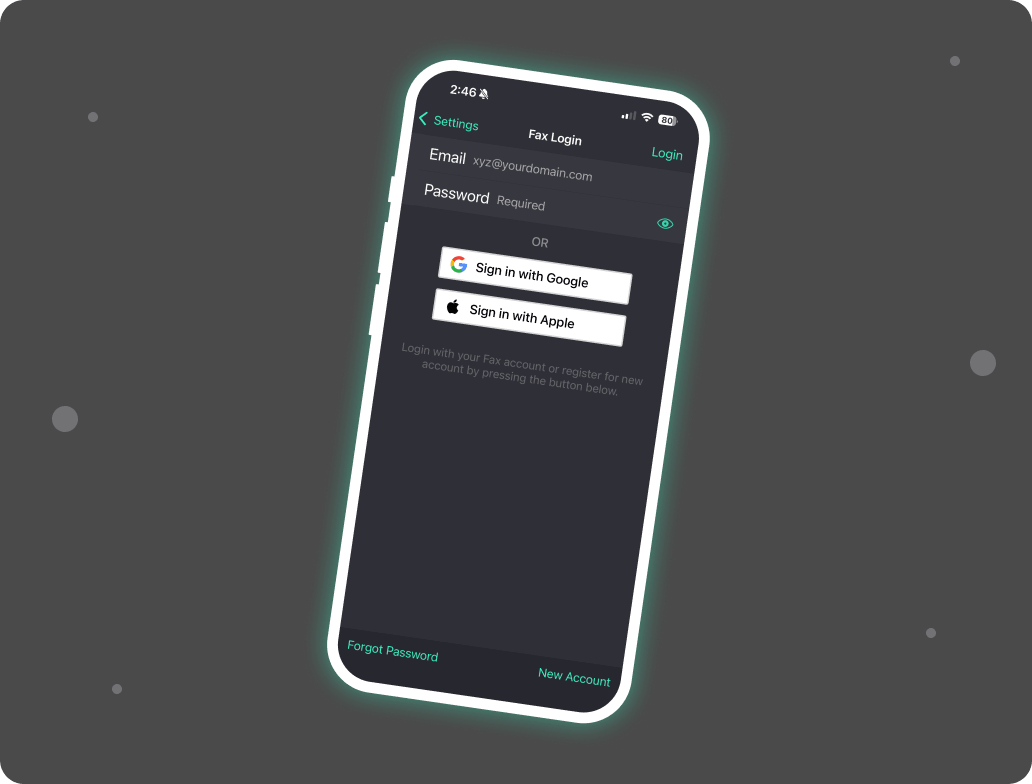
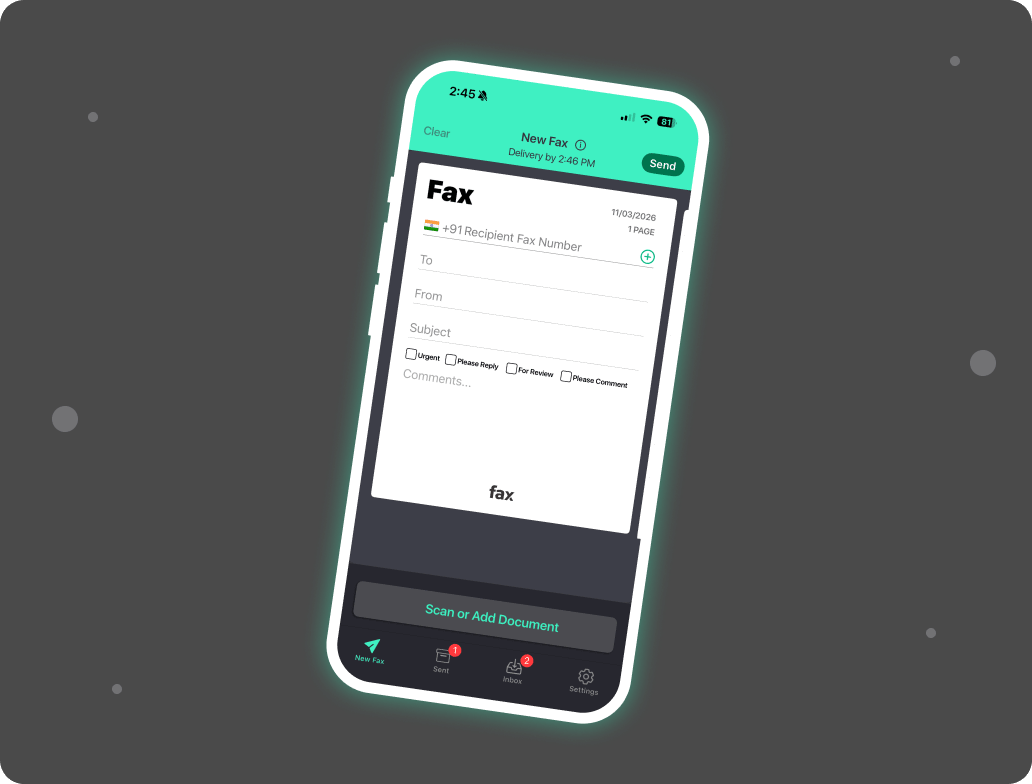
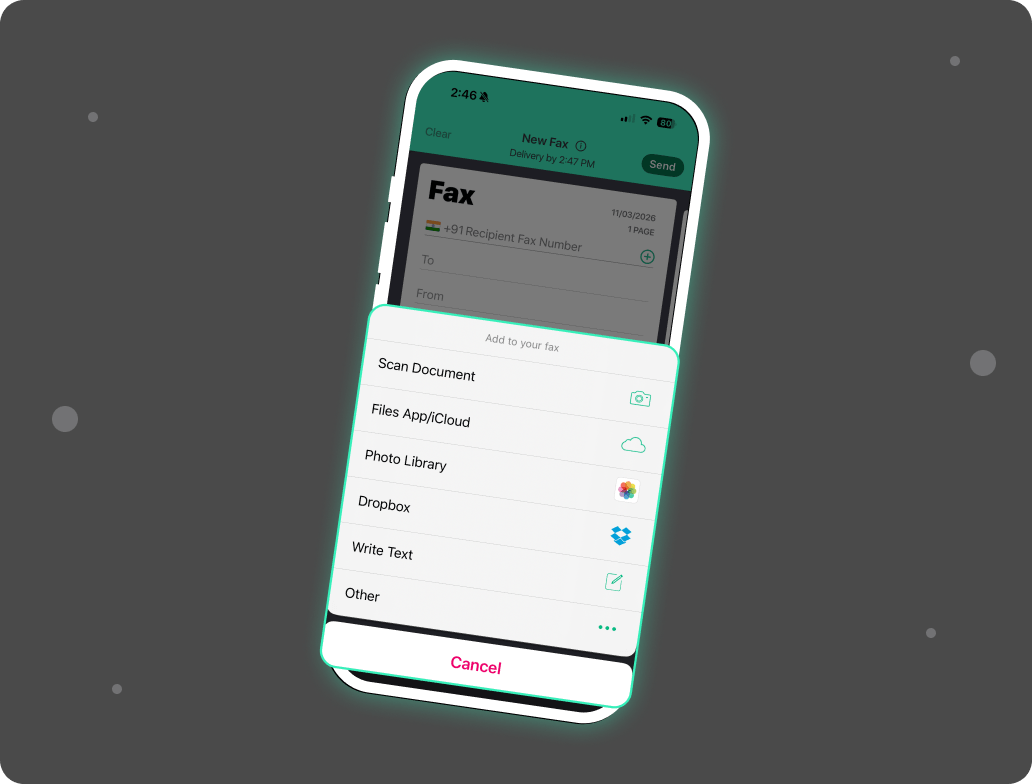
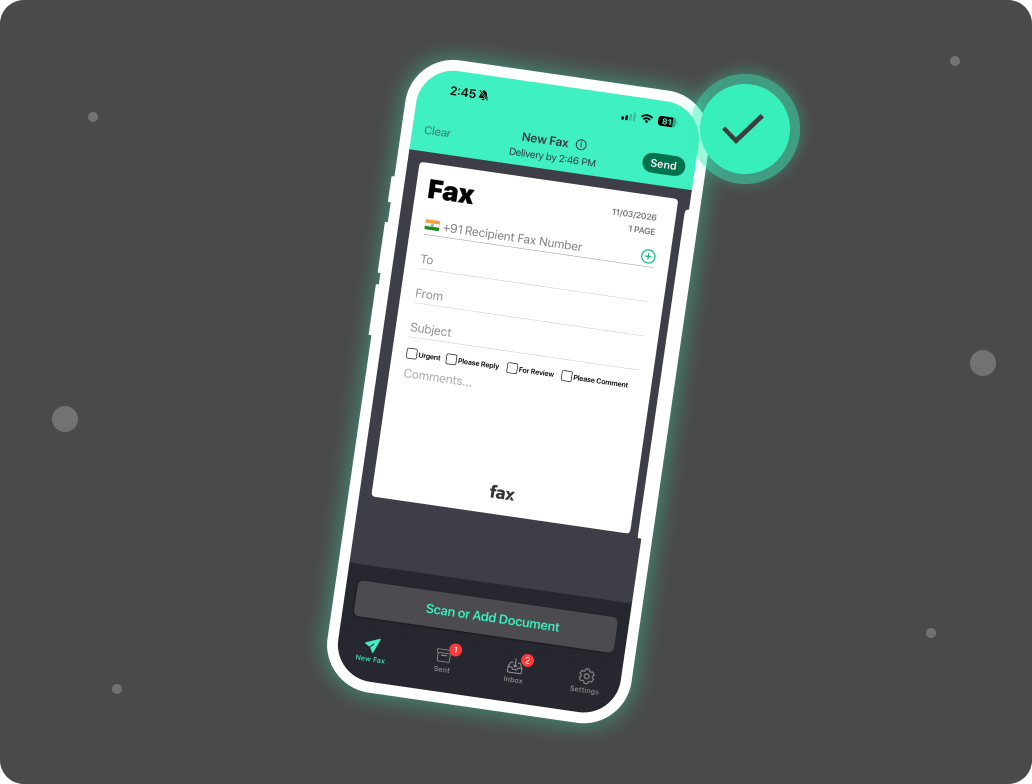

Getting started with how to fax from phone is completely free with Fax.xyz. Start a free trial to send and receive faxes directly from your smartphone with full access to all features. Experience fast, secure, and reliable mobile faxing without any commitment.
Download the app, sign up, and begin your free trial instantly
Why deal with a bulky, outdated fax machine when your Android phone can handle all your faxing needs? Learning how to fax from Android phone is simple with the Fax.xyz app. Designed to be fast, intuitive, and reliable, our Android fax app lets you manage your faxes seamlessly—whether you’re at home, in the office, or on the go.
Features You’ll Love on Android:

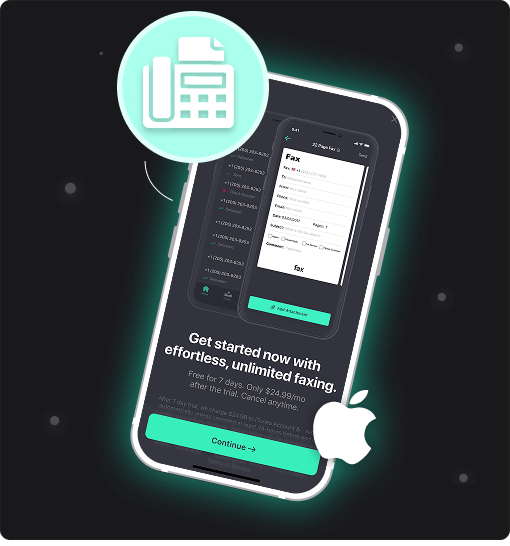
Your iPhone isn’t just smart, it’s now a full-featured fax machine that fits right in your pocket. With Fax.xyz, you can manage all your document transmissions quickly and effortlessly using only your smartphone. Featuring a modern, intuitive interface, our platform makes learning how to fax from iPhone fast and easy.
Features You’ll Love on Android:
Never miss an important fax, no matter where you are. With Fax.xyz, incoming documents arrive instantly on your smartphone, giving you full control to view, manage, and share them anytime.
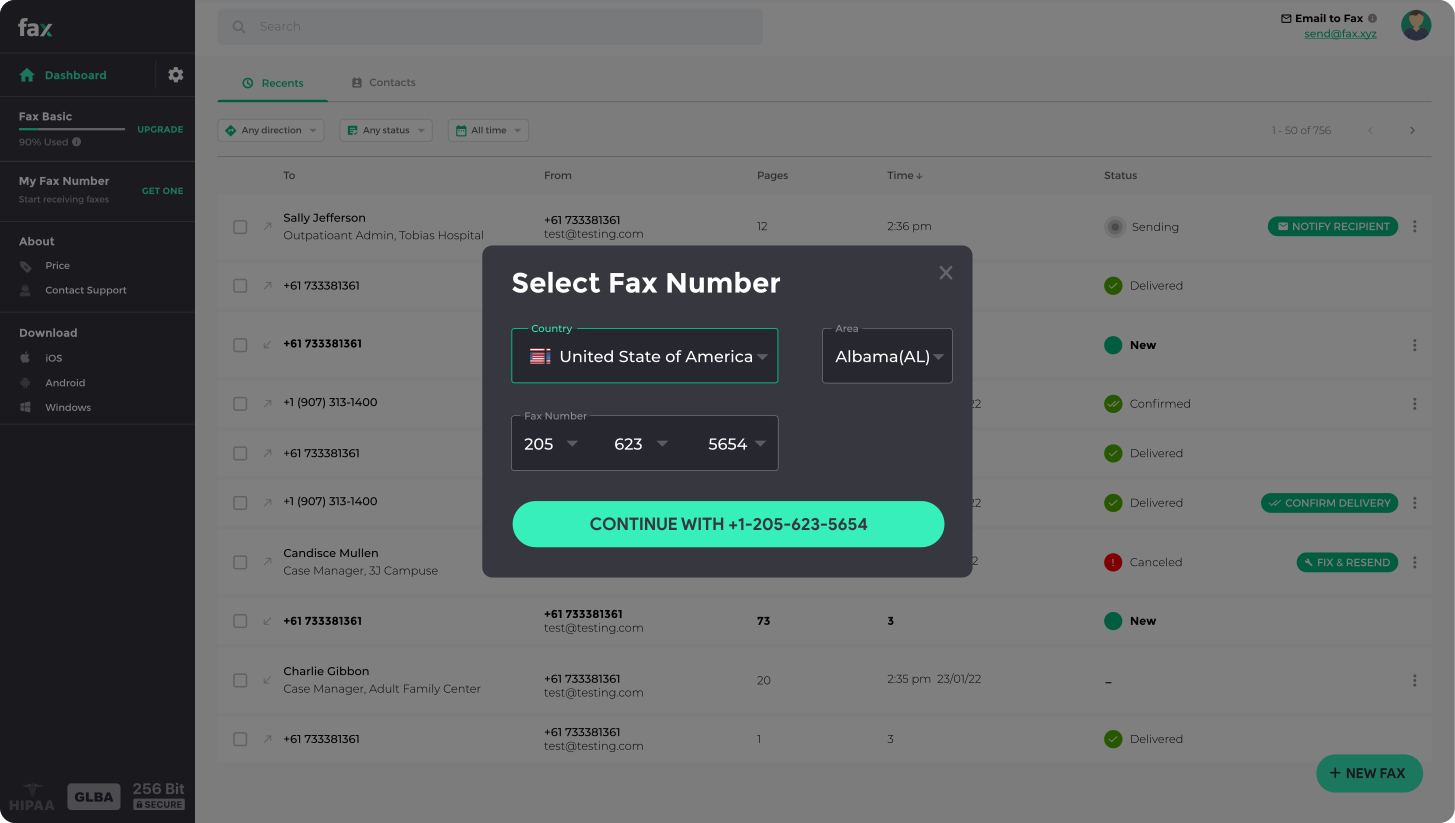
When you sign up for Fax.xyz, you can select your dedicated fax number by choosing your country, area code, and preferred number. Your new number is instantly linked to your account, so you’re ready to receive faxes right away.
All incoming documents are stored in your inbox and can be retrieved at any time, giving you fast, secure, and always-accessible faxing.

Fax from phone and take control of your workflow like never before. With Fax.xyz, sending and receiving documents is fast, secure, and fully mobile. Enjoy the convenience of accessing, managing, and sharing faxes anytime, anywhere.
Get StartedStart faxing instantly—secure, intuitive, and accessible on both Android and iOS devices.


Send a Free Fax with Fax.xyz
.svg)
2025 © Fax.xyz 95 3rd St 2nd Floor, San Francisco, CA 94103, United States.


