Best Fax App for iPhone 2026: Tested, Ranked, and Reviewed
Reviews
Best Fax App for iPhone
We tested a wide range of fax apps so you don’t have to. Our goal was simple: find the best fax app for iPhone that is fast, reliable, and easy to use. We evaluated each app based on features, pricing, ease of setup, and overall performance. Some stood out, others fell short. Find out what made the cut.
How We Evaluated Each Fax App
There are dozens of fax apps for iPhone in the market, and sifting through them all can be a real headache. To make life easier, we decided to do the work for you. We downloaded and tested the top-rated apps, sending and receiving faxes just like you would in your day-to-day tasks. Our evaluation focused on the following criteria:
Ease of Use
Is the app easy to set up and navigate?
Can you send, receive, and manage faxes without hiccups?
Reliability
Does the app deliver faxes consistently and on time?
Can it handle real-world tasks without errors or delays?
Features
Does it include useful tools like scanning, cloud integration, or document tracking?
Are additional features like fax history, notifications, or templates included?
Pricing and Value
Are the subscription plans clear and transparent?
Does the app provide good value for the cost?
Security and Privacy
Are your faxes encrypted and handled securely?
Does it comply with privacy regulations and protect sensitive information?
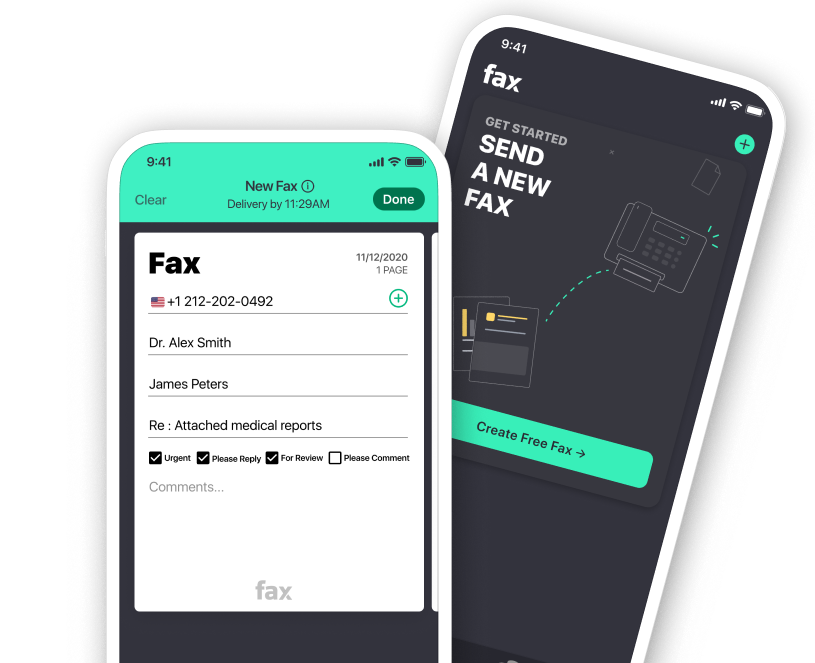
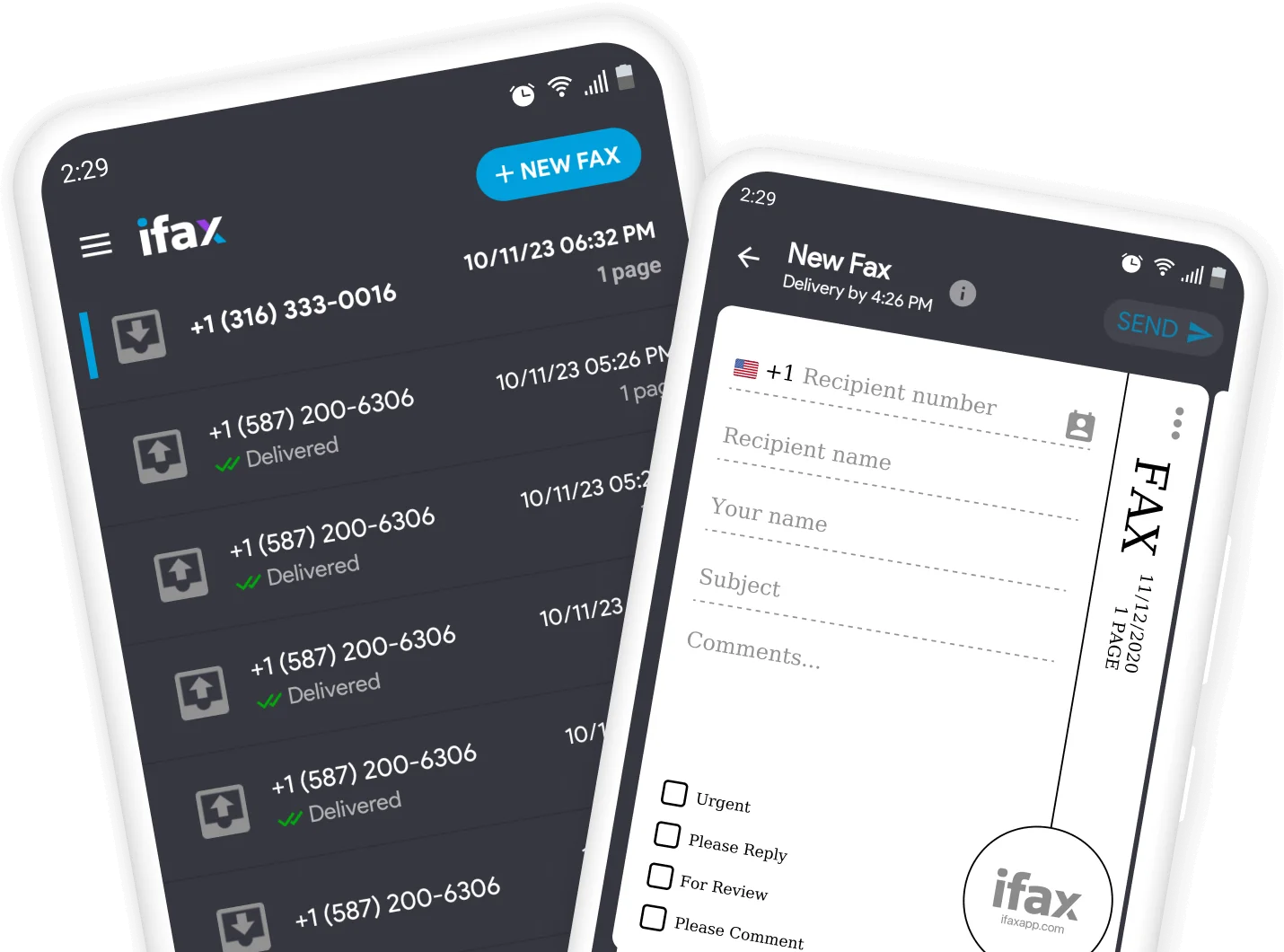
If you're looking for how to fax from iPhone, iFax is one of the best apps to consider. It combines reliability, strong security, and business-friendly features in an easy-to-use platform for sending and receiving faxes.
Key features:
Quick setup with an intuitive interface that makes mobile faxing simple.
Send documents directly from your iPhone, scan pages with the built-in camera, or upload files from email and cloud storage.
Integrates with Google Drive, Dropbox, and OneDrive for seamless document management.
Protects sensitive documents with 256-bit encryption and HIPAA-compliant security.
Supports dedicated fax numbers, advanced document organization, and multi-user access.
Best for:
Users learning how to fax from iPhone without a traditional fax machine.
Businesses that need a secure and scalable fax solution.
Legal firms, healthcare organizations, and other teams that handle confidential documents.
Pricing:
Starts at $12.49/month.
Its premium pricing reflects its enterprise-grade features, making it a strong choice for businesses and professionals with frequent faxing needs.
Faxify
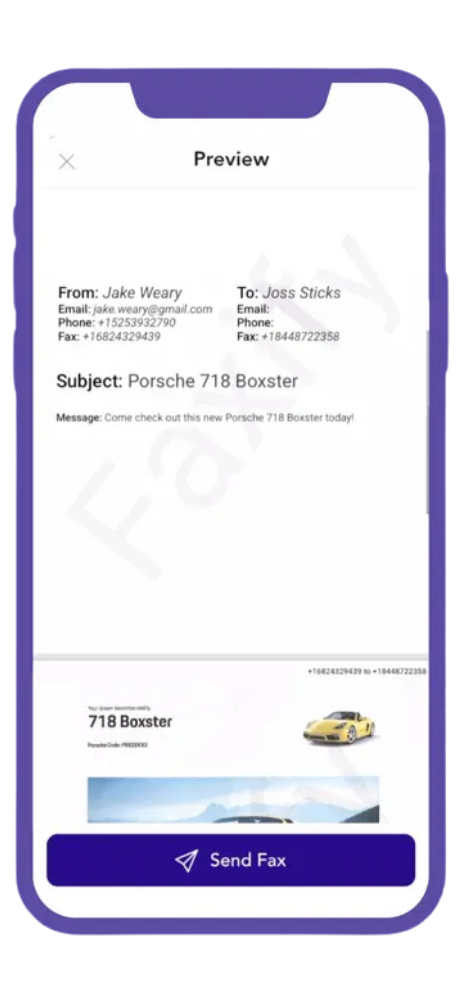
Faxify is a strong contender for the best fax app for iPhone, offering a simple and reliable way to send documents without a traditional fax machine. With up to 10 free pages per month and flexible paid plans, it caters to both occasional and frequent fax users.
Key features:
Fast installation and easy setup with a clean, user-friendly interface.
Send documents using the built-in scanner or upload files from cloud storage.
Includes up to 10 free fax pages each month.
Option to add a dedicated fax number with paid plans.
Reliable performance for everyday faxing with a straightforward, clutter-free experience.
Best for:
iPhone users looking for a simple mobile fax solution.
Occasional users who want to take advantage of the free monthly fax allowance.
Anyone searching for the best fax app for iPhone without paying for enterprise-level features.
Pricing:
Includes up to 10 free fax pages per month.
Paid plans are available for users with higher faxing needs.
Municorn Fax App
Next on our list of the best apps to fax from iPhone is Municorn. It combines a simple interface, reliable performance, and secure document transmission, making it a convenient option for everyday mobile faxing.
Key features:
Simple, user-friendly interface with quick setup.
Upload documents, scan pages with your iPhone camera, or import files from cloud storage.
Encrypted fax transmission with HIPAA-compliant security for sensitive documents.
Flexible subscription plans designed for both occasional users and small teams.
Reliable performance for sending and receiving faxes on the go.
Best for:
Individuals looking for an easy-to-use mobile fax app.
Small teams that need secure faxing without enterprise-level complexity.
Users who regularly fax documents from cloud storage or scanned files.
Pricing:
Flexible subscription plans are available to accommodate both occasional and frequent faxing needs.
Genius Fax
Genius Fax is a simple and flexible mobile fax app that's well suited for occasional or light faxing. Its intuitive interface and pay-as-you-go pricing make it an attractive option for users who don't want to commit to a monthly subscription.
Key features:
Clean, user-friendly interface with an easy learning curve.
Scan documents, upload files from your iPhone, or import documents from cloud storage.
Pay-as-you-go credit system with no recurring subscription required.
Credits can be purchased in bulk for lower per-page costs.
Fast and convenient document sending for occasional faxing needs.
Best for:
Users who fax infrequently and prefer paying only when needed.
Individuals looking for a simple, no-subscription fax app.
Anyone who wants an easy way to fax documents from their iPhone.
Pricing:
Uses a pay-as-you-go credit system.
Each page sent or received costs one credit, with discounts available when purchasing credits in larger bundles.
FAQs About iPhone Fax App
Can you send a fax from an iPhone?
Yes. You can send a fax from an iPhone using a mobile fax app. These apps let you scan documents with your camera or upload existing files, then send them over the internet without needing a traditional fax machine or phone line.
How do I fax from my iPhone?
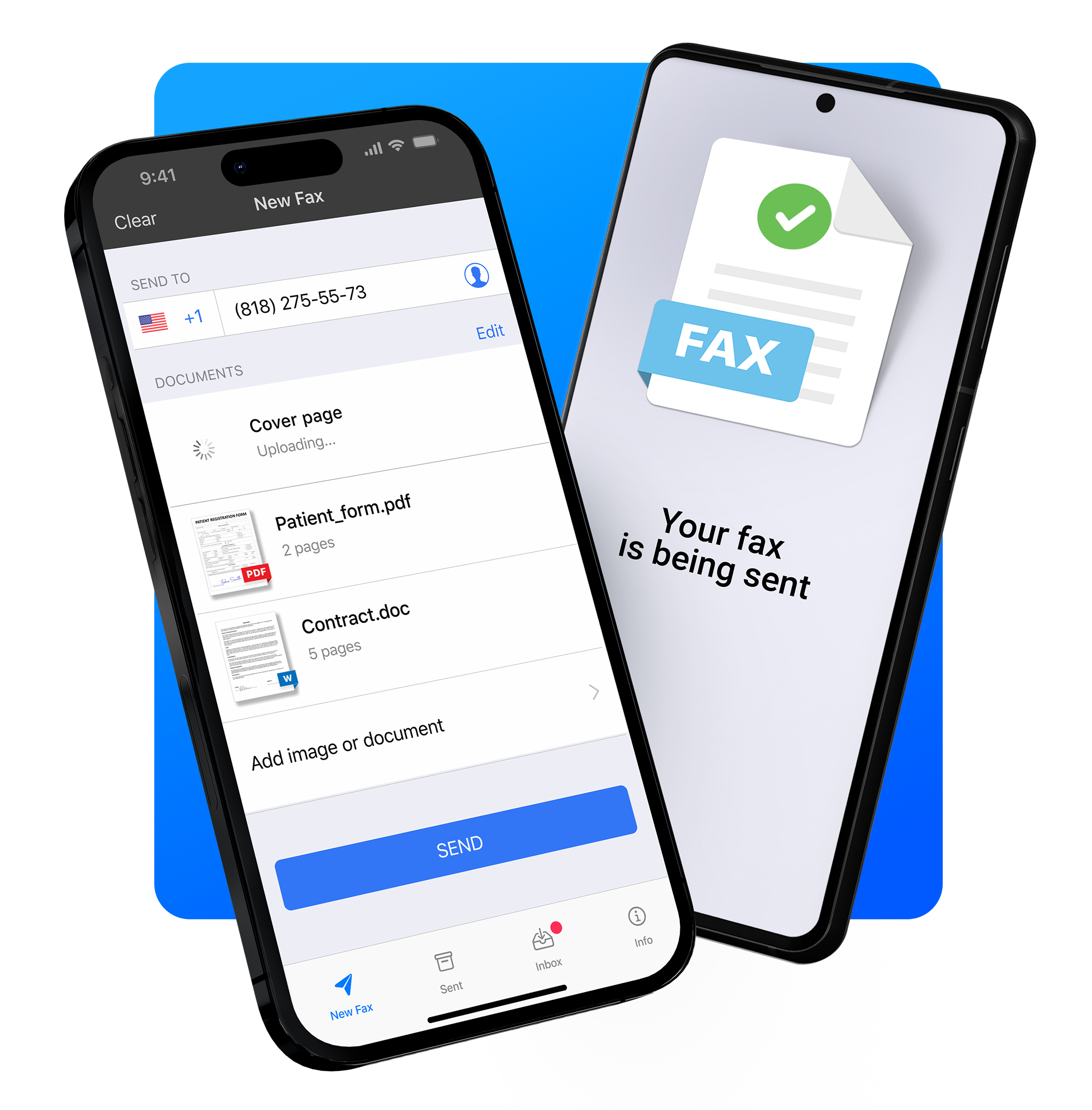
To fax from your iPhone:
Download a fax app from the App Store.
Create an account and choose a plan if required.
Scan a document or upload a file from your device or cloud storage.
Enter the recipient's fax number.
Review your document and tap Send.
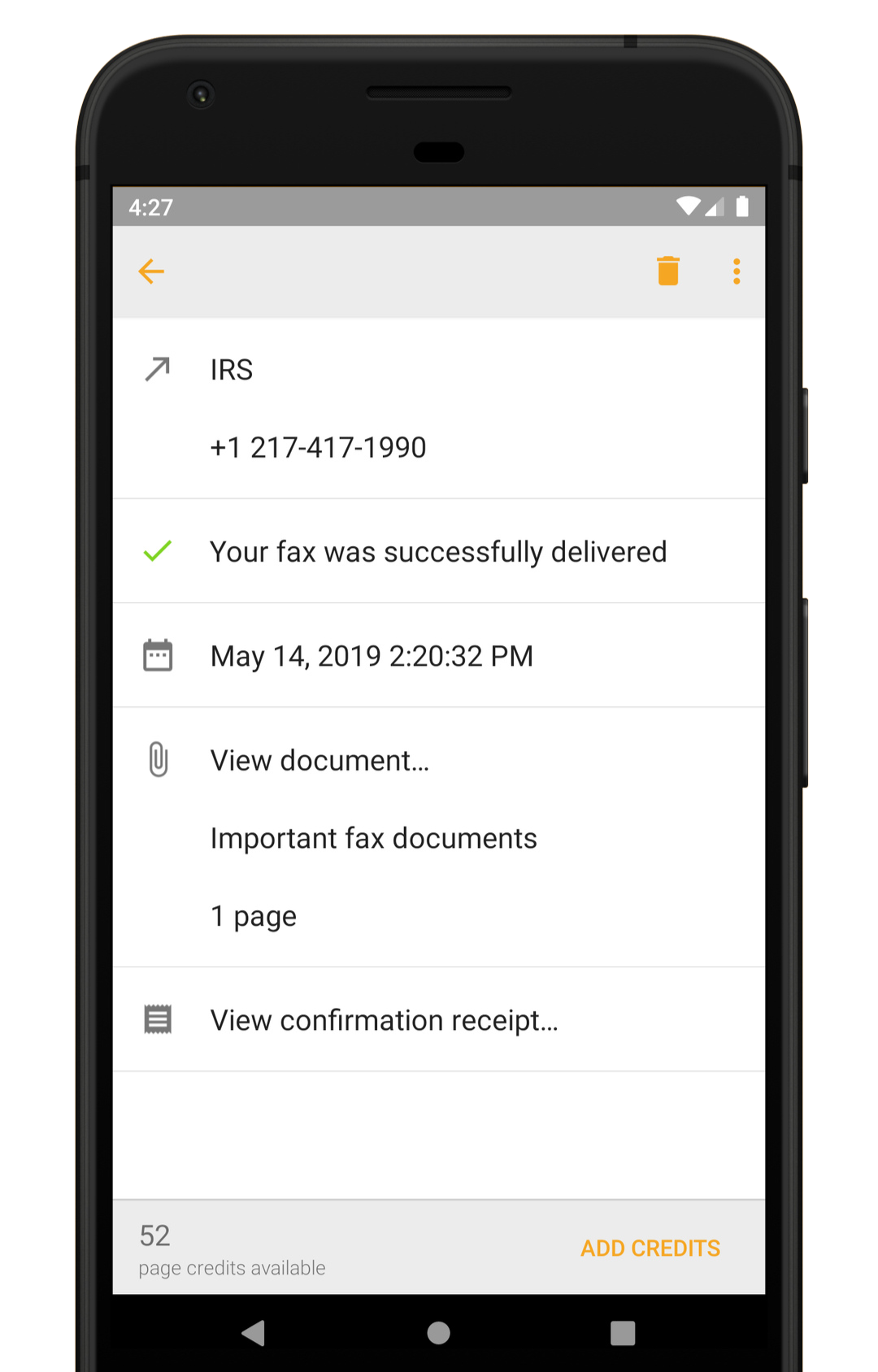
Most apps also provide a confirmation once your fax has been delivered successfully.
Can I send a fax from my iPhone for free?
Some fax apps offer free trials or a limited number of free pages. However, most require a subscription or pay-per-use credits for ongoing faxing.
Can I receive faxes on my iPhone?
Yes. Many fax apps allow you to receive faxes by assigning you a dedicated fax number. Incoming faxes are delivered directly to the app, where you can view, download, organize, or forward them.
Streamline Your Workflow with the Right Fax App
Being able to fax directly from an iPhone has never been more practical. Whether it’s sending contracts on the go, submitting forms, or handling sensitive documents, having a reliable mobile fax app can save time, reduce hassle, and keep workflows entirely digital.
Choosing the right service matters. Factors like ease of use, speed, security, and flexible pricing can make a big difference in day-to-day efficiency. With so many options available, selecting a fax app that matches your needs ensures that sending and receiving documents remains seamless, secure, and stress-free, right from the palm of your hand.





.svg)