Discover how to send fax from PC and streamline your workflow with Fax.xyz.
From getting started to sending documents in minutes, our secure online fax solution lets you fax directly from your Windows computer without additional hardware.
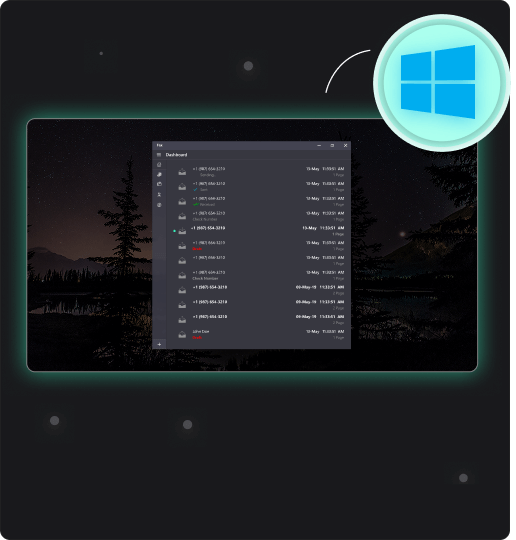
Learn how to send fax from PC with Fax.xyz. The steps below show you how to send documents directly from your Windows computer in just a few minutes using secure online faxing.
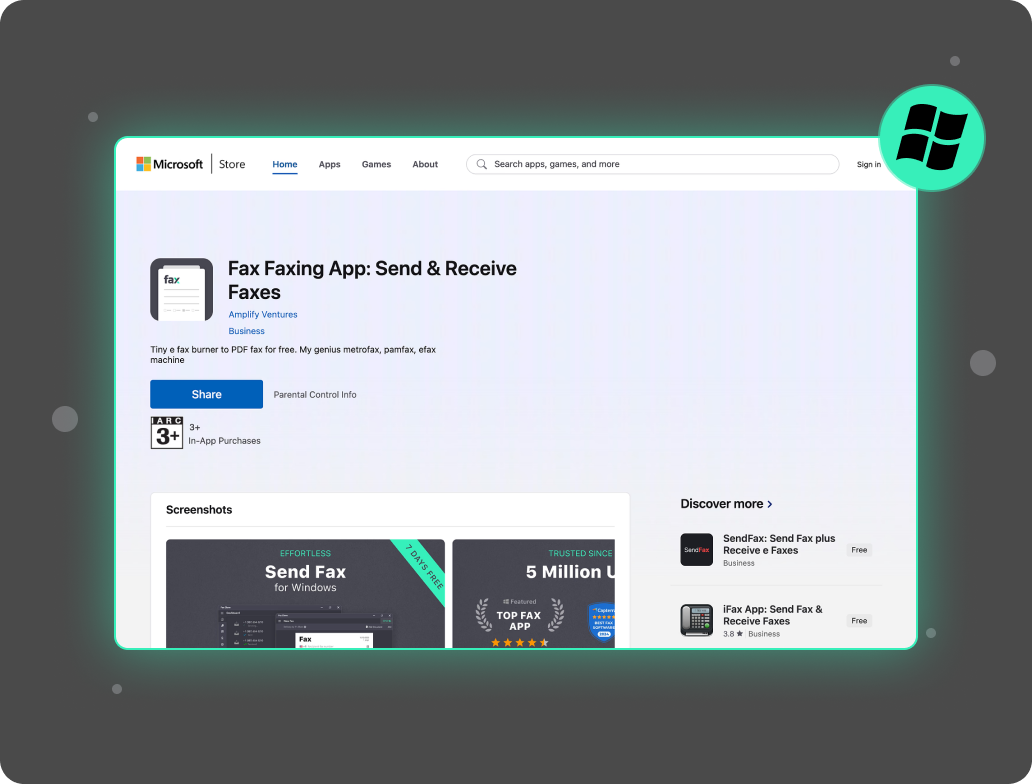
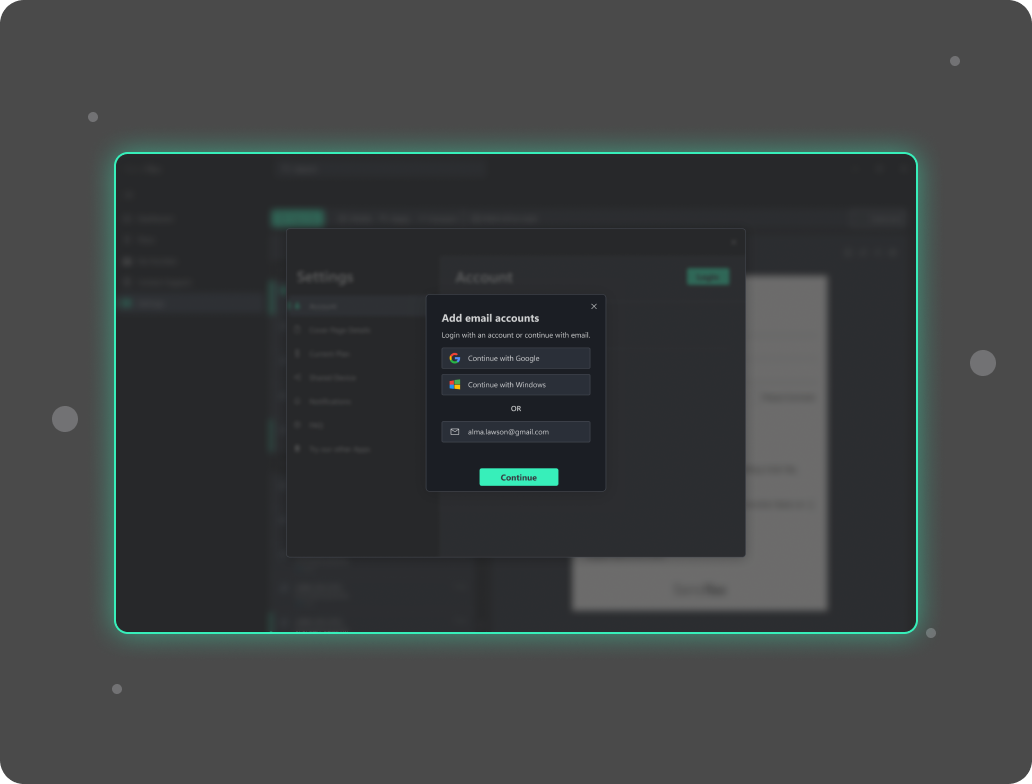
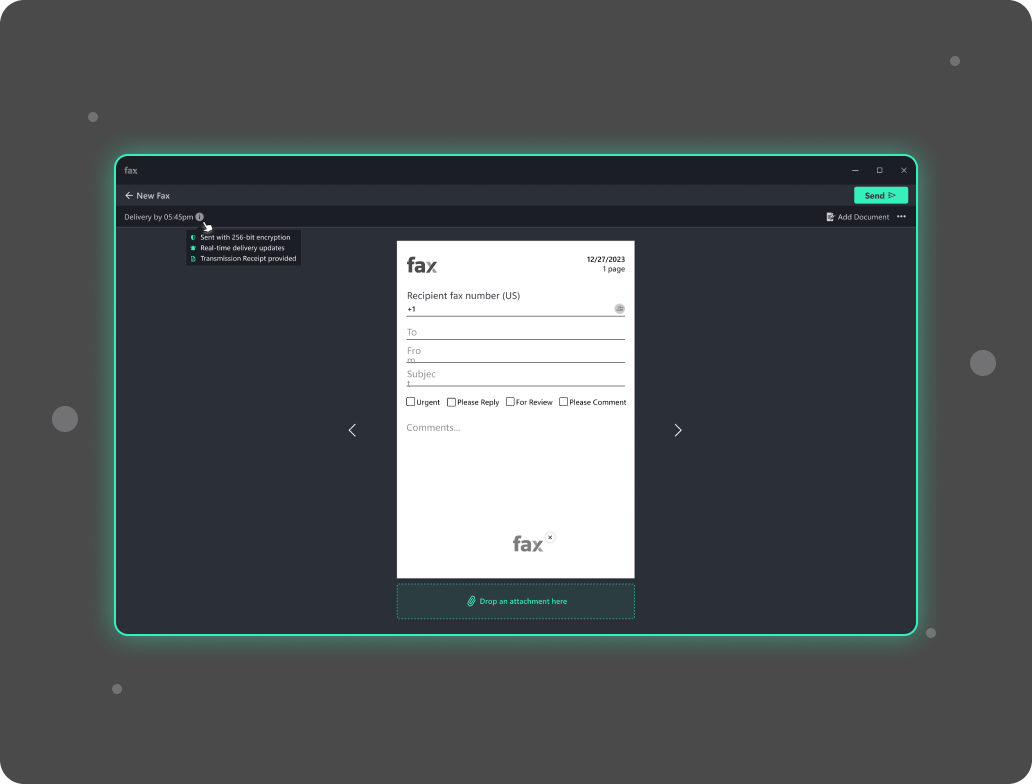
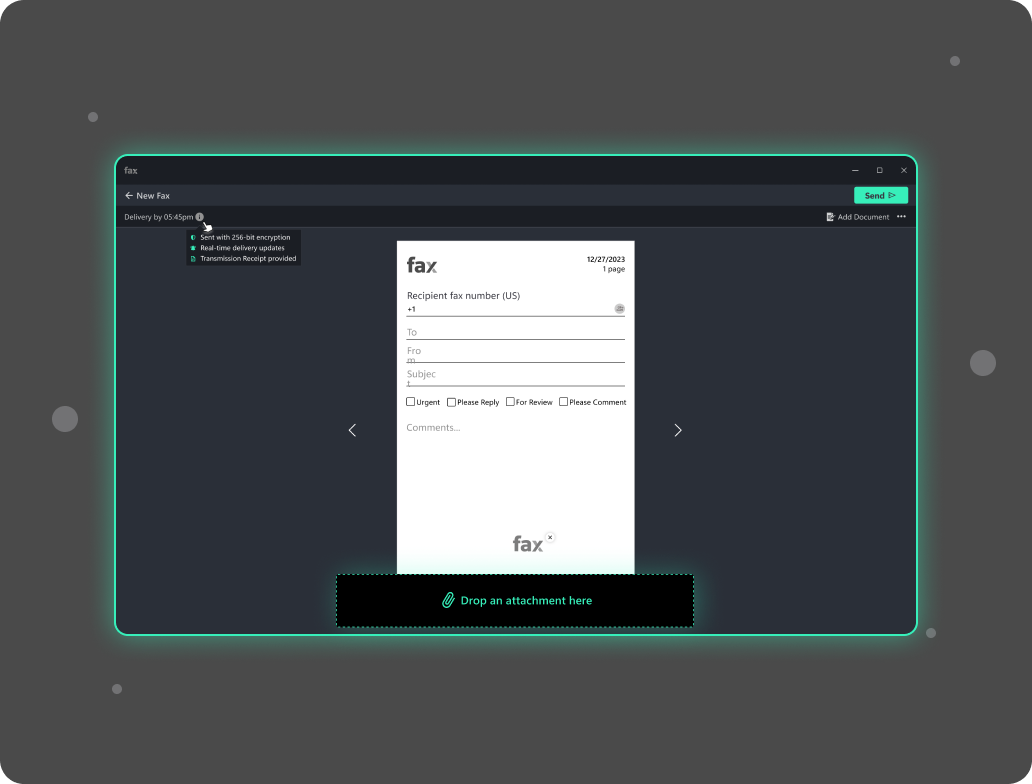
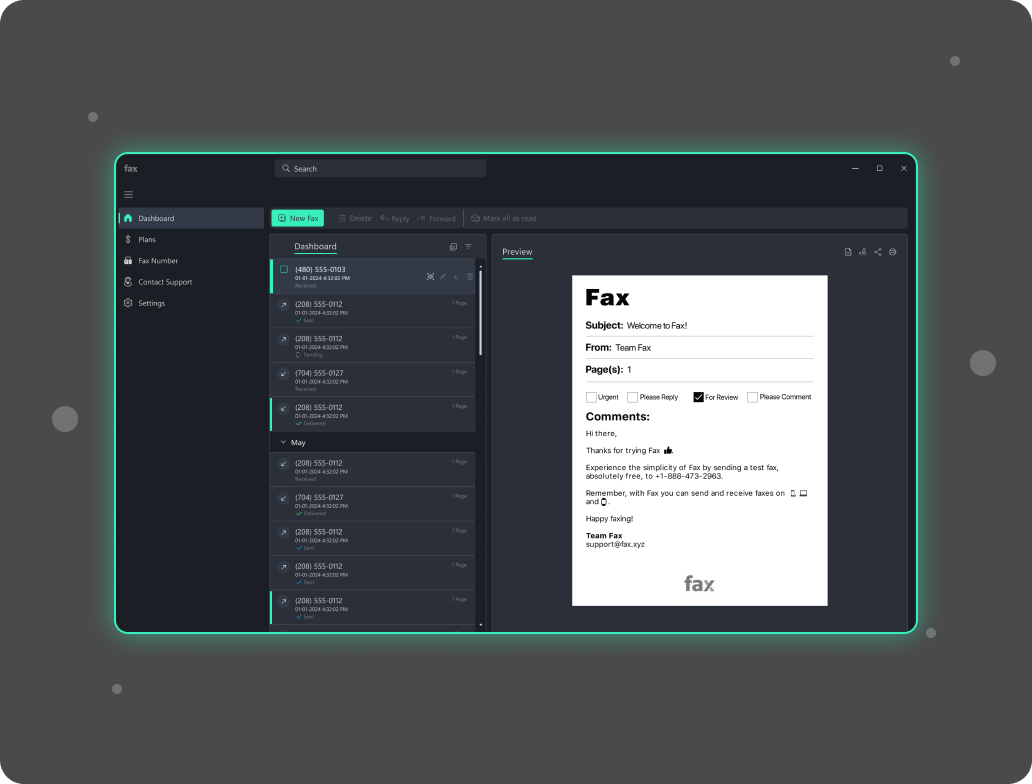
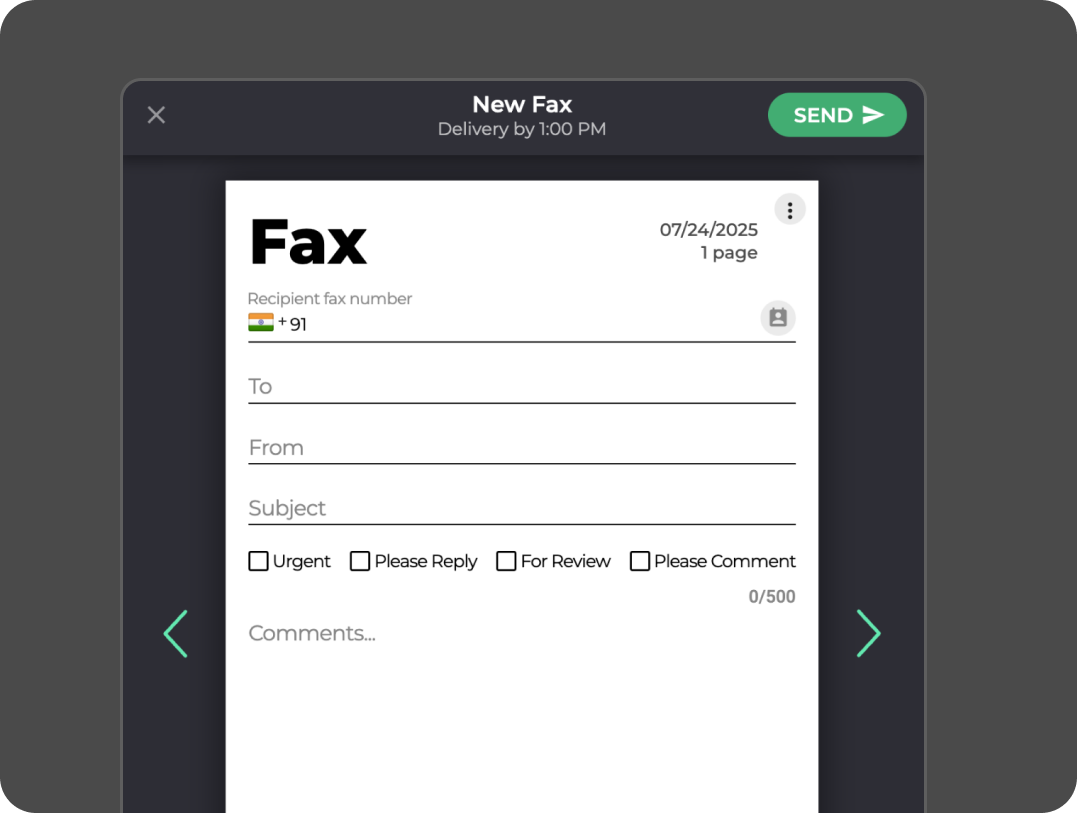
Start sending faxes from a Windows PC with Fax.xyz in just a few minutes. Sign up for a free trial and send documents instantly from your desktop with no upfront cost or hardware required. Enjoy fast, secure, and reliable online faxing built for everyday use.
You can explore the full Fax.xyz platform and test its premium features at your own pace. It’s a simple way to experience modern online faxing before choosing a plan. When you’re ready, upgrading is quick and seamless.
Modern faxing has moved far beyond traditional machines, tangled cords, and busy phone lines. With Fax.xyz, you can send fax from Windows directly from the device you already use every day, turning your computer into a simple, digital faxing solution.
Send and receive faxes straight from your Windows PC without extra hardware or complicated setup. Fax.xyz streamlines communication by making the entire process fast, secure, and fully digital.
By turning your PC into a complete online fax hub, Fax.xyz helps you stay organized and efficient. It replaces slow, outdated workflows with a modern, stress-free way to handle everyday faxing.
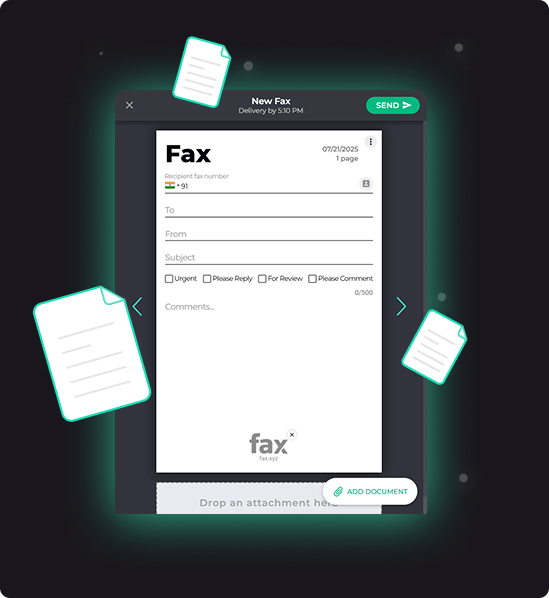

Faxing from your PC with Fax.xyz makes sending and receiving documents faster, easier, and more reliable than ever. Unlike traditional fax machines, there’s no hardware to set up, no dedicated phone line, and no paper jams or toner issues.
With Fax.xyz, you can upload multiple documents, add cover pages, schedule faxes, and track delivery in real time—all from your Windows computer. These features turn your desktop into a complete faxing hub, streamlining communication and reducing the chance of errors.
Faxing from your PC with Fax.xyz isn’t just convenient, it’s smarter. By moving faxing online, you save time, stay organized, and enjoy a faster, more reliable way to manage important documents. Here’s why switching to digital faxing makes a difference.
Get StartedSimplify your workflow and send faxes directly from your PC. Download Fax.xyz for free and try it today. Secure, intuitive, and ready in minutes.


Send a Free Fax with Fax.xyz
.svg)
2025 © Fax.xyz 95 3rd St 2nd Floor, San Francisco, CA 94103, United States.


