Best Online Fax for Law Firms in 2026: Secure and Compliant Solutions Compared

Reviews
Compare the best online fax services for law firms. Explore secure, reliable, and easy-to-use fax solutions for attorneys, solo practices, and legal teams.
We’ve handpicked the best fax software and put them through real-life testing to see which ones truly deliver. From setup and usability to reliability and performance, we evaluated how they handle everyday use. Here are the platforms that stood out and made the cut.
To determine which fax software stands out, we evaluated each service across key areas that matter most to users. Here’s what we looked at.
How smooth is the installation and setup of the computer fax software, and can anyone start faxing without a steep learning curve? We looked at how intuitive the interface is, how quickly you can send your first fax from a desktop or laptop, and whether daily use feels simple and straightforward.
What functions does it offer beyond basic faxing? This includes options like cloud storage connections, support for multiple file formats, scheduling, digital signatures, and other productivity-enhancing features.
What’s the price, and do you get good value for it? We compared subscription plans, pay-per-fax options, and free trials to see which services are worth the investment for different users.
Can you depend on your desktop fax software to send and receive faxes consistently? We evaluated uptime, transmission speed, successful delivery rates, and how well the software handles errors or retries.
How well does the software protect sensitive information sent from your computer? We assessed encryption standards, authentication methods, and compliance with privacy regulations to ensure your faxes remain secure.
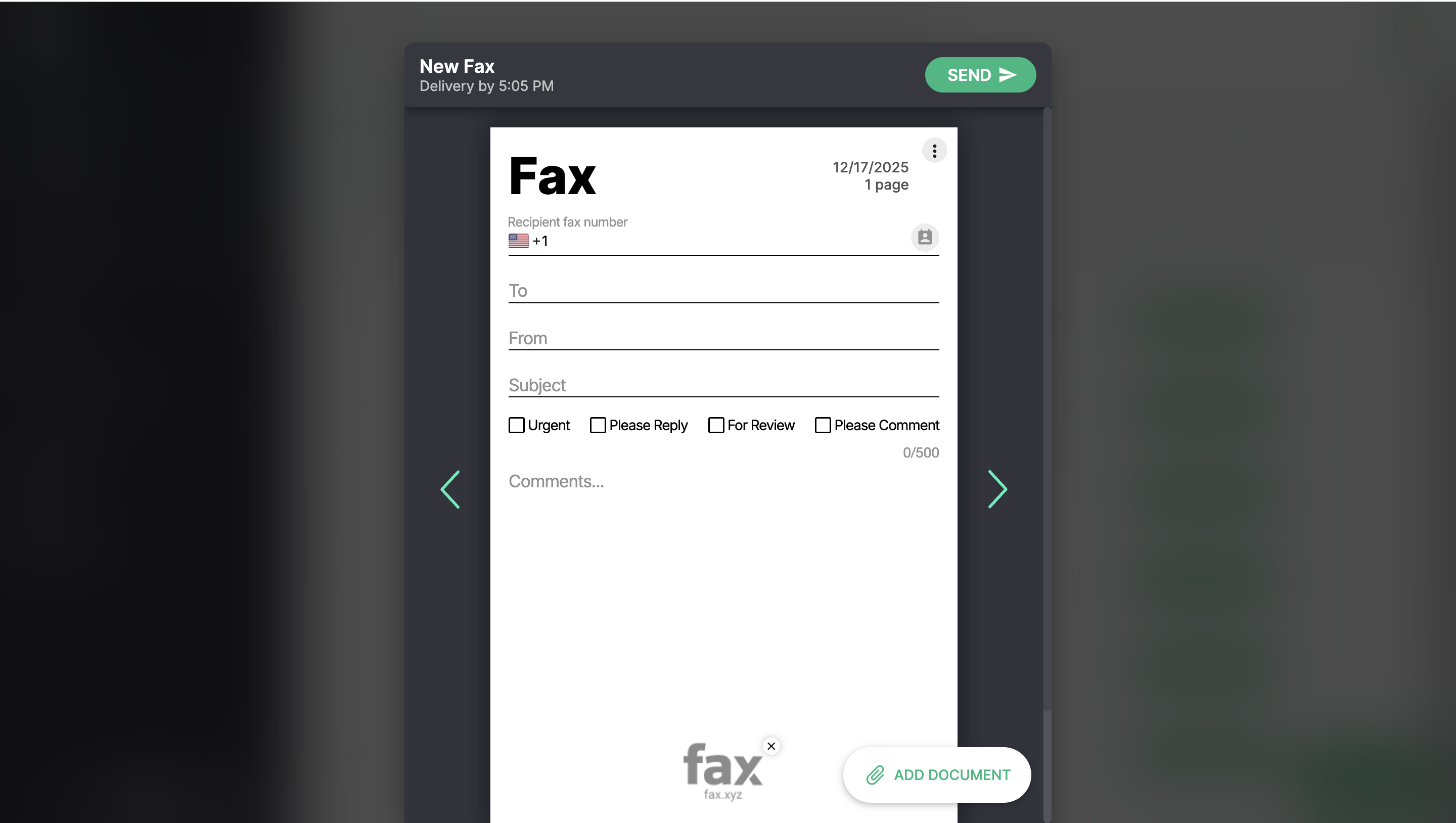
Fax.xyz is a straightforward and dependable fax solution designed specifically for individual users and small businesses. It focuses on making faxing from your computer fast, simple, and hassle-free, without overwhelming users with unnecessary features.
Installing Fax.xyz on your computer is fast and straightforward. If you're looking for reliable fax software for Windows, Fax.xyz offers a standalone Windows app alongside its Mac version, so you can get up and running in minutes. Its clean, user-friendly interface makes sending and receiving faxes simple, even for first-time users. You can have your first fax sent within minutes.
In testing, faxes are delivered consistently and quickly, probably less than two minutes. The software handles retries seamlessly if an issue arises, ensuring your documents reach their destination without stress.
With a range of subscription plans and pay-per-fax options, Fax.xyz allows users to choose what fits their needs and budget. It’s accessible for small-scale faxing without locking you into unnecessary costs.
Fax.xyz uses military-grade encryption to protect your sensitive documents, giving peace of mind whether you’re sending personal information or business records. It also complies with the most stringent regulations, including HIPAA and GLBA.
Fax.xyz is ideal for individuals or small businesses that want a reliable, straightforward solution. While it’s focused on the essentials rather than advanced integrations or enterprise features, this simplicity is what makes it easy to use and efficient for day-to-day faxing.
For anyone looking for a simple, secure, and dependable computer-based fax solution, Fax.xyz delivers. Its combination of ease of use, reliable performance, flexible pricing, and solid security makes it a strong choice for everyday faxing needs without the complexity of feature-heavy alternatives.
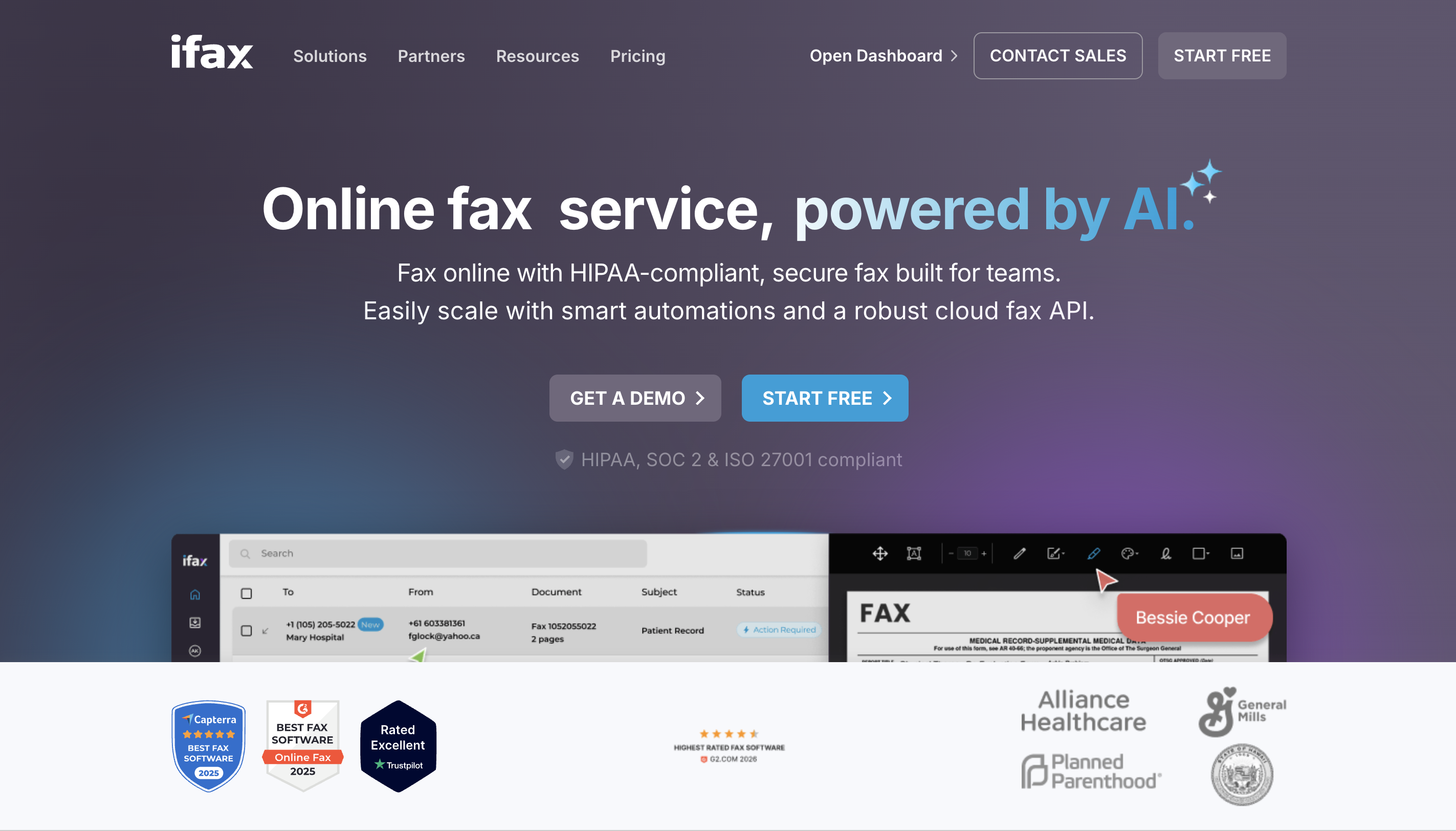
iFax is a robust computer-based fax solution designed for businesses and larger organizations. It offers a comprehensive set of features that make sending, receiving, and managing faxes from your desktop or laptop efficient and professional.
iFax boasts a full suite of smart features that make your online faxing experience more seamless. It supports a wide range of file formats, electronic signatures, scheduled sending, and integration with cloud storage services. This makes it ideal for organizations that need more advanced fax management directly from their computers.
The software is designed to handle high-volume faxing with consistency. Faxes are delivered quickly, retries are handled automatically, and uptime is strong, making it dependable for day-to-day business use.
iFax prioritizes security with strong encryption, authentication measures, and compliance with privacy regulations, which is essential for industries handling sensitive information, including healthcare and finance.
iFax provides standalone apps for both Mac and Windows, giving businesses a dependable fax software for PC that lets them manage faxing directly from their computers without relying on third-party software or online portals.
iFax is ideal for medium to large businesses or industries that require advanced fax features and higher-volume usage. Its pricing reflects this focus, so it may be less cost-effective for individual users or very small businesses.
For organizations that need a reliable, secure, and feature-rich computer fax solution, iFax is a strong choice. Its desktop apps, comprehensive tools, and professional-grade performance make it well-suited for businesses that handle frequent or sensitive faxing, though smaller users may find the pricing more than they need.
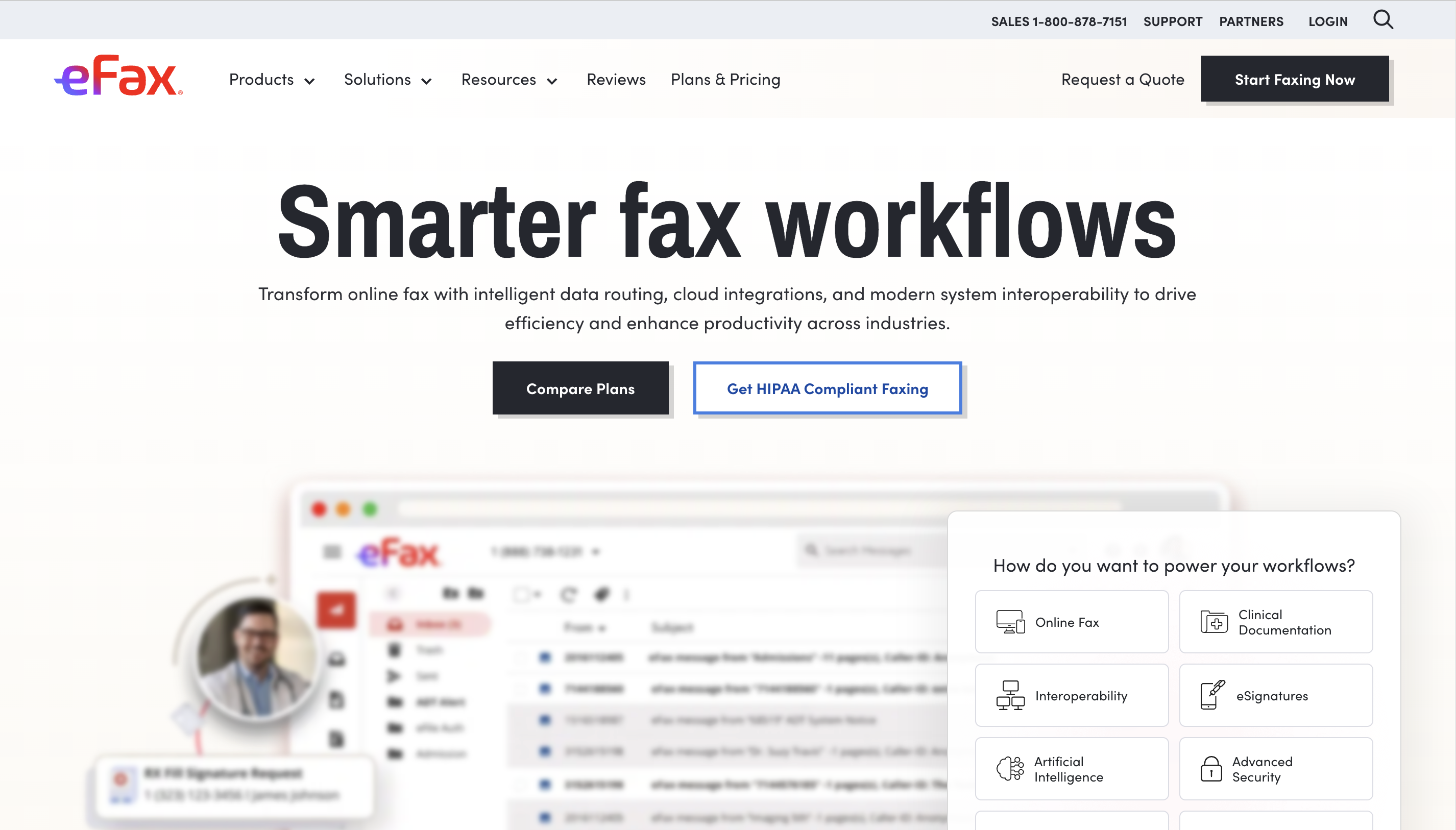
eFax is a well-known computer fax software that makes sending and receiving faxes from your desktop or laptop simple. It’s designed for general business use and offers a familiar, straightforward experience.
Their fax software is simple and intuitive, letting you send and receive faxes from your computer with minimal setup.
Faxes are delivered consistently, and encryption helps keep sensitive documents secure.
In addition to Mac and Windows desktop apps, eFax also offers web and mobile access, giving users multiple ways to manage their faxes.
eFax works well for general business users who want a dependable, straightforward fax solution. It’s slightly more dated compared to newer platforms, so while reliable, it doesn’t include some of the modern integrations or advanced features found other online fax services found on this list of the best fax app.
For businesses seeking a simple, reliable computer faxing solution, eFax delivers. Its ease of use, flexibility, and security make it a solid choice for everyday faxing, especially for users who don’t require advanced tools or complex workflows.
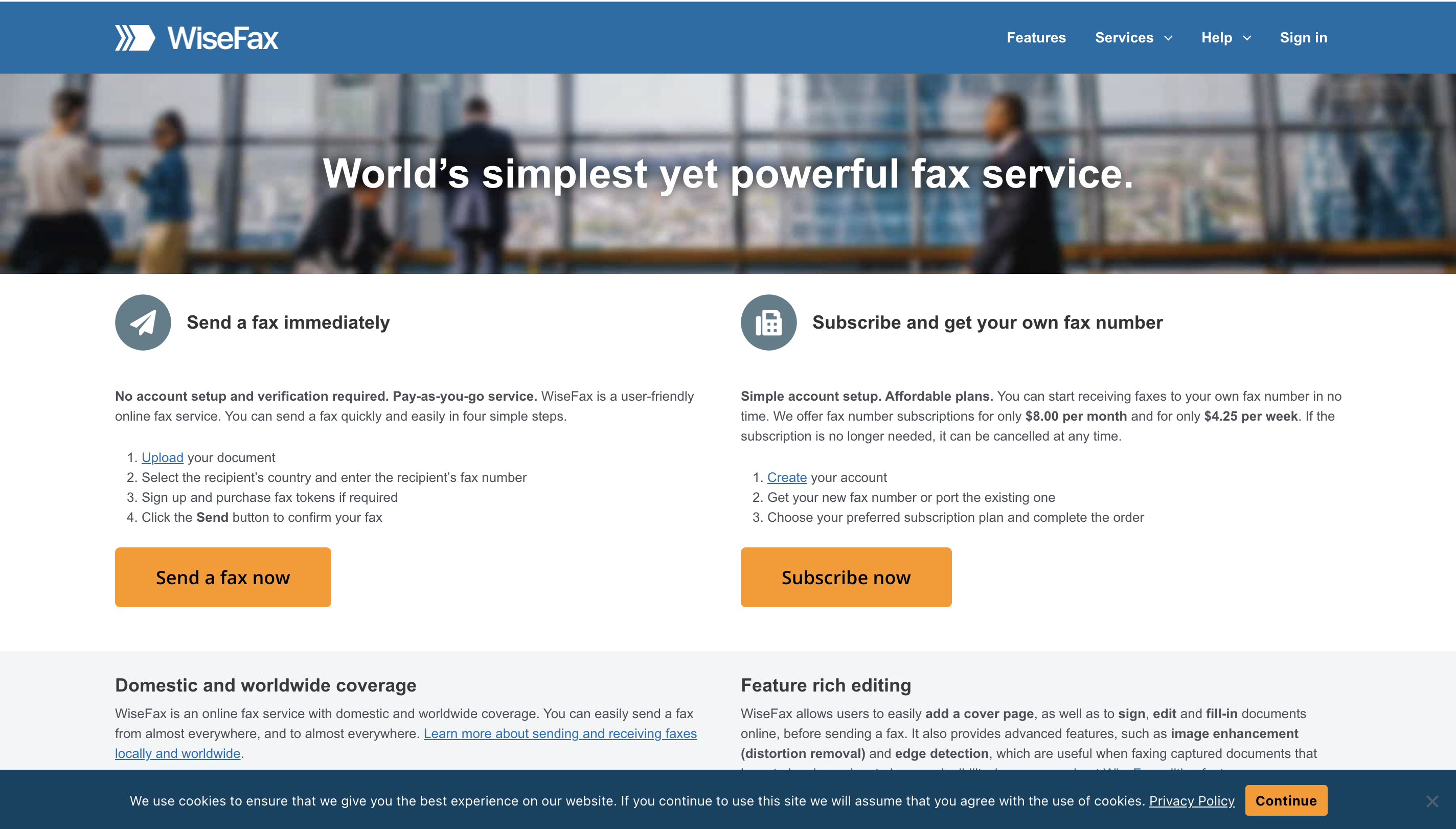
WiseFax is features a desktop fax app that prioritizes accessibility and simplicity. It allows users to send faxes directly from their desktop or laptop, making it suitable for occasional faxing and small-scale use.
WiseFax is straightforward and easy to use on both Mac and Windows desktops, letting users send and receive faxes reliably.
You can fax multiple file types, including PDFs and Word documents, and email-to-fax functionality adds extra convenience.
Faxes are delivered consistently, and standard security measures help protect sensitive documents.
WiseFax is best for individuals or small businesses who need a dependable, no-frills fax program. While easy to use, the software feels slightly outdated and sending a fax involves more steps than newer platforms, so it may not be as intuitive for some users.
WiseFax provides a reliable desktop faxing experience, ideal for light to moderate use. Its simplicity makes it accessible, though users should be aware that the interface and workflow aren’t as modern or streamlined as other options.
Yes. Modern fax software lets you send and receive faxes directly from your desktop or laptop without a traditional fax machine. Most services offer dedicated Windows and Mac apps, allowing you to upload documents, receive incoming faxes, and manage your fax history from one place.
Yes. Most leading fax software providers, including Fax.xyz, iFax, and eFax, offer dedicated desktop applications for both Windows and macOS, allowing you to fax directly from your computer.
Pricing varies by provider. Many services offer monthly or annual subscriptions, while some also provide pay-per-fax plans for occasional users. The best option depends on how often you send and receive faxes.
Consider ease of use, reliability, security, pricing, and available features. Useful capabilities include cloud storage integrations, support for multiple file formats, digital signatures, scheduled faxing, and desktop apps for Windows and Mac. Choosing software that fits your workflow will help you fax more efficiently.
Desktop faxing has evolved beyond clunky machines and complicated software. The best fax software combines ease of use, reliability, security, and flexibility.
Fax.xyz delivers a straightforward experience for everyday use, iFax supports high-volume professional workflows, eFax provides versatile access, and WiseFax offers a lightweight option for casual users.
No matter your needs, these desktop fax apps make sending and receiving faxes faster, safer, and simpler than ever.
Switch to the best online fax service and start faxing online.
Explore the future of faxing and secure document sharing. Find practical guides, helpful tips, and expert resources to streamline your workflow.

Send a Free Fax with Fax.xyz
.svg)
2025 © Fax.xyz 95 3rd St 2nd Floor, San Francisco, CA 94103, United States.