HIPAA and Fax Security: How Fax.xyz Protects PHI During Transmission

HIPAA
Learn how Fax.xyz protects PHI during fax transmission with encryption, secure storage, delivery tracking, and digital security features.
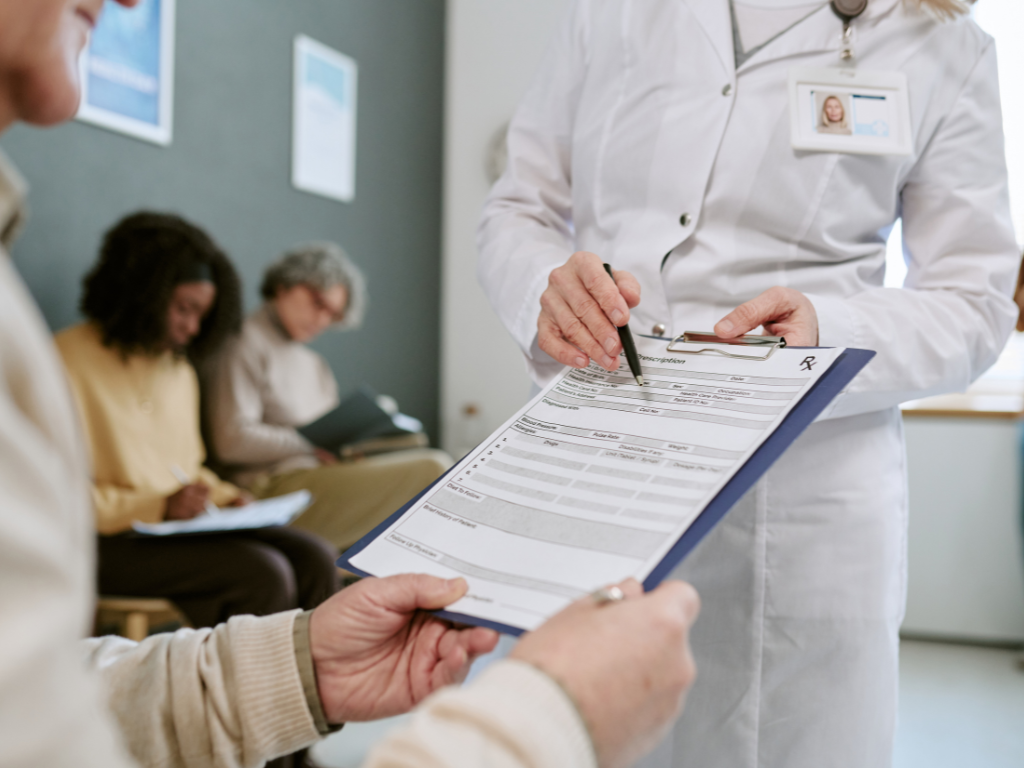
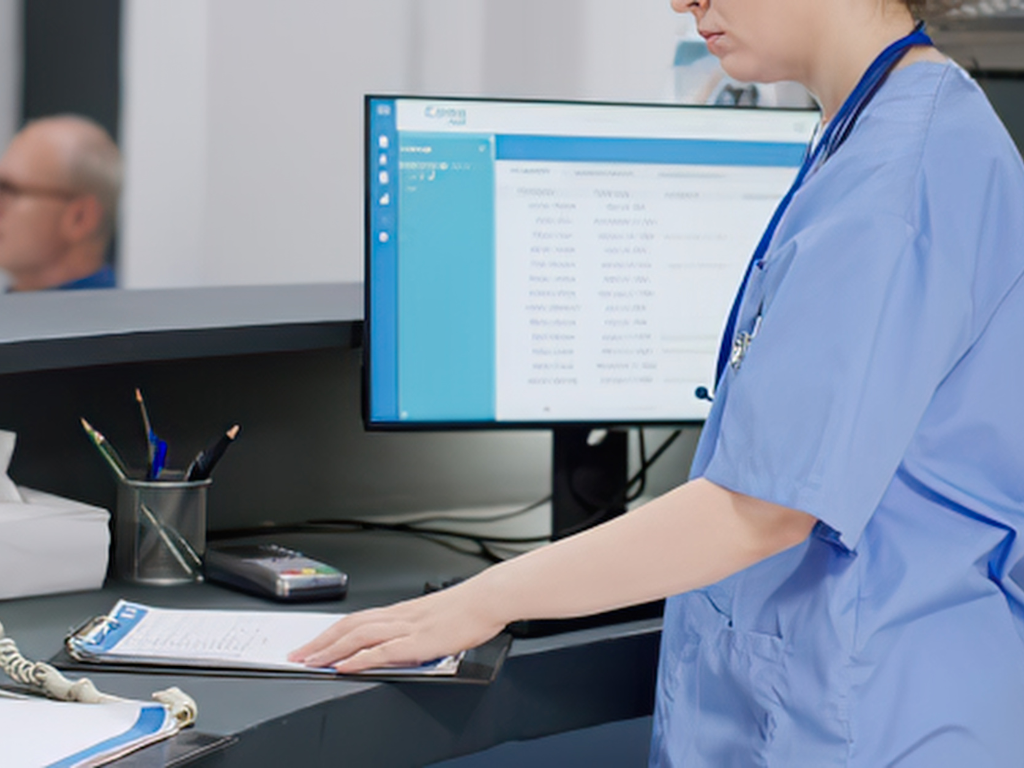
Faxing is a fast and secure way to send and receive patient intake information. For many healthcare providers, it remains a practical way to keep intake moving without adding unnecessary steps or delays.
The challenge is making sure that information stays protected from the moment you hit send to the moment it reaches the right hands. With the right faxing approach, you can make patient intake both efficient and secure. Here’s what you need to know about faxing patient intake safely and building a reliable workflow.
Patient intake is the process of collecting essential information from a patient before they receive care. It helps you understand who the patient is, their medical needs, their insurance coverage, and other details needed to begin treatment and manage their care.
The information collected during intake typically includes:
Because intake information can include protected health information (PHI), it needs to be handled securely from the moment it is collected. Protecting these records helps you maintain patient privacy and reduce the risk of sensitive information being accessed or disclosed improperly.
Faxing can make it easier for you to send and receive patient intake information between your practice and other healthcare providers. Whether you’re receiving a new patient referral or sending intake information to another provider, fax gives you a straightforward way to move documents where they need to go.
You may use faxing during intake to:
Fax remains part of many healthcare workflows because it is familiar, widely used, and doesn't require both parties to use the same software or system. For practices that regularly exchange patient information with outside providers, a reliable faxing process can help keep intake moving without creating additional steps for staff or patients.
A secure faxing process does more than move patient intake information from one place to another. It gives you safeguards that help protect information before, during, and after transmission. When choosing a faxing solution, look for features that support both security and the way your team handles patient intake.
Sending patient information to the wrong recipient is an avoidable risk. Recipient verification features can help you confirm that intake information is going to the right destination before it is sent. Saved contacts, confirmation prompts, and other verification tools can make this process easier for your staff.
Patient intake information should only be available to authorized users. Access controls allow you to determine who can send, receive, view, and manage faxes. Look for a provider that supports user authentication and permission settings so you can control access based on each user's role.
Protecting patient intake information doesn't stop when you click "send." Your faxing solution should use appropriate security measures to protect information during transmission and while it is stored. Secure document storage also makes it easier to keep incoming and outgoing faxes organized without leaving sensitive information exposed.
Knowing what happened to a fax can be just as important as sending it securely. Audit trails provide visibility into fax activity, such as when a document was sent, whether it was successfully delivered, and who accessed it. This gives you a clearer record of how patient intake information moves through your workflow.
Even the most secure faxing technology depends on how your team uses it. Establish clear procedures for verifying recipients, reviewing documents before sending, handling incoming faxes, and reporting potential errors. Regular staff training can also help ensure everyone follows the same secure faxing practices.
When these safeguards work together, HIPAA-compliant faxing can help you build a patient intake process that is both secure and efficient. The goal isn't simply to fax patient information—it is to create a workflow that makes secure faxing easy to do correctly every time.
Faxing patient intake information can be secure when you have the right processes in place. Understanding common security risks can help you identify where your workflow may be vulnerable and put practical safeguards in place.
An incorrect fax number can send patient intake information to the wrong recipient. Before sending, verify the recipient's fax number and double-check it against your records. Using saved or approved contacts can also help reduce manual entry errors.
Patient intake information should only be accessible to people who need it. Keep physical fax machines in secure areas and use access controls for digital fax systems to help prevent unauthorized users from viewing or retrieving sensitive information.
Mistakes can happen when staff are handling multiple intake documents at once. Clear faxing procedures can help reduce errors, including checking the recipient, reviewing the document before sending, and confirming that the correct information is being shared.
Whether intake information arrives as a paper document or a digital file, it should be handled and stored securely. Retrieve incoming faxes promptly, keep physical documents in designated secure areas, and restrict access to stored digital files.
The fax provider you choose can also play an important role in keeping patient intake secure. Look for a provider that is designed for healthcare workflows and offers security features such as access controls, secure transmission, audit trails, and reliable document management.
A provider should also make secure faxing easy for your staff to follow. The right combination of technology and workflow can reduce opportunities for mistakes while helping you keep patient intake efficient and protected.
Faxing patient intake information doesn’t have to mean choosing between speed and security. With the right processes and a reliable faxing solution, you can keep information moving while taking the necessary steps to protect sensitive patient data.
That’s where Fax.xyz comes in. Built for secure, streamlined faxing, Fax.xyz gives you the tools to send and receive patient intake information with confidence. From secure transmission and controlled access to reliable document management, it helps simplify faxing without compromising the security your healthcare workflow requires.
If you’re looking for a simpler way to fax patient intake securely, Fax.xyz can help you build a faster, more reliable workflow from the start.
Make HIPAA-compliant faxing simpler with Fax.xyz. Send and receive patient information securely while keeping your workflow fast and easy.
Explore the future of faxing and secure document sharing. Find practical guides, helpful tips, and expert resources to streamline your workflow.

Send a Free Fax with Fax.xyz
.svg)
2025 © Fax.xyz 95 3rd St 2nd Floor, San Francisco, CA 94103, United States.