5 Best eFax Alternatives for Every Need in 2026

Fax Services
This list covers the best eFax alternatives based on different use cases, so you can find a solution that fits how you actually work.
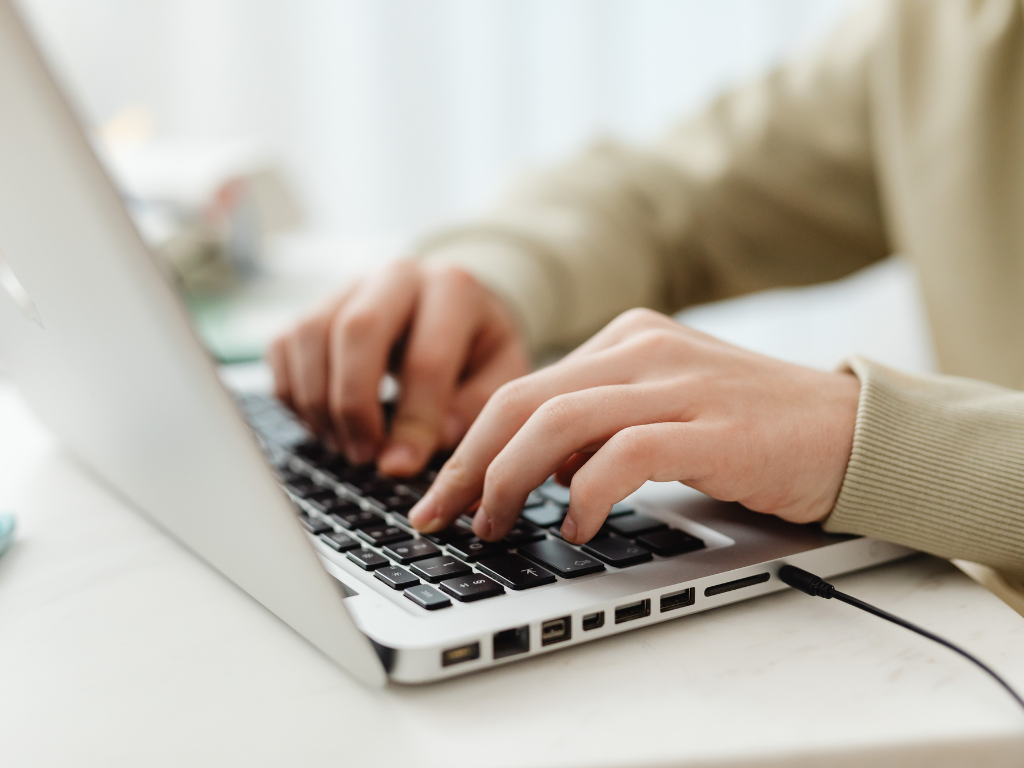
Email-to-fax is a method of sending and receiving fax documents directly through email, and this guide breaks down how it works, what happens behind the scenes, and why it’s still used in modern communication systems.
We’ll also look at where email-to-fax fits into everyday workflows and why many organizations continue to use it as a practical, low-friction alternative for handling important documents.
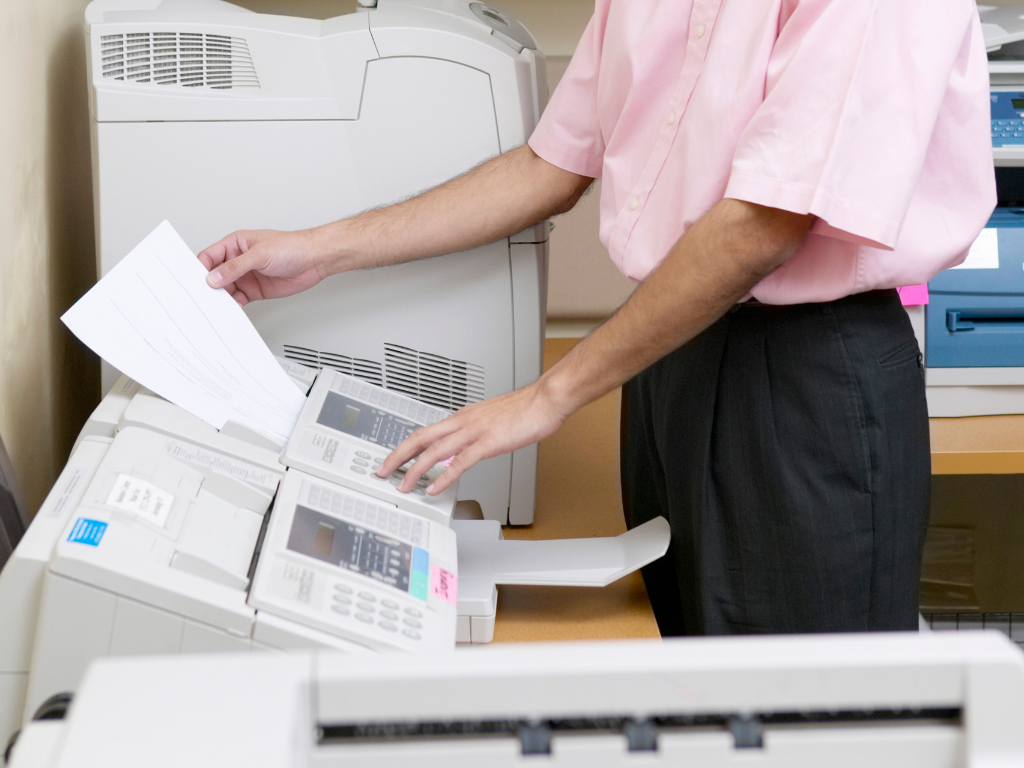
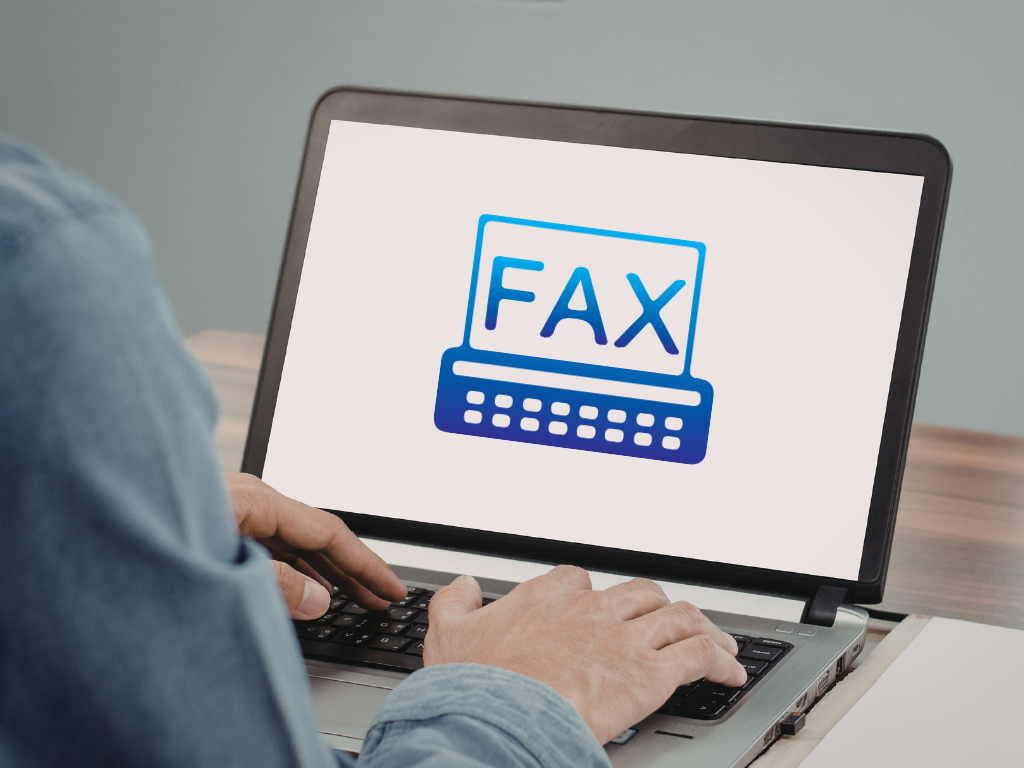
Email-to-fax lets you send fax documents straight from your email, without ever touching a traditional fax machine. Instead of dealing with paper, machines, and noisy dial tones, you simply prepare your document on your computer, attach it to an email, and send it off through a fax service in just a few clicks.
The process is actually simpler than it sounds. Instead of using a physical fax machine, everything is handled through an online fax service connected to your email.
Open your email and create a new message as you normally would. In the “To” field, type in the email address assigned by your fax provider. It typically follows a format like fax number @ fax service domain. Add a subject line.
Add the file you want to send, such as a PDF, Word document, or image file, depending on what your fax service supports.
Double-check the recipient details, attached file, and fax number before sending. Once everything looks correct, hit send to transmit your fax.
Email-to-fax offers a more practical and modern alternative to traditional faxing by combining the familiarity of email with the functionality of fax communication. Here are some of the key advantages that make it a useful option for both individuals and businesses.
Instead of using a physical fax machine, everything can be done directly from your email, which is already part of most daily workflows. This removes the need for printing, scanning, or waiting by a machine to send documents.
Since the process is cloud-based, you can send or receive faxes from virtually anywhere, whether you’re in the office, working from home, or on the go.
Incoming faxes are delivered as digital files, making them easier to store, search, forward, or organize compared to paper-based fax records.
By reducing manual steps and centralizing communication in email, it helps streamline workflows and reduces the friction typically associated with traditional faxing.
Email-to-fax offers a practical way to modernize traditional faxing without losing compatibility with existing systems. By moving the process into your email, it simplifies how documents are sent, received, and managed.
For businesses and individuals who still rely on fax communication, it provides a balance between reliability and convenience—making it easier to handle important documents in a faster, more flexible way.
If you’re looking to streamline your faxing workflow even further, using an online faxing platform like Fax.xyz can help you manage documents more efficiently without the need for traditional equipment.
Explore the future of faxing and secure document sharing. Find practical guides, helpful tips, and expert resources to streamline your workflow.

Send a Free Fax with Fax.xyz
.svg)
2025 © Fax.xyz 95 3rd St 2nd Floor, San Francisco, CA 94103, United States.