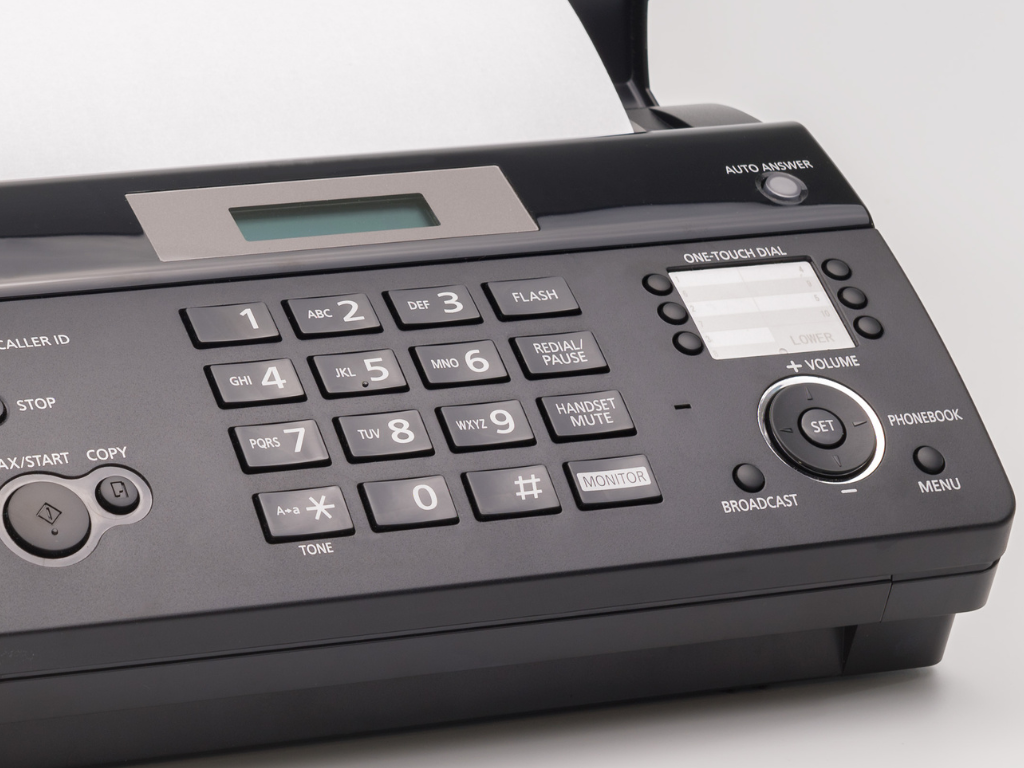
Fax Not Going Through? Common Issues and Solutions

Online Faxing
Having trouble sending an online fax? Learn why faxes fail, how to fix common delivery issues, and tips for a smoother, more reliable faxing experience.

Patient communication is a fundamental part of delivering a positive healthcare experience. Patients want to know how to reach their care team, when they can expect a response, and what they need to do next. When communication is unclear or inconsistent, even routine interactions can become frustrating for both patients and staff.
Missed calls, delayed responses, confusing processes, and document delays can quickly create friction for everyone. The good news is that these common communication challenges can often be addressed with a combination of better technology and clearer workflows. In the sections below, we'll look at practical ways medical practices can make patient communication easier, more efficient, and more secure.
Phone calls remain one of the most important ways patients communicate with medical practices. A reliable phone system is worthwhile because it gives patients a direct way to reach staff, particularly when their questions are complex or require a conversation.
A well-managed phone system for healthcare can help practices:
Even with a reliable phone system in place, practices can still run into communication issues that can make it harder for patients to get the help they need. Identifying these common problems can help practices make their phone communication more effective.
When patients can't reach the practice, they may call repeatedly or turn to other communication channels, creating even more work for staff. A high volume of calls can also make it difficult to respond promptly.
What Practices Can Do: Use call queues, routing, and callback options to manage call volume. Practices can also monitor missed calls and establish a process for following up on calls that require a response.
Too many menu options can make it difficult for patients to figure out where to go, particularly when they're already frustrated or unsure which department they need.
What Practices Can Do: Keep phone menus simple and use clear language. Route patients based on common needs, such as appointments, billing, or clinical questions, rather than creating a long list of departments.
Patients may try to contact the practice when staff aren't available and be left unsure about what to do next.
What Practices Can Do: Use voicemail or automated after-hours messages to provide clear instructions, including when the practice will reopen and where patients should go if they need more immediate assistance.
Patient portals give patients a convenient way to manage routine healthcare tasks without having to call the practice. They're worthwhile because they allow patients to access information and submit requests on their own time while reducing pressure on phone lines.
Depending on the system, patients may be able to:
Even when a patient portal is available, patients may not use it effectively if they don't know it exists, have difficulty accessing it, or don't receive timely responses. Addressing these issues can make the portal a more useful communication channel for both patients and staff.
A portal is only useful if patients know about it and understand what they can do with it. If patients aren't introduced to the portal, they may continue calling the practice for routine requests.
What Practices Can Do: Introduce the portal during registration, onboarding, or check-in. Include clear instructions on the practice website and other patient-facing materials, and explain which tasks patients can complete through it.
Complicated registration or login processes can discourage patients from using the portal, particularly those who are less comfortable with digital tools.
What Practices Can Do: Make registration and login instructions easy to follow. Provide straightforward guidance and support patients who need help getting started.
A portal can shift communication from phone calls to digital messages, but unanswered messages simply create a different kind of communication problem.
What Practices Can Do: Establish a process for regularly reviewing incoming portal messages and routing them to the appropriate staff. Practices should also tell patients how quickly they can expect a response.
Secure messaging gives patients another way to communicate with their care team without making a phone call. It's worthwhile for routine questions and follow-ups because patients can send messages at their convenience while staff can review and respond through an established workflow.
It can be particularly useful for:
Even when secure messaging is available, it can create communication issues if patients aren't sure when to use it or if messages aren't reviewed and answered promptly. Clear guidelines and consistent workflows can help practices get more value from this channel.
Without clear guidance, patients may use secure messaging for urgent concerns or requests that would be better handled by phone.
What Practices Can Do: Clearly explain what secure messaging should and shouldn't be used for. Provide an alternative for urgent concerns and make those instructions easy to find.
If patients don't know when they'll hear back, they may send follow-up messages or call the practice, creating duplicate requests.
What Practices Can Do: Set clear response-time expectations and establish a process for reviewing and routing messages. Staff should know who is responsible for monitoring the inbox and when messages need to be escalated.
Appointment reminders are a simple way to keep patients informed and reduce avoidable scheduling issues. They're worthwhile because a timely reminder can help patients remember upcoming appointments and give them an opportunity to take action if their availability has changed.
Effective reminders can:
Even a reminder system can create communication problems if messages are sent too late, lack important information, or don't give patients a clear way to respond. Reviewing these issues can help practices make appointment reminders more useful for both patients and staff.
Patients can forget appointments or overlook scheduling information, particularly when an appointment was booked weeks or months in advance.
What Practices Can Do: Send reminders at appropriate intervals before the appointment. Use channels patients are likely to see, such as text messages, email, automated calls, or the patient portal.
A reminder that only tells patients about an appointment doesn't help when their availability has changed.
What Practices Can Do: Make reminders actionable by providing a clear way for patients to confirm, reschedule, or cancel when appropriate. This also gives the practice more time to fill an opening.
Patients may receive a reminder but still have questions about where to go, what to bring, or how to prepare.
What Practices Can Do: Include essential details such as the appointment date, time, location, and relevant preparation instructions. Keep the message concise and easy to understand.
Online contact and request forms give patients a structured way to reach the practice without waiting on hold or sending multiple messages. They're worthwhile when a request requires specific information because forms can collect those details upfront and help staff determine what needs to happen next.
Practices can use forms for:
Even well-designed forms can create communication issues if they ask for too much information, are difficult to complete, or send requests to the wrong staff. Addressing these problems can help practices make forms easier for patients to use and easier for staff to manage.
When patients send vague requests, staff may have to contact them again to gather basic details before they can take action.
What Practices Can Do: Design forms to collect the information staff actually need. Use clear questions and instructions without asking for unnecessary details.
A long or confusing form can discourage patients from completing it or lead to inaccurate information.
What Practices Can Do: Keep forms short, use plain language, and organize questions logically. Only include fields that serve a clear purpose.
A form doesn't improve efficiency if every submission ends up in the same inbox and someone still has to manually sort through them.
What Practices Can Do: Where possible, route submissions based on the type of request so they reach the appropriate staff member or department.
Faxing remains part of many healthcare workflows, particularly for referrals, medical records, and other documents exchanged between practices and healthcare organizations. Online faxing is worthwhile because it can move these communications into a digital workflow, reducing reliance on physical fax machines and manual document handling.
Practices can use online faxing to:
Even when faxing is moved online, practices still need to watch for communication issues. Delayed documents, missed faxes, and unclear routing can slow down workflows and make it harder to ensure important information reaches the right person.
Traditional fax workflows can involve printing, scanning, waiting for transmissions, and manually checking for incoming documents. Each step can introduce delays.
What Practices Can Do: Move faxing into a digital workflow so staff can send and receive documents electronically and manage them alongside other practice communications.
When documents arrive through a shared fax machine or inbox without a clear process, important information can be overlooked or take longer to reach the right person.
What Practices Can Do: Establish a consistent process for receiving, routing, and storing incoming faxes. Assign responsibility for monitoring incoming documents and following up on anything that requires action.
Even when a fax is successfully received, it can still cause problems if staff aren't sure who should review or act on it.
What Practices Can Do: Create clear routing procedures for different types of documents. Where possible, use automated routing or designated inboxes to help ensure referrals, records, and other communications reach the appropriate staff.
Effective patient communication comes down to making it easy for patients to reach your practice, understand what to expect, and get a timely response. The right tools can help, but they work best when supported by clear processes, consistent workflows, and well-trained staff.
By reviewing how your practice manages phone systems for healthcare, patient portals, secure messages, appointment reminders, online requests, and document exchange, you can identify communication gaps and make practical improvements.
When patients know how to reach you, where to go for help, and what to expect next, communication becomes more than a support function—it becomes an important part of delivering a better patient experience and running a more efficient practice.
Move your healthcare faxing online with Fax.xyz and simplify your workflow.
Explore the future of faxing and secure document sharing. Find practical guides, helpful tips, and expert resources to streamline your workflow.

Send a Free Fax with Fax.xyz
.svg)
2025 © Fax.xyz 95 3rd St 2nd Floor, San Francisco, CA 94103, United States.

.png)